

I have been recruiting for 20 years and I remember with the first big personal email finding software came out called Connectifier (later purchased by Linkedin). A LinkedIn email finder is two products with one name. One guesses a work address from a company domain. The other holds a personal Gmail that follows the person from job to job. I have tried more than I can count…. some good some bad.
Below are some of the best I have used, which ones are best for you will depend what industries you recruit in. Certain ones are better for specific disciplines.
Many have free trials or free monthly credits. So try some and see which belongs in your stack. Lets get into it.
If you searched how to find someone’s email on LinkedIn, start with that split. Hunter is cheap at firstname.lastname@company.com. It will not hand you the personal inbox a passive senior engineer actually reads. That is why Hunter, Apollo, Prospeo, and Snov.io are not on this list. They find B2B work emails. This list only keeps tools that return personal addresses.
ContactOut, SignalHire, and Swordfish AI are the three built around personal contact data. hireEZ and Nymeria sit in the same personal-inbox job. The rest mix personal and work, pull personal traces from public code, or sell phones first and personal email second. Every tool below has to be able to return a Gmail, Yahoo, or Hotmail — not only firstname@company.com.
Contact data goes stale fast. Work addresses rot when people change jobs. A cheap work-domain tool with old records costs more than a dearer personal database that still lands. Prospeo puts contact decay at roughly 23% a year. That number is about work inboxes. Personal Gmail decays slower. That is the point of buying a personal finder.
Nearly every serious LinkedIn email finder extension sits on the profile. You stay on the page. The workflow barely changes. The database does.
Why do recruiters want personal emails instead of work emails?
The candidate you most want is not looking. Their work inbox is the worst place to reach them.
A senior engineer at a company they like has no reason to open a recruiter message at their desk. Corporate filters treat outreach as marketing. Their personal Gmail is the inbox they read on the couch at night, with no manager nearby.
Volume is the other problem. Juicebox puts the average professional at 121 emails daily, and cold recruiting outreach at a 21% response rate. Those are Juicebox blog numbers. You still fight every other recruiter sending InMail on the same Tuesday.
Work emails also break. When they change jobs, the company.com address dies and your pipeline record dies with it. A personal address can follow them for a decade. If you nurture over years, that is the point.
How to find personal email on LinkedIn is not a Boolean trick. LinkedIn will not show it. You open the profile, run a finder, and hope the vendor stored a personal record instead of guessing a work pattern.
InMail still has a job when they live on LinkedIn. Keep LinkedIn outreach and email as separate channels. Do not paste the same paragraph into both.
What are the 13 best LinkedIn tools that find personal emails?
ContactOut and SignalHire are the specialist finders. hireEZ, Nymeria, and SeekOut come next as sourcing platforms and a LinkedIn waterfall that actually return personal inboxes. The rest handle personal as a real feature, not a side effect of a domain guesser. Seamless.AI sits with Lusha: a large B2B database that can return personal addresses as a fallback.
1. ContactOut
ContactOut is the name that comes up when recruiters talk about personal email coverage. It claims 150 million personal emails alongside 400 million work emails, with triple verification on the data. This tool is in my current stack and daily workflow.
The Chrome extension sits on a LinkedIn profile and returns results in a couple of seconds. On G2 it sits in staffing and recruiting, not general sales, which tells you who it was designed for.
Best for: recruiters whose main problem is that Apollo and Lusha keep returning nothing for personal addresses.
2. SignalHire
SignalHire runs a database of roughly 400 million social profiles and pulls personal email, work email, and phone in the same lookup. It verifies at the moment you ask, rather than serving whatever was cached last quarter. You can also build lists and do sequencing outreach through the platform. The phone finder is pretty good too. I still pay for this tool today and use it daily you can’t beat the price.
It reaches past LinkedIn into other public profiles, which helps on candidates who barely maintain LinkedIn. It also pushes contacts into HubSpot, Salesforce, Zoho, and most major ATS tools.
Best for: teams sourcing at volume who want personal email and phone in the same lookup instead of paying two vendors.
3. hireEZ
hireEZ (formerly Hiretual) is an outbound recruiting platform that searches the open web, not just LinkedIn. The vendor’s own pitch is that it returns work and personal email addresses on the same candidate record, pulled from public profiles, GitHub, Twitter, and industry sites. This tool was in my stack for years (the free version) but they got rid if it. Still possibly the most accurate personal email finder on the list.
The Chrome extension sits on a LinkedIn profile and fills in emails, phones, and other social links. Sequences and ATS push live in the same product, which is why teams buy it as a sourcing desk rather than a one-click finder.
Best for: talent teams who want personal contact data inside an outbound sourcing platform, not a standalone email extension.
4. Nymeria
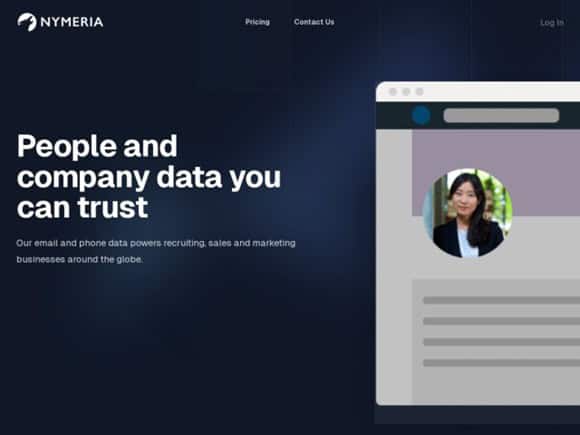
Nymeria is a LinkedIn-URL waterfall. You drop a profile in. It returns contact data. The homepage is blunt about the mix: a majority of the emails are personal Gmail, iCloud, Hotmail and the work emails are stored records, not guessed patterns. A tool that used to be in my stack. Can add unlimited users as well. A good one to check out.
That is the opposite of Hunter. Chrome plus bulk. Pricing on Work Insiders starts around $49 a month. Personal coverage is the product, not a side claim.
Best for: recruiters who live on LinkedIn profiles and want a personal inbox more often than a company.com guess.
5. SeekOut
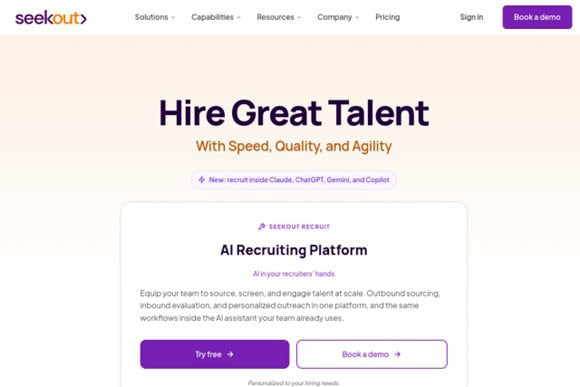
SeekOut is a recruiting search engine over a billion-plus public profiles. Outreach inside SeekOut is built around email, and the platform finds personal addresses and phones so you are not stuck on InMail caps. Have used the tool in the early days and it is one to try out for sure.
It is a sourcing system first. The personal email is one field on a much larger candidate record — GitHub, patents, diversity filters, ATS sync. Buy it when the desk already needs that search layer. Do not buy it as a $49 Chrome finder.
Best for: in-house TA teams who want personal emails inside a full sourcing platform rather than another LinkedIn extension.
6. Swordfish AI
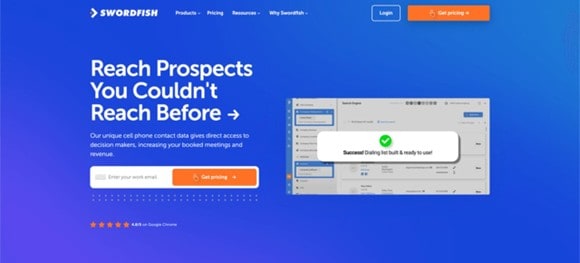
Swordfish AI is the most narrowly focused specialist, and that focus is personal contact data. Personal emails and cells for people who never open a corporate inbox. A good tool with accurate data and the chrome extension works well.
It runs real time validation rather than stored records, and prices unlimited lookups at a flat monthly rate instead of metering credits. That changes the math if you do heavy volume.
Best for: executive search and senior technical roles where the candidate pool is small and each contact is worth a lot.
7. RocketReach
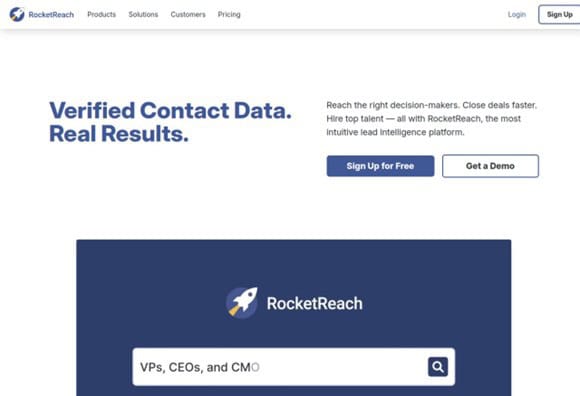
RocketReach covers around 700 million professional profiles and stores both personal and work addresses. It has an explicit “only personal emails” filter, which most B2B finders do not. Recruiting roundups keep putting it next to ContactOut for hard-to-reach personal inboxes.
It prices on a pay-for-success model. You are not burning credits on lookups that come back empty, which some competitors still charge for.
Best for: recruiters working across many industries and countries who need personal coverage without buying a specialist-only seat.
8. Lusha
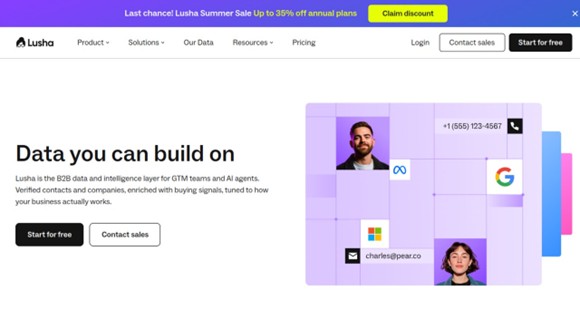
Lusha has the cleanest browser experience of the group and unusually strong phone data. Its database runs to roughly 290 million contacts.
Reviewers on G2 rate it well for quickly pulling contact from LinkedIn. Personal email coverage is thinner than ContactOut’s. Treat it as a phone tool that also returns some personal addresses, not as a personal-email specialist.
Best for: recruiters who call more than they email, and still want a personal address when Lusha has one.
9. Kendo Email App
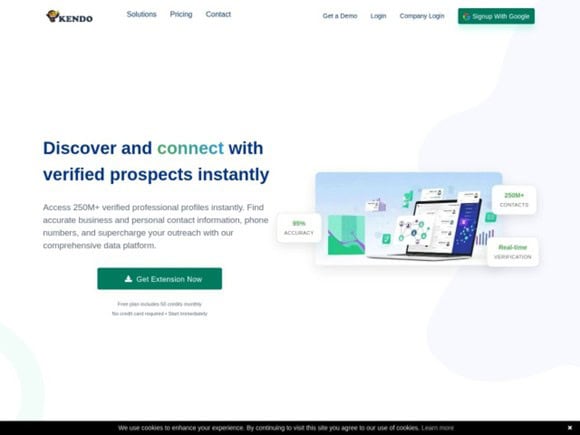
Kendo markets verified personal and business emails plus phones from a Chrome extension on LinkedIn. The vendor claims 250M+ contacts, real time verification, and recruiter use cases for filling a candidate database with one click. Treat those as vendor claims. Run a trial on your own list before you trust the 95% accuracy line. Get a free account and get 50 credits each month, forever. A nice one for the stack if on a tight budget.
Unlike Hunter, Kendo pitches personal and work together. That puts it closer to ContactOut and SignalHire on job type, even if coverage will not match every specialist on every profile. Confirm hit rate yourself certain tools work better for specific industries.
Best for: recruiters who want one LinkedIn extension that tries personal and work email, plus phone, without buying a second lookup tool on day one.
10. Wiza
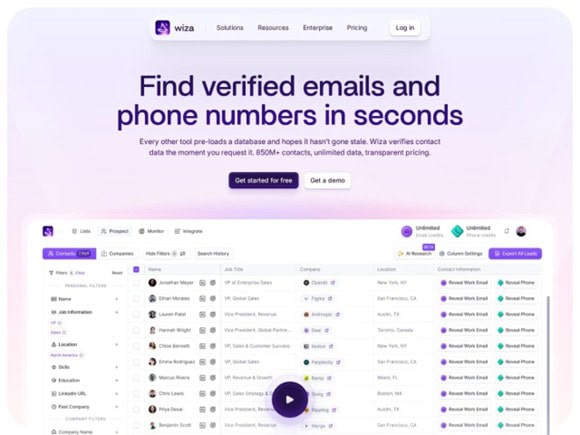
Wiza is the Sales Navigator export tool that also markets personal contact on its recruiting page. It claims personal email addresses, work emails, mobile phones, and direct dials on an 850 million person database, with live verification before the CSV leaves. This is a great too and has free monthly email credits you can use with the chrome extension.
The core workflow is list-out, not one-profile-at-a-time. Build the search in Sales Navigator or Recruiter, run Wiza, get a file. Treat the personal-email claim as real but secondary to the export job. Confirm hit rate on your own candidate list.
Best for: recruiters who build lists in Sales Navigator and want personal addresses in the export, not only work domains.
11. AmazingHiring
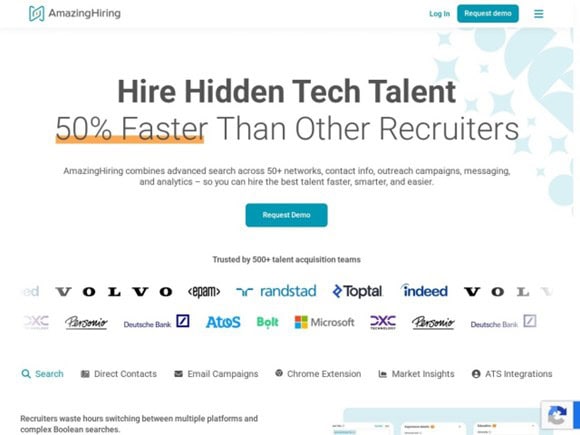
AmazingHiring searches technical footprints across GitHub, Stack Overflow, and similar sources, then assembles contact details from those public traces. Great tool for software/IT recruitment has been in and out with my stack over the years.
For engineering roles this often surfaces personal addresses that LinkedIn-based tools miss, because developers use their personal email for open source commits. It is a technical sourcing tool more than a general one. The personal-email path is real but narrow: public code, not a general Gmail database.
Best for: Software engineering recruiters sourcing candidates with public code.
12. SalesQL
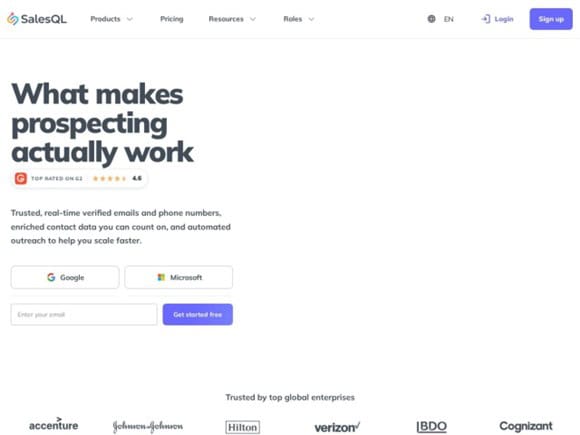
SalesQL is a LinkedIn Chrome extension that returns business email, personal email, and phone from the same profile. Independent reviews describe it as a tool that surfaces Gmail, Yahoo, or Outlook when a work address is missing. One credit covers email and phone together. You can get free monthly credits with this one. I like it and its in my workflow (free version)
It works on free LinkedIn, Sales Navigator, Recruiter, and RPS. Free plan exists. Paid starts around $39 a month. The catch is credits can burn on empty lookups. Official site: salesql.com.
Best for: Recruiters who want a cheap LinkedIn extension that tries personal and work in one click, without buying a sourcing platform.
13. Seamless.AI
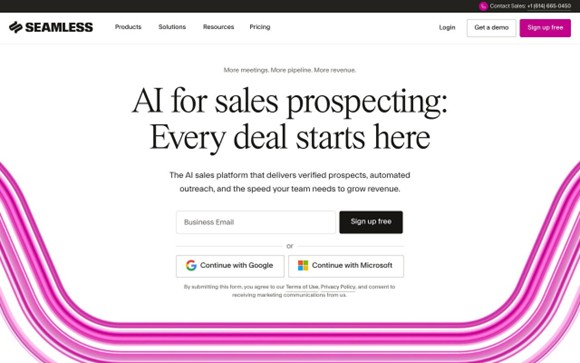
Seamless.AI is a real-time B2B contact engine that also stores personal emails. Marketing leads with 1.8 billion verified business emails and 414 million phones. Privacy and opt-out pages treat work and personal addresses as data they hold. The product itself is sold as a sales prospecting platform, not a Gmail specialist. They have free plan that comes with 50 credits. I have used it and it a solid platform.
The Chrome extension sits on LinkedIn, Sales Navigator, and Recruiter. You get work email and mobile first. Personal Gmail shows up as a fallback when the work record is thin, the same pattern as Lusha. Official site: seamless.ai.
Best for: teams that already live in a big B2B database and want personal email as a fallback, not as the primary product.
Which tools did we cut, and why?
Four tools showed up in earlier drafts because they are popular LinkedIn email finders. They do not belong on a personal-email list.
Hunter. Domain guesser. Official product finds firstname.lastname@company.com. It will not return Gmail, Yahoo, or Hotmail. Fine as a cheap work-inbox filler. Useless if personal is the job.
Apollo.io. Sales platform first. Work email accuracy is cited around 91%. Personal email coverage is much weaker than the specialists. Recruiters often run Apollo for sequences and layer a personal tool on top. Keep Apollo for outbound ops. Do not buy it expecting personal Gmails.
Prospeo. Freshness specialist for professional emails. Their own product is work-domain data. They even point readers to a people-search tool when the need is Gmail. Strong if bounce rate on work inboxes is the problem. Off this list because it does not hold a personal-email database.
Snov.io. Finder plus verification, warmup, and sequencing. The finder is a name-plus-company-domain product. Personal availability is not the job it was built for.
If your stack already has one of those four, keep it for work coverage. Add ContactOut, SignalHire, Swordfish, or RocketReach for the personal misses.
How do these tools compare on personal email, work email, and phone?
Read the grid as jobs, not as a ranking. A strong work finder is a weak personal finder. That is why the work-only tools are gone.
| Tool | Personal email | Work email | Phone |
| ContactOut | Specialist, 150M claimed | Strong, 400M claimed | Weak |
| SignalHire | Strong, verified on request | Strong | Strong, same lookup |
| hireEZ | Work + personal from open web | Strong | Present |
| Nymeria | Majority personal claimed | Stored, not guessed | Phones included |
| SeekOut | Personal + work in platform | Present | Phones |
| Swordfish AI | Specialist | Weak | Cells |
| RocketReach | Strong mixed, personal filter | Mixed | Mixed |
| Lusha | Thinner than ContactOut | Present | Strongest here |
| Kendo Email App | Personal + work claimed | Personal + work claimed | Phones claimed |
| Wiza | Claimed on recruiting page | Strong verified work | Mobiles + dials |
| AmazingHiring | Strong on public code | Secondary | Weak |
| SalesQL | Personal + work claimed | Present | Same credit |
| Seamless.AI | Fallback, not specialist | Strong B2B-first | Strong mobiles |
ContactOut, SignalHire, Swordfish, Nymeria, and Kendo pitch personal coverage. hireEZ and SeekOut attach personal addresses to a sourcing platform. RocketReach stores both and lets you filter to personal only. Wiza markets personal on the recruiting page and work on the sales page — test it. Lusha and Seamless.AI are B2B-first with personal as a fallback. AmazingHiring is personal-from-commits for engineers. If your stack already has Apollo for sequences, add a personal tool. Do not expect Apollo to become one.
Which tools do Reddit recruiters actually recommend?
Nobody on r/Recruiting is paid to have an opinion, and most have already lost a placement to bad data.
The clearest pattern is that ContactOut wins on personal email specifically. Recruiters on r/Recruitment have picked ContactOut over Apollo, Lusha, RocketReach, Cognism, and Airscale for personal coverage and lower bounce rates. That comes up repeatedly rather than once.
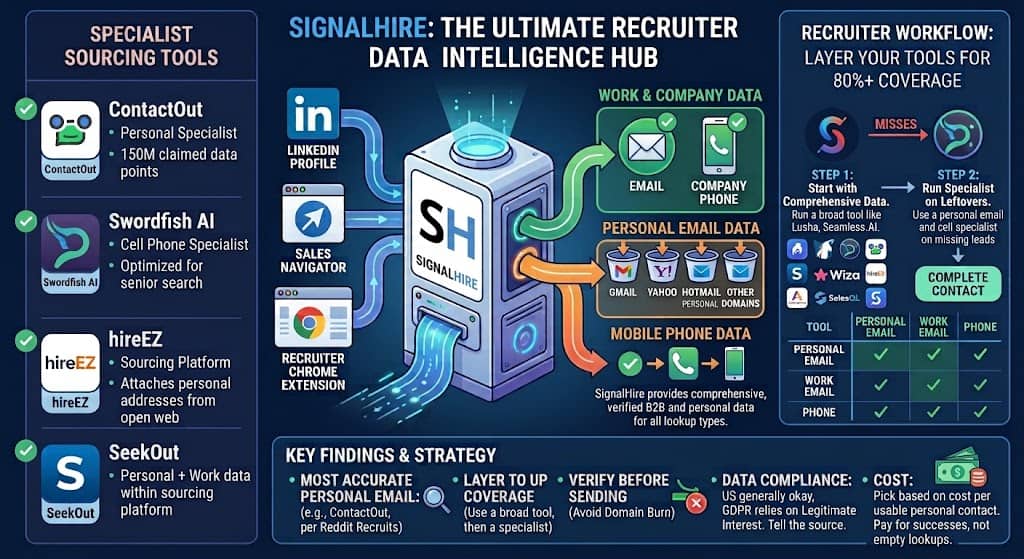
The second pattern is that experienced recruiters do not use one tool. A widely circulated workflow runs a first tool across the whole list, then pushes only the misses to SignalHire. Combined coverage lifts into the 80s. Nobody on those threads trusts a single vendor coverage claim. Layering is how they get around it.
The third pattern is credits. Threads fill with people charged for empty lookups, or phone numbers that quietly cost extra. Check that before you commit.
The fourth pattern is skepticism about advertised accuracy. When vendors claim 95% or 99%, recruiters in these threads report real world bounce rates several points worse. Run a small paid test on 50 real candidates before signing an annual contract.
How should you pick, and do you need two tools?
If personal email is your main problem, start with ContactOut. If you need email and phone together, start with SignalHire. If you want a sourcing platform that also returns personal inboxes, trial hireEZ or SeekOut. If you live on LinkedIn URLs, trial Nymeria. Swordfish still wins for senior search where each contact is worth a lot. RocketReach if you want one database with a personal-only filter. Seamless.AI if you already buy a large B2B database and only need personal as backup.
Do not start with Hunter or Apollo and hope personal Gmails appear. They will not. Use those for work domain coverage, then layer a personal tool. Nymeria and Kendo are options that claim both from a LinkedIn profile.
Most recruiters sourcing seriously end up with two. Run the cheaper or broader tool first. Send only the misses to the specialist. RocketReach, Wiza, Lusha, or Seamless.AI across the whole list. ContactOut, SignalHire, Swordfish, Nymeria, or Kendo on the leftovers when you need personal.
Verify before you send. How to cold email covers domain and verification order. Do not burn a sending domain on a finder export. Copy and cadence live in the cold email playbook. The finder only has to return an address that still exists.
How accurate are these tools in practice?
Less accurate than the marketing pages say. The gap is mostly freshness.
A database can be 99% accurate on day one and still fail you. Contact lists decay about a quarter per year. Weekly vs monthly refresh can quote the same accuracy and deliver different bounce rates. Personal Gmail from three years ago is probably still live. A work address from three years ago often is not.
Take 50 candidates you can verify another way. Run a trial. Count bounce. Two hours beats every review site.
Is it legal to find someone’s personal email on LinkedIn?
Broadly yes in the United States, with conditions. More restricted in Europe.
Recruiting outreach is generally treated as business communication rather than marketing in the US. You still need a working opt out and honest sender details. Under GDPR a personal email is personal data. Most recruiters rely on legitimate interest for genuine recruiting. Tell the person where you got their details if they ask, and delete on request.
Compliance is about how you use the data, not only where you bought it. Review permissions and policies before deploying any extension at scale. None of this is legal advice. Cross border sourcing needs a lawyer.
How much do these tools cost?
Entry pricing for a solo recruiter generally runs from free tiers up to around $50 monthly. Dedicated recruiter plans typically land between $99 and $200 monthly. Team and enterprise is usually quoted.
The number that matters is cost per usable personal contact. A $99 unlimited plan beats a $49 plan with 500 credits at high volume, and loses if you are not. Swordfish’s flat unlimited rate only wins if you burn that volume. RocketReach’s pay for success model avoids empty lookup burn. Confirm prices on each vendor’s page.
Frequently asked questions
What is the difference between a personal email finder and a work email finder?
A work email finder guesses addresses from a company domain. It needs the person’s name and employer. Hunter is that job. Apollo, Prospeo, and Snov.io sit in the same bucket.
A personal email finder has to hold an actual record connecting that person to a private address. That is far harder to build, which is why fewer tools do it well. ContactOut, SignalHire, and Swordfish are that job.
How do you find someone’s email on LinkedIn?
Open the LinkedIn profile. Run a LinkedIn email finder extension on that page. Read whether the result is a personal address or a guessed work pattern. Verify before you send.
There is no native LinkedIn button that reveals Gmail. If the extension returns firstname@company.com, you found a work guess. If you needed personal, try a specialist on the same profile, then stop.
Can I find personal emails on LinkedIn for free?
Partly. Most tools offer free tiers of a few dozen lookups monthly, which is enough to test and not enough to source. There is no free method that works at volume.
Do I need a LinkedIn email finder extension?
For day to day sourcing, yes. The useful workflow is profile, click, result. Pick the database first. The Chrome extension is only the delivery method.
Which single tool should I start with?
ContactOut for personal email. SignalHire for email plus phone. Swordfish for senior search. Nymeria for a LinkedIn waterfall that leans personal. hireEZ or SeekOut if you need the sourcing platform too. Seamless.AI if you already live in a B2B database and want personal as a fallback. Layer a second tool on misses.
Will candidates be annoyed that I found their personal email?
Some will. Most mind a generic mass message more than the channel. A short, specific note to a personal inbox usually reads as effort, not intrusion.
Free newsletter
Get the Work Insiders weekly
One email a week: the recruiting and HR tech news that mattered, the tools we just added to the directory, and one practical guide. No spam, and you can unsubscribe in one click.