

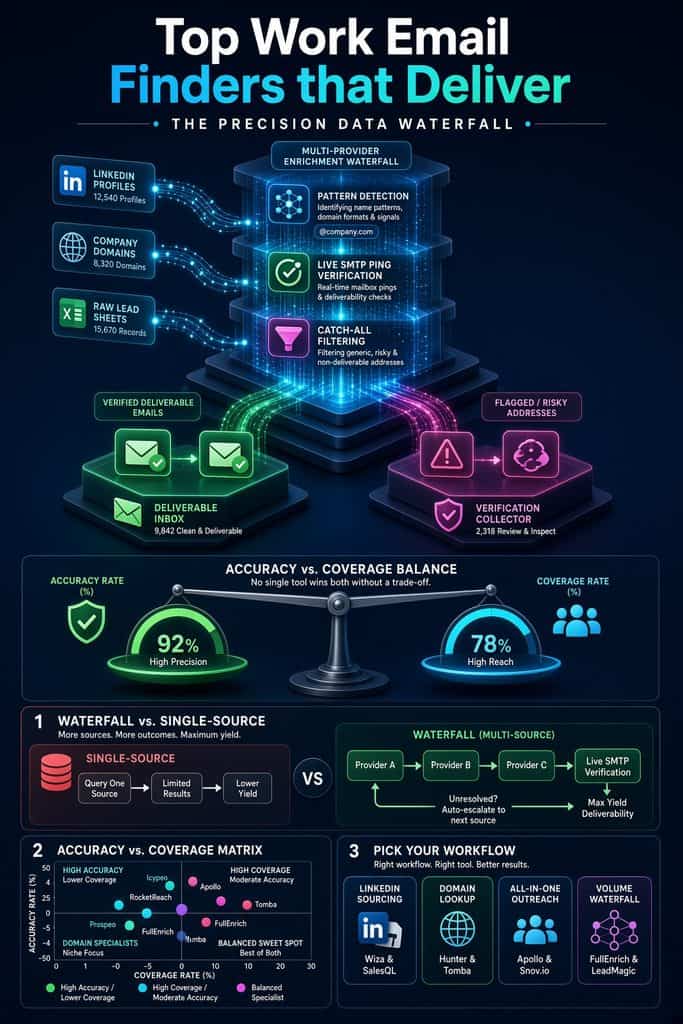
The best work email finder is the one that matches where you prospect. Wiza, SalesQL, and Skrapp are strong choices for LinkedIn led workflows. Hunter and Tomba are better when you already know a person and company domain.
Apollo, RocketReach, and Seamless.AI suit teams that need a searchable contact database. FullEnrich stands out when coverage matters because it checks multiple providers in sequence.
Short answer: No single email finder wins on both accuracy and coverage. Clay’s 2025 benchmark of work email providers found that no provider cleared 95 percent quality and 90 percent coverage at the same time.
The tools below are the thirteen that consistently hold up in independent tests, user reviews and real outbound campaigns. If you only read one line: pick a tool based on the bounce rate it produces, not the size of the database it advertises.
Every tool here is listed in the Work Insiders directory, where you can compare pricing, free tiers, API access and MCP support side by side.
How do the 13 email finders compare at a glance?
| Tool | Best for | How it finds emails | Free tier | Starting price | Tested accuracy / coverage |
|---|---|---|---|---|---|
| Sales Navigator exports | Real time verification | Limited free credits | Paid plans, credit based | Not in tested set | |
| Pay per result enrichment | Real time, five layer validation | Free credits to start | Pay only for found results | 97% accuracy (vendor claim) | |
| Accuracy on a budget | Real time, 7 day refresh | 75 emails a month | About $0.01 per email | 92.5% / 45% | |
| Free tier and all in one | Database plus verification | Yes, generous | $49 a month | 91.3% / 68% | |
| Emails and mobiles together | Waterfall across 20+ providers | Free trial credits | $29 a month | 95.7% / 87% | |
| Domain search, simplicity | Database plus pattern detection | 25 searches a month | $49 a month | 86.1% / 58% | |
| Finder plus outreach | Database plus verifier | Yes | $39 a month | 75.3% / 46% | |
| Budget domain search | Database plus verifier | Yes | Paid credits | Not in tested set | |
| Database breadth, API | Database of 700M+ profiles | Yes, limited | $53 a month | Not in tested set | |
| Free email and phone bundles | Real time search | Yes | Quote based upgrades | Not in tested set | |
| Regular LinkedIn, no Sales Nav | Chrome extension lookup | Limited free credits | Paid credit plans | Not in tested set | |
| Free Sales Nav list export | Pattern detection | Yes | Paid credit plans | 73.8% / 49% | |
| Highest accuracy per match | Real time finder and verifier | Free trial credits | Paid credit plans | 99.1% / 49% |
Accuracy is the share of returned emails that were valid; coverage is the share of contacts for which an email was found. The two trade off against each other, which is the whole reason this list has thirteen tools instead of one.
What should you know before choosing a work email finder?
- Choose by workflow first. LinkedIn tools, domain tools, databases, and enrichment platforms solve different problems.
- Treat verification as a separate quality step, even when the finder labels an address as valid.
- Test every platform against a small set of contacts you already know before buying a larger credit pack.
- Measure usable emails, not total emails found. A smaller verified list can outperform a larger risky list.
- Follow the law and honor opt out requests. A finder supplies data, but the sender remains responsible for how it is used.
Why does the “best” email finder depend on your workflow?
An email finder takes a name and a company and returns a work email address. The hard part is not finding a guess. The hard part is finding an address that will not bounce. A bounce rate above 2 to 3 percent starts to damage sender reputation, and Lead411’s testing suggests most teams should stay under that line to protect inbox placement.
Tools solve this in three different ways. Database tools like Apollo and RocketReach store hundreds of millions of records and look yours up. Real time tools like Wiza and Prospeo search and verify at the moment you ask. Waterfall tools like FullEnrich chain a dozen or more providers together and stop at the first verified hit.
Each approach trades accuracy against coverage differently, which is why the right answer changes depending on whether you are a recruiter sourcing from LinkedIn, a founder doing a few lookups a week, or a sales team enriching 5,000 rows.
How were these 13 tools chosen?
Selection came from three inputs. First, independent benchmark data where it exists, including Clay’s provider benchmark and a June 2026 benchmark that tested 500 prospects with a live send.
Second, the questions people keep asking on Reddit in r/sales, r/coldemail and r/recruiting, which mostly come down to “which one actually bounces less” and “do I really need Sales Navigator for this.” Third, whether the tool is still actively developed and priced transparently in 2026. Vendor accuracy claims are reported as claims, not facts, throughout.
Accuracy claims deserve caution because vendors often test different contact sets and define success differently. A useful trial should separate find rate from valid rate, track catch all results, and record hard bounces after sending to a controlled sample. This approach gives you evidence from your own market instead of relying on a universal percentage.
Questions that recur in Reddit sales and cold email discussions are practical: Which tool is most accurate? Is Apollo enough by itself? Should every export be verified again? What should I do with catch all addresses? The sections below answer those questions by matching each product to the job it handles best.
What are the 13 work email finders that work?
1. Wiza: best for LinkedIn Sales Navigator exports
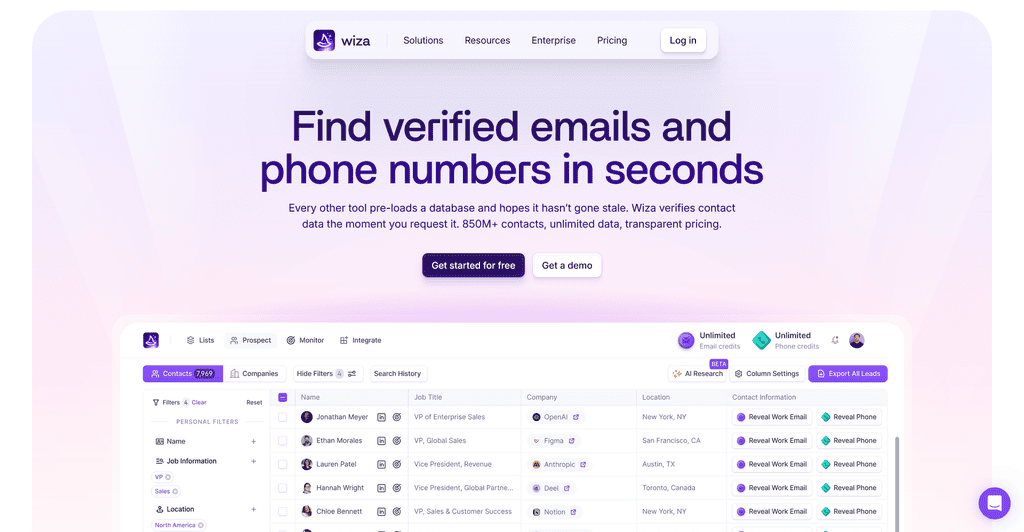
Wiza turns a Sales Navigator search into a verified email list in a few clicks. Its distinguishing feature is that it does not rely on a stored database. Wiza states that every contact is verified against live sources at the moment you request it, which is why users on G2 consistently rate it highly for accuracy.
The tradeoff is that bulk list building depends on a Sales Navigator seat, and the free credits are limited. Best for recruiters and SDRs who already live inside Sales Navigator.
2. LeadMagic: best pay per result pricing
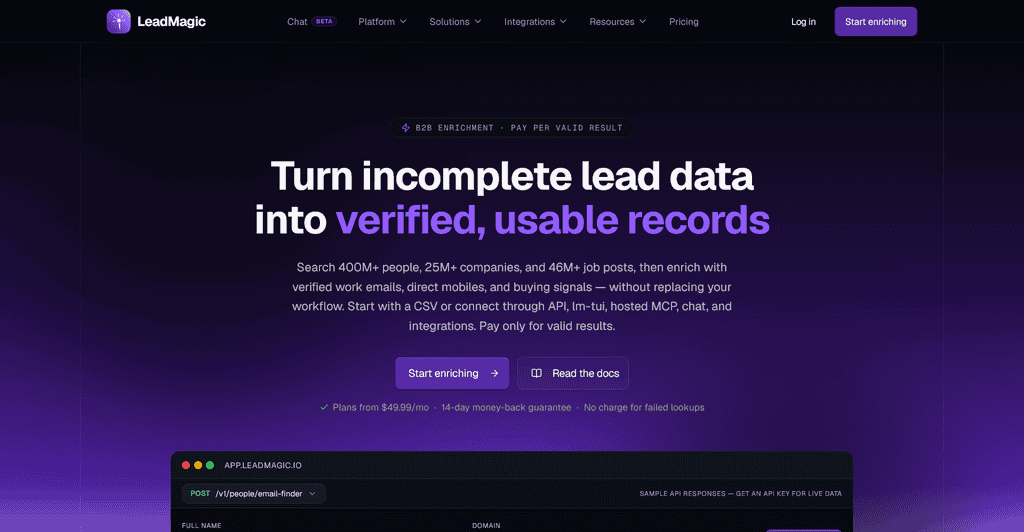
LeadMagic is a developer friendly finder that only charges when it returns a result. LeadMagic claims 97 percent accuracy through a five layer validation process, plus credit rollover on its mid tier plans, which is rare in this category.
It is a favorite inside Clay waterfalls because it is cheap, fast and honest about catch all domains. Best for teams that run enrichment at volume and hate paying for empty rows.
3. Prospeo: best accuracy to price ratio
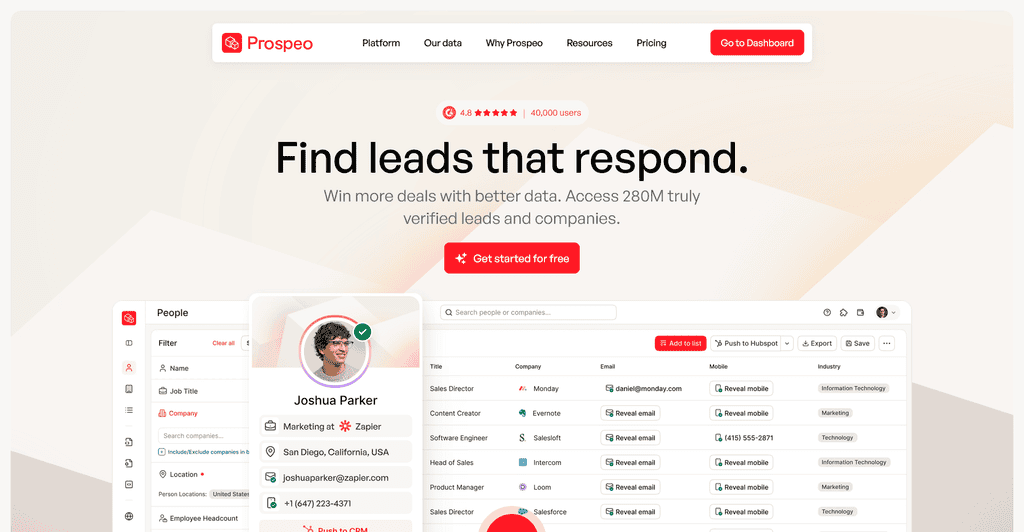
Prospeo has become a default first step in many enrichment stacks. Prospeo reports 98 percent email accuracy, a seven day data refresh cycle and pricing near one cent per email, with 75 free verified emails a month.
In the Anymail Finder comparison it scored 92.5 percent accuracy but only 45 percent coverage, which is the classic accurate but narrow profile. Pair it with a broader database and you get the best of both. Best for cold email teams that prioritize deliverability.
4. Apollo: best free tier and all in one platform
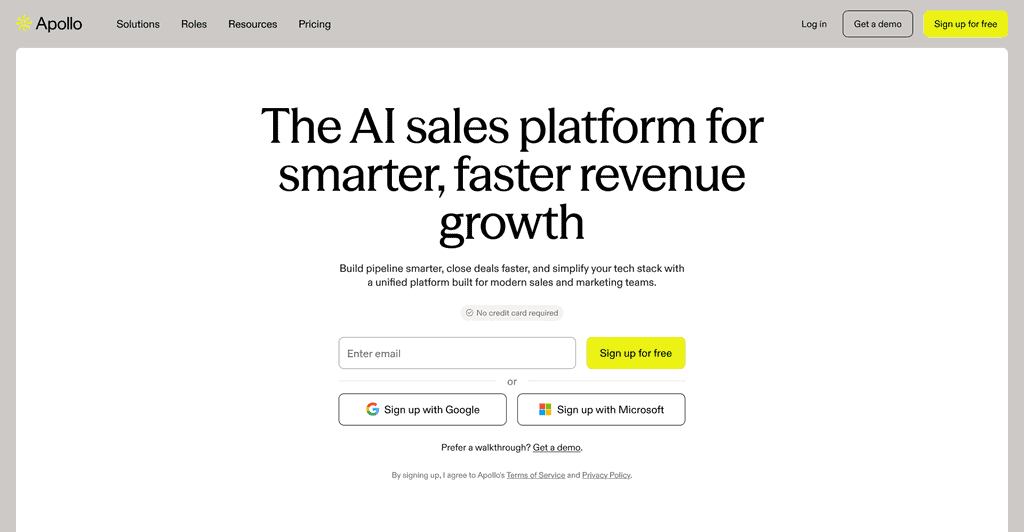
Apollo is the tool most people start with because the free plan is generous and the sequencer is built in. Apollo’s own page states a 91 percent email accuracy rate from its multistep verification.
Independent tests put its coverage among the highest of any single provider, with one 2026 waterfall test measuring 88.2 percent coverage. The knock is that accuracy trails the real time tools, so verify before you send. Best for small teams that want data, sequences and CRM sync in one bill.
5. FullEnrich: best waterfall for email and mobile
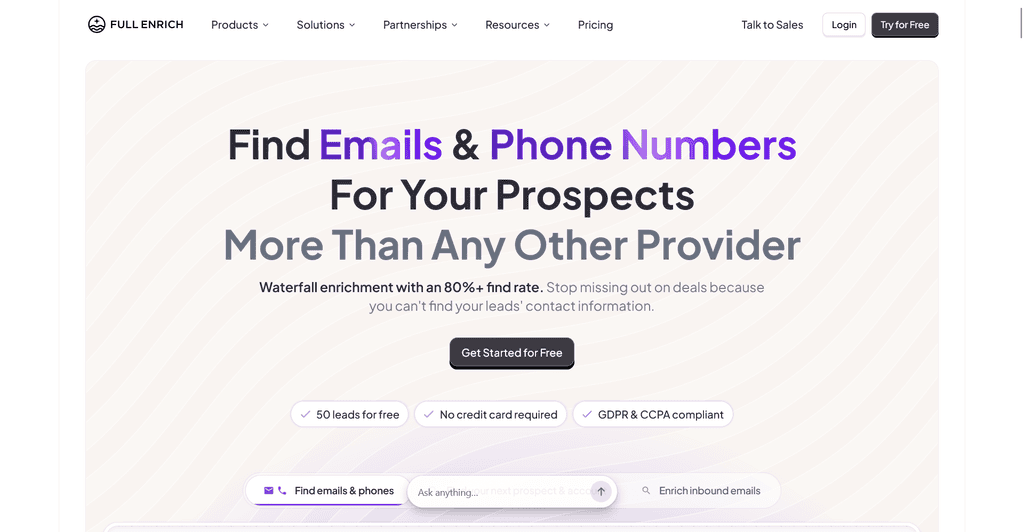
FullEnrich is not a database. It queries more than 20 providers in sequence and returns the first verified hit.
Reviewers report find rates above 80 percent, nearly double a single source tool, according to Nerdbot’s 2026 roundup. In the Anymail Finder comparison it posted 87.1 percent coverage with 95.7 percent accuracy, one of the few tools strong on both axes. Credits cost more per phone number than per email. Best for teams that need mobiles as well as emails and want one vendor instead of five.
6. Hunter: best for domain search and simplicity
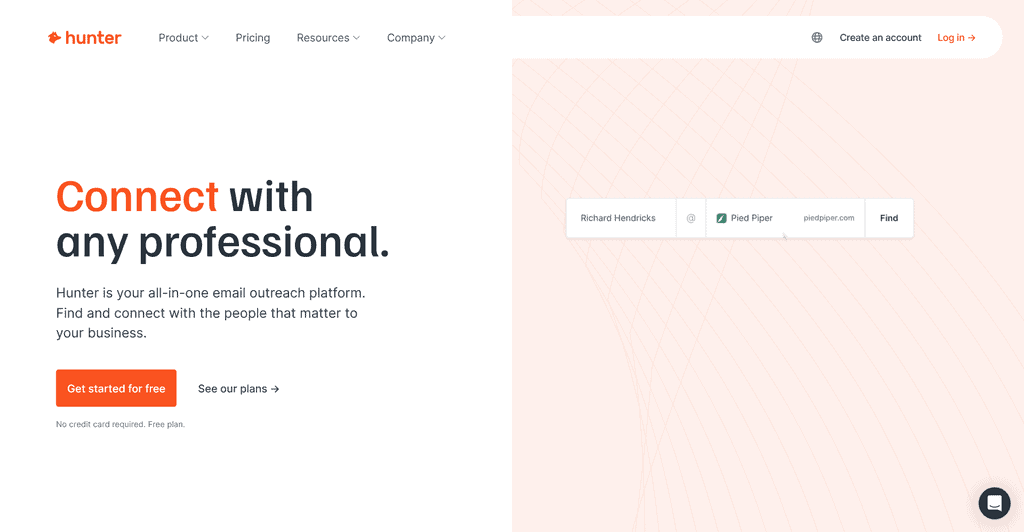
Hunter is the most recognized name on this list and the easiest to learn. Enter a domain and it shows every address it has indexed plus the company’s email pattern. Clay’s benchmark described Hunter as returning the most trustworthy emails in the set while reaching barely half the contacts.
That matches the Cleanlist test, where Hunter hit an 88 percent deliverable rate. Hunter’s free plan includes 25 searches and 50 verifications a month, with paid plans from $49. Best for occasional lookups and for teams that value clean data over volume.
7. Snov.io: best finder plus outreach bundle
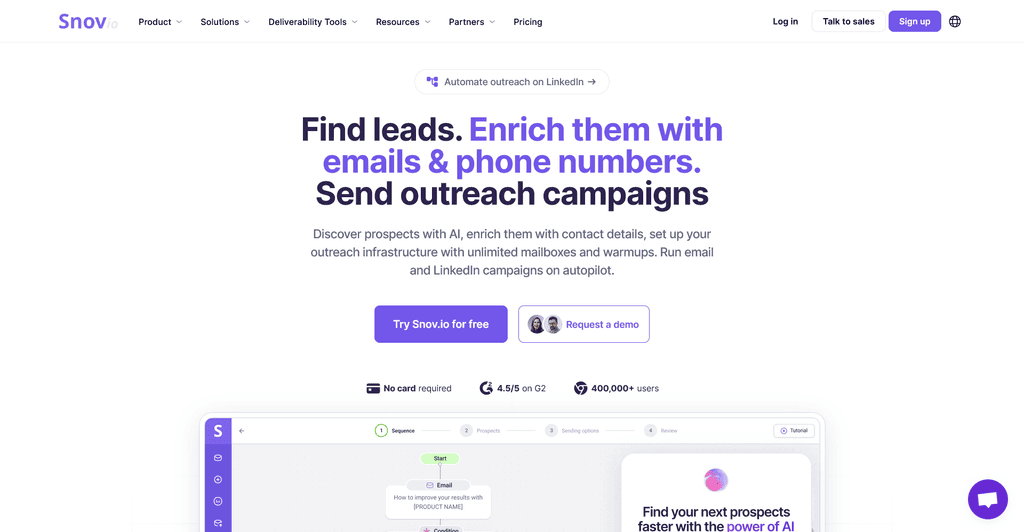
Snov.io combines a finder, a verifier, a LinkedIn extension and a cold email sequencer on a single subscription starting around $39 a month, per SyncGTM’s pricing review. Coverage outside North America is a strength; Prospeo’s own testing named it alongside Cognism for international reach.
Accuracy is middle of the pack in third party tests, so run the built in verifier before sending. Best for solo founders and small agencies who want one tool for the whole outbound loop.
8. Tomba: best budget domain and finder combo
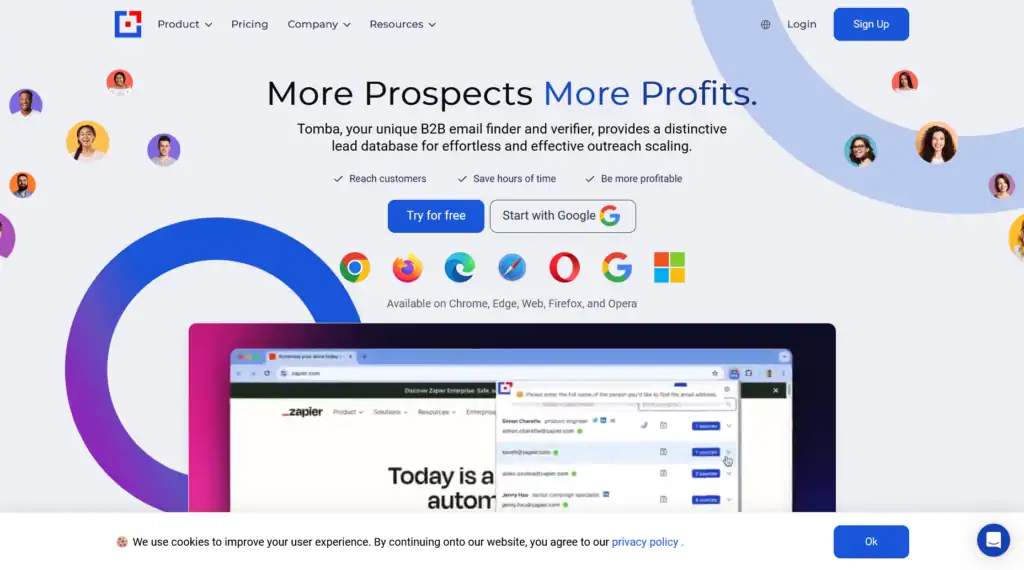
Tomba runs finding and verifying on a single credit meter, which keeps costs predictable. It offers domain search, author finder for articles, bulk enrichment and an API, with a permanent free tier. You can also scrap manager lists from Linkedin and enrichment with emails using Tomba.
It is less known than Hunter but covers the same use cases at a lower price point. Best for marketers doing PR and link outreach who need emails from published content.
Tomba is a good fit for people who prospect from company domains and want results prepared for outreach without purchasing a separate verifier.
Choose Tomba when domain research, catch all handling, and application programming interface access matter more than a built in campaign system.
9. RocketReach: best for database breadth and API
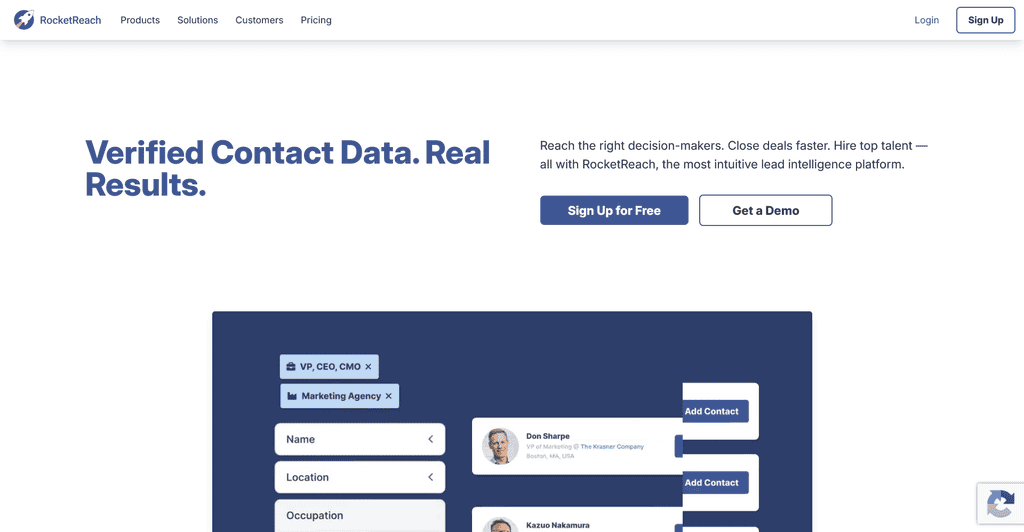
RocketReach claims one of the largest people databases in the category, with more than 700 million profiles and a developer friendly API from about $53 a month according to SyncGTM. It returns emails, phones and social links in one lookup.
Breadth is the strength; freshness is the weakness, so expect more stale addresses on people who changed jobs recently. Best for recruiters searching across many industries and for developers building their own enrichment.
10. Seamless.AI: best free email and phone bundles
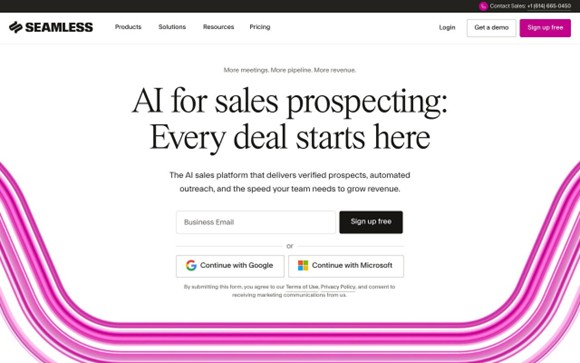
Seamless.AI markets itself as a real time search engine rather than a static list, and Fit Small Business singled it out as the best free option for combined email and phone bundles.
It integrates with most CRMs and includes buyer intent signals on paid tiers. Users on review sites frequently mention aggressive sales follow up and annual contracts, so read the terms before upgrading. Best for sales teams that need direct dials alongside emails.
11. SalesQL: best lightweight LinkedIn extension
SalesQL is a Chrome extension that pulls work emails, personal emails and phone numbers from LinkedIn profiles and search results without requiring Sales Navigator. It is simpler and cheaper than Wiza and works on regular LinkedIn, which is the question people ask most often on Reddit.
The workflow is simple: identify the right person first, then reveal contact information. Choose SalesQL when LinkedIn is your main source and you want both email and mobile data without a large database or sequencing platform. It is less suitable for teams that need extensive automation outside the browser.
12. Skrapp: best for Sales Navigator list export on a free tier
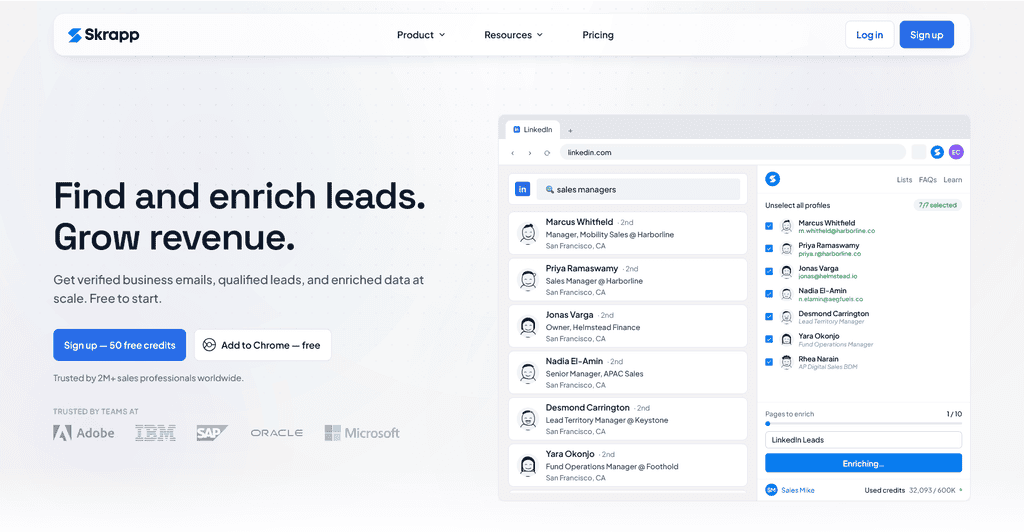
Skrapp exports Sales Navigator lists with emails attached and has kept a permanent free tier for years. Its method leans on email pattern detection, which Instantly’s review notes can require trying a few variations.
In the Anymail Finder comparison it scored 49 percent coverage and 73.8 percent accuracy, so it belongs later in a waterfall rather than first. Best for people who want a free way to get started with LinkedIn list building.
13. Icypeas: best accuracy when it finds a match
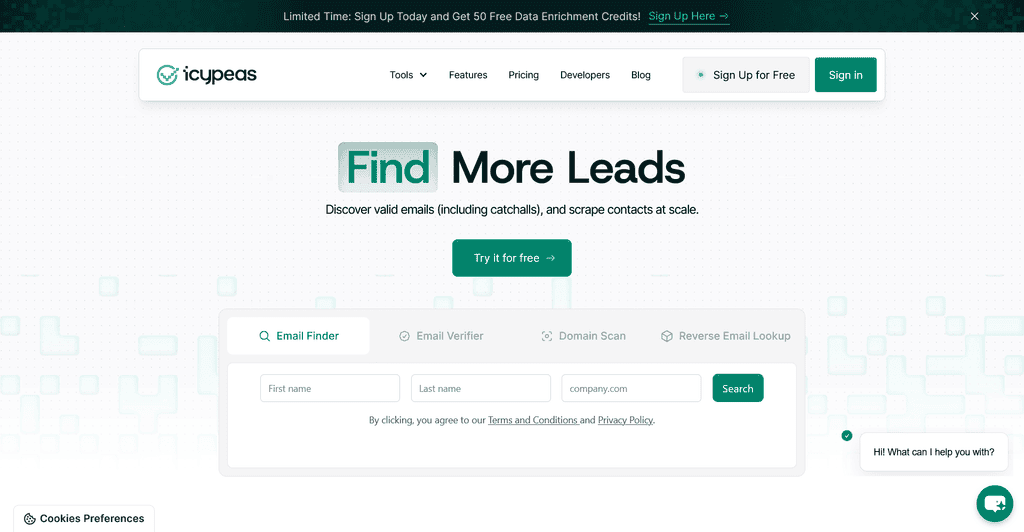
Icypeas offers an email finder, verifier, domain scan and mobile finder. Its profile is the opposite of Apollo: in the Anymail Finder comparison it posted the highest accuracy of any tool at 99.1 percent but only 49 percent coverage.
That makes it an excellent verification layer or final step in a waterfall, and a poor choice as your only source. It is also included in Clay’s regional provider benchmark. Best for teams that would rather have fewer emails than any bounces.
Choose Icypeas when you need a dedicated business email data service that can scale from manual searches to automated enrichment without adding a full outreach platform.
How do you choose between them?
Match the tool to how you prospect. If your list starts in Sales Navigator, Wiza or Skrapp will save the most time.
If it starts as a CSV of names and companies, Prospeo, LeadMagic or FullEnrich will return the cleanest results per dollar. If you want everything in one login, Apollo or Snov.io bundle the sequencer. If you need phones as much as emails, FullEnrich, Seamless.AI and RocketReach are the ones built for it.
The Cleanlist benchmark’s headline finding is worth repeating: prioritize deliverable rate over database size, because a 300 million contact database returning 82 percent deliverable emails will bounce more often than a smaller waterfall returning 98 percent. Cost per found contact varied 28 times across the tools tested, so the sticker price tells you very little.
How do you choose an email finder without wasting credits?
Start with a test set of 50 to 100 contacts from the market you actually target. Include large companies, smaller firms, recent job changers, common domains, and catch all domains. Mark which addresses are already known so you can measure whether the finder returns the correct person and company match.
Track four outcomes separately: correct contact match, email found, email verified, and email delivered. A tool can have a high find rate while still producing too many risky addresses. Compare the cost per usable verified email, not the price per credit, because different platforms charge credits for different actions.
Run the test twice, several weeks apart, if data freshness matters to your campaign. Job changes and mailbox changes can quickly reduce the value of a static record. For high value prospects, confirm the person still works at the company and use a second verification step before the address enters a sequence.
What legal and deliverability rules apply to found emails?
In the United States, commercial business email is covered by the CAN SPAM Act. The FTC compliance guide says the law has no exception for business to business email. Senders must use accurate routing information, avoid deceptive subject lines, provide a valid postal address, offer a clear opt out method, and honor opt out requests.
Rules vary by country and by the type of recipient. The United Kingdom guidance explains that corporate subscribers and individual subscribers can be treated differently, while the sender remains responsible for compliance. Review the ICO email guidance before contacting people in that market. A finder cannot turn an irrelevant or unlawful campaign into a compliant one.
Questions people ask before buying an email finder
Do I need LinkedIn Sales Navigator to use an email finder?
Only for some of them. Wiza and Skrapp are built around Sales Navigator exports and work best with a paid seat. SalesQL, Apollo, Hunter, Prospeo and RocketReach all work without it, either from regular LinkedIn, a company domain or a plain list of names.
What bounce rate should I expect from a good email finder?
Aim for under 2 to 3 percent. Tools that verify in real time or run a waterfall usually land there. Single database tools often produce 10 to 20 percent bounces on older lists unless you verify first. Always run a verifier before a campaign, even on data from a good finder.
Which email finder is the most accurate?
In independent style comparisons, Icypeas and Prospeo post the highest accuracy per found email, while Apollo and FullEnrich post the highest coverage. No tool tops both, which is why teams chain them. If you only pick one, Prospeo, Tomba or FullEnrich give the best balance.
Is a free email finder good enough?
For a handful of lookups a month, yes. Apollo, Hunter, Prospeo, Snov.io, Tomba, Skrapp and Seamless.AI all have permanent free tiers. For regular outbound, free tiers run out quickly and usually skip the verification step that keeps you out of spam.
Can I use two email finders together?
Yes. A common approach is to use one provider as the primary finder and send only its misses to a second provider. This can improve coverage without paying for a full waterfall platform. Deduplicate results, retain the source and verification date, and avoid treating two identical guesses as independent confirmation.
What is waterfall enrichment and do I need it?
Waterfall enrichment queries several finders in order and stops at the first verified result. A three tool chain reached 94.2 percent coverage in one 2026 test, compared with 83 to 88 percent from any single tool. You need it if you enrich lists in the thousands. You do not need it for occasional lookups.
What is the best email finder for a small sales team?
Apollo or Snov.io can be practical when a small team wants prospecting and outreach in one account. Hunter, Tomba, LeadMagic, or Icypeas can be better when the team already has a sequencer and needs focused data. LinkedIn centered teams should test Wiza, SalesQL, and Skrapp. The right answer depends on the existing stack and the source of each prospect list.
Where can you compare these tools side by side?
Every tool in this article is listed in the Work Insiders directory with pricing, free tier status, API and MCP flags. Browse the full Email finders category, see only the free email finders, or use the compare tool to put any two head to head. Listings are independent and not paid rankings.
Free newsletter
Get the Work Insiders weekly
One email a week: the recruiting and HR tech news that mattered, the tools we just added to the directory, and one practical guide. No spam, and you can unsubscribe in one click.