

Quick answer: If your company runs on Microsoft 365, the best intranet software to start with is Viva Connections and SharePoint, because you may already own the license. For frontline teams, Staffbase and Blink are the strongest picks, and Simpplr leads on AI search and agents for desk workers. Small teams on a budget should look at Jostle or the free plan from Connecteam.
How we picked: we scored 12 platforms across five weighted areas using each vendor’s own product and pricing pages. We did not run hands on trials of each one, so use the scores as a shortlist.
Last updated: November 17, 2026
What is intranet software?
An intranet is a private website for your employees. It is where people read company news, find policies and forms, look up a colleague and get to the other apps they need. Modern intranets also run on phones, so staff without a company laptop or email address can be reached too.
In 2026 most vendors have rebuilt their products around AI. Search now answers questions from your own documents, writers get help drafting posts, and several platforms add agents that handle routine HR or IT requests.
How did we score these intranets?
| Area | Weight | What we looked for |
|---|---|---|
| News, pages and search | 30% | Publishing tools, targeting, knowledge pages and search quality |
| Reach | 25% | Mobile app, frontline access without email, translations |
| AI features | 20% | Answer search, writing help and agents, and whether they cost extra |
| Setup and fit | 15% | How it plugs into Microsoft 365, Google Workspace and HR systems |
| Price clarity | 10% | Published prices, free plan or trial, contract terms |
Which intranet software is best? (comparison table)
| # | Tool | Best for | Free plan | Paid from | Mobile app | Score |
|---|---|---|---|---|---|---|
| 1 | Viva Connections and SharePoint | Microsoft 365 companies | Included with many licenses | License based | Yes, in Teams | 4.6 |
| 2 | Frontline plus email | No | Quote | Yes | 4.5 | |
| 3 | AI search and agents | No | Quote | Yes | 4.5 | |
| 4 | Social culture | No | Quote | Yes | 4.4 | |
| 5 | Google Workspace | No | Quote | Yes | 4.3 | |
| 6 | Replacing old SharePoint | No | Quote | Yes | 4.3 | |
| 7 | Mixed Google and Microsoft | No | Quote | Yes | 4.2 | |
| 8 | Very large enterprises | No | Quote | Yes | 4.2 | |
| 9 | Frontline on a budget | Trial | $3.75/user/mo | Yes | 4.2 | |
| 10 | Custom building blocks | Demo only | From $10/user/mo | Yes | 4.0 | |
| 11 | Jostle | Small and mid size teams | Trial | Shown by team size | Yes | 4.0 |
| 12 | Small deskless teams | Yes, up to 10 users | $29/mo for 30 users | Yes | 3.9 |
What are the 12 best intranet platforms?
1. Viva Connections and SharePoint: best for Microsoft 365 companies
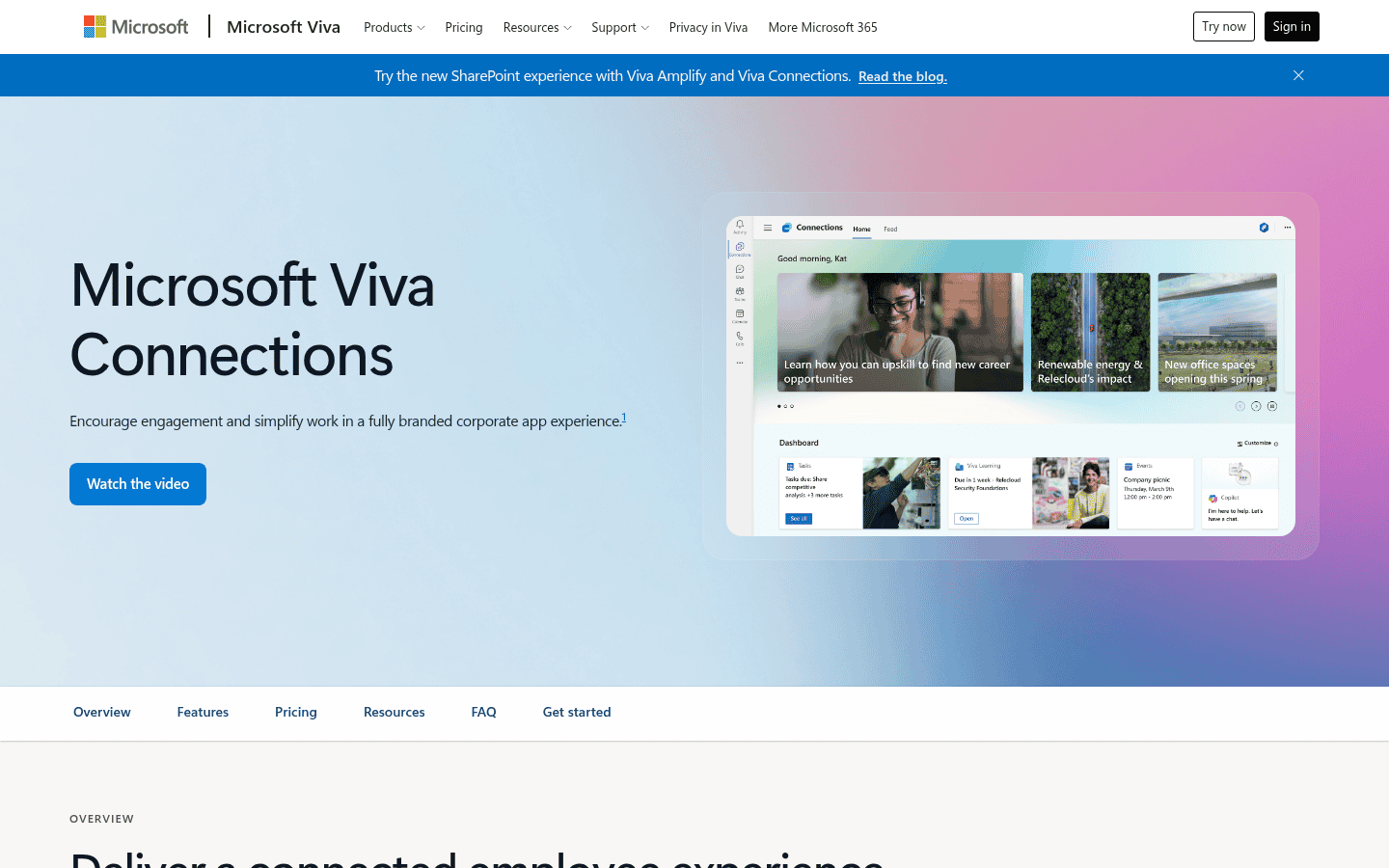
SharePoint holds your intranet pages and a home site, and Viva Connections puts that content, news and a dashboard of daily tasks inside Microsoft Teams on desktop and mobile. For most Microsoft shops it is the cheapest route because the pieces are already licensed.
- Pricing: one Connections experience comes with eligible Microsoft 365 E, F and A licenses. More experiences need a Viva suite or Viva Employee Communications and Communities license (Viva Connections).
- Why we picked it: no other option fits as tightly with Teams, Outlook and Copilot.
- Watch out for: a polished SharePoint intranet still takes design work, and many firms hire a partner to build it.
2. Staffbase: best for frontline workers plus email
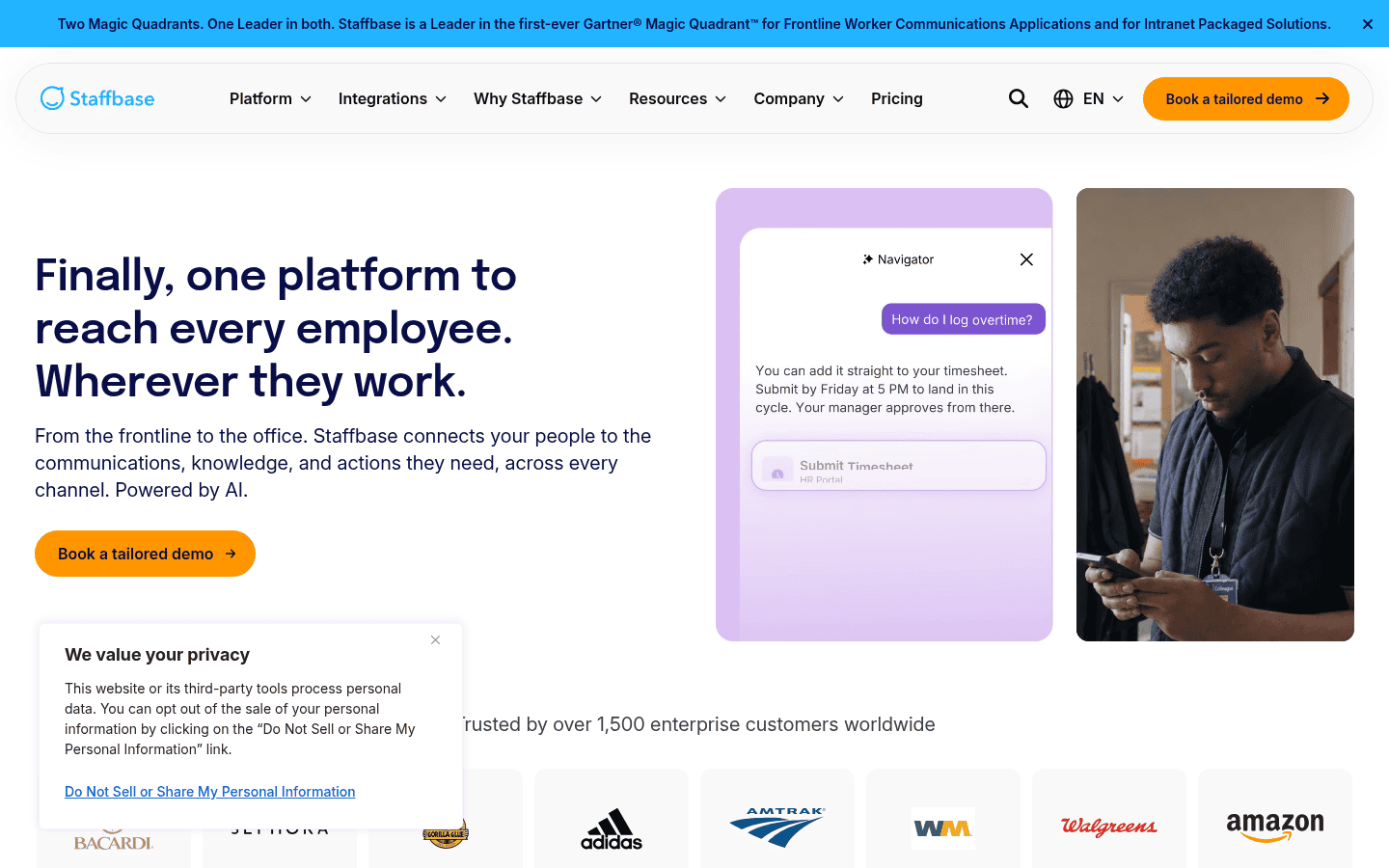
Staffbase combines an intranet, a branded employee app and an email tool in one platform, aimed at reaching staff who never sit at a desk. Its Navigator AI helps employees find answers across company content.
- Pricing: quoted (Staffbase website).
- Why we picked it: one place to plan news across the app, the intranet and email.
- Watch out for: it is built and priced for larger employers.
3. Simpplr: best for AI search and agents
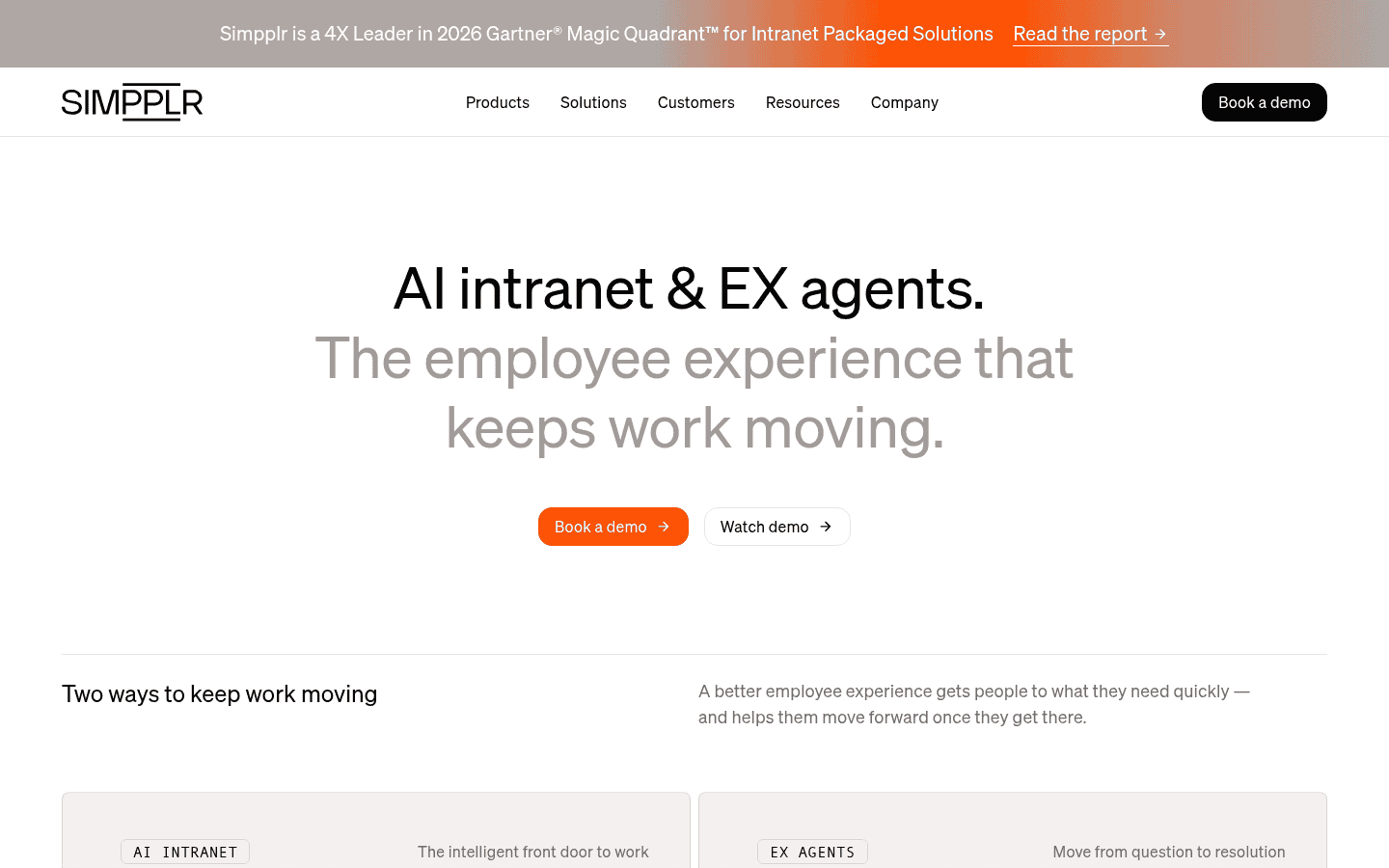
Simpplr sells itself as an AI powered intranet with employee experience agents for HR, IT, finance and comms questions. Employees ask a question once and the agent finds the answer or starts the request.
- Pricing: quoted (Simpplr website).
- Why we picked it: the agent approach goes further than most rivals: its agents act on requests, not just show content.
- Watch out for: confirm which agents are in your plan before you sign.
4. Workvivo: best for social culture
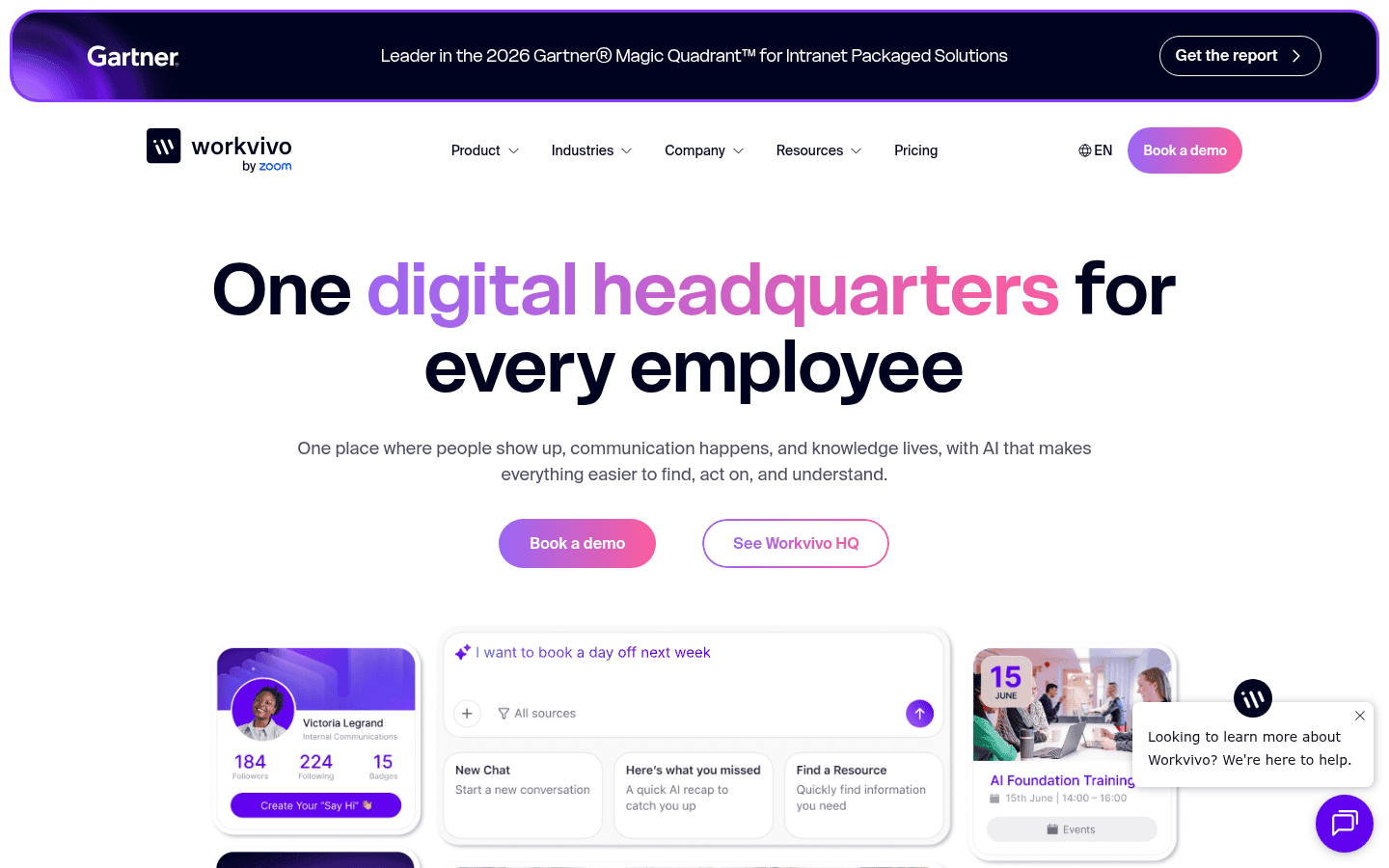
Workvivo by Zoom feels like a social network for your company, with feeds, shoutouts, spaces and podcasts. Its AI tools include Ask HQ for answers, Catch Me Up summaries and AI Compose for writers.
- Pricing: quoted (Workvivo website).
- Why we picked it: strong adoption features for companies that want people to post, not just read.
- Watch out for: document management is lighter than SharePoint style tools.
5. Happeo: best for Google Workspace
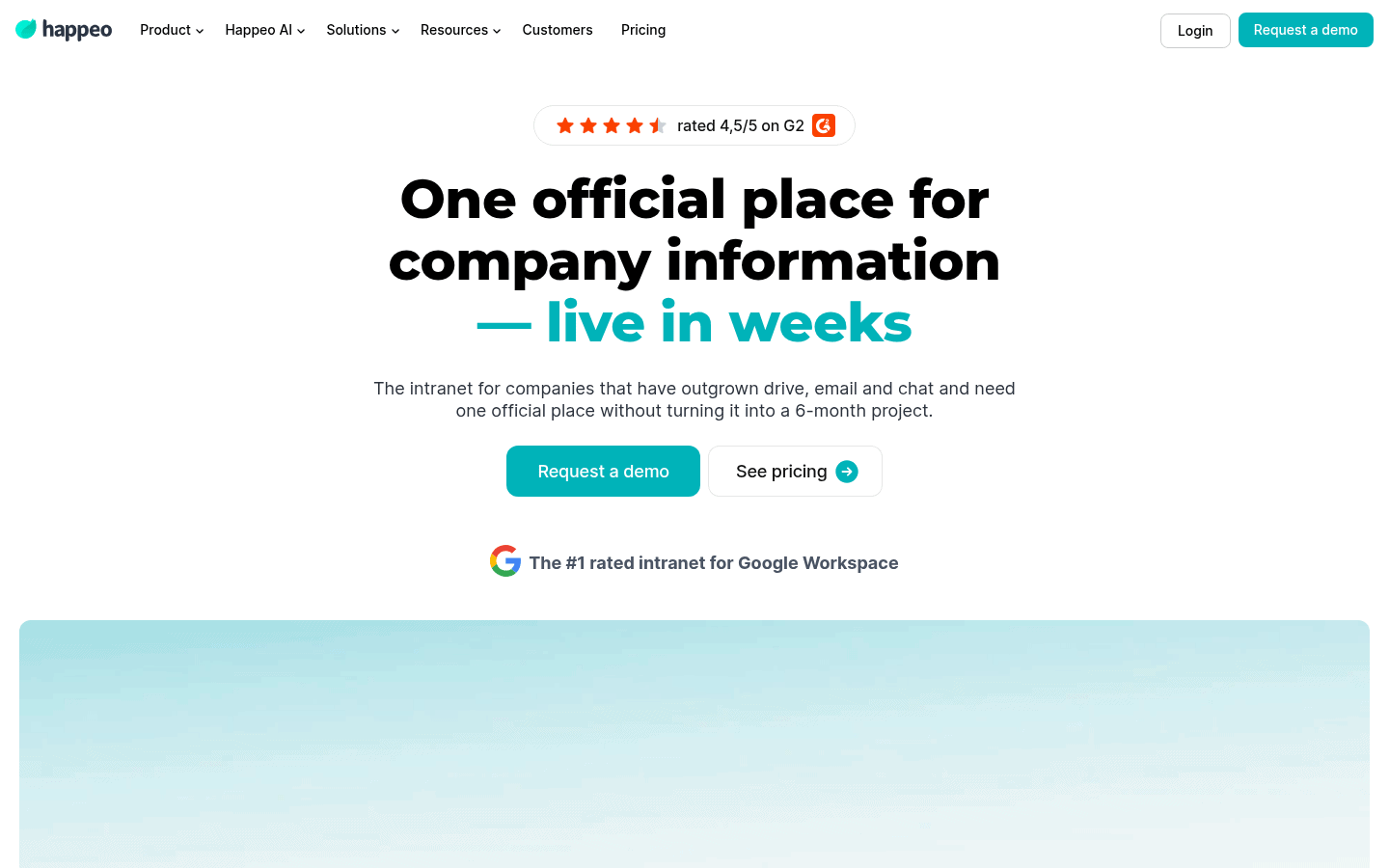
Happeo is built around Google Workspace, so Drive files, calendars and people data show up natively. It focuses on keeping verified company knowledge searchable for small and mid size companies.
- Pricing: quoted. Happeo says its AI features and its MCP server are included (Happeo pricing).
- Why we picked it: the best fit for Google shops, with AI not sold as an extra.
- Watch out for: Microsoft 365 companies will get more from Viva Connections or Interact.
6. Interact: best for replacing an old SharePoint intranet
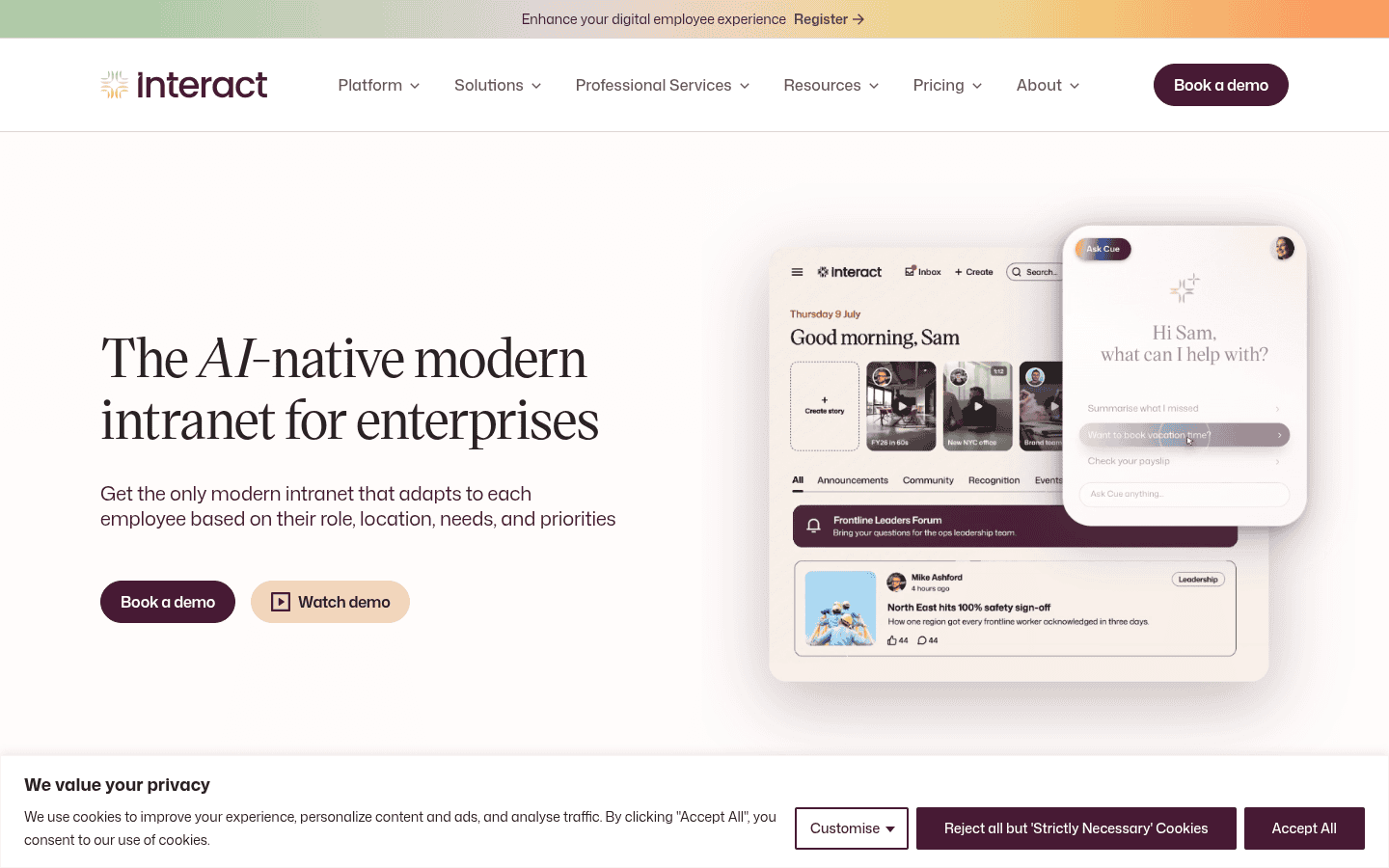
Interact bundles comms, knowledge, recognition and surveys in one subscription and works with both Microsoft 365 and Google Workspace. Its AI runs through search and publishing rather than being sold as a separate pack.
- Pricing: quoted on workforce size and scope. A branded mobile app is an extra (Interact website).
- Why we picked it: a full intranet out of the box, without a long build.
- Watch out for: extras such as the branded app and a sandbox add to the quote.
7. LumApps: best for mixed Google and Microsoft estates
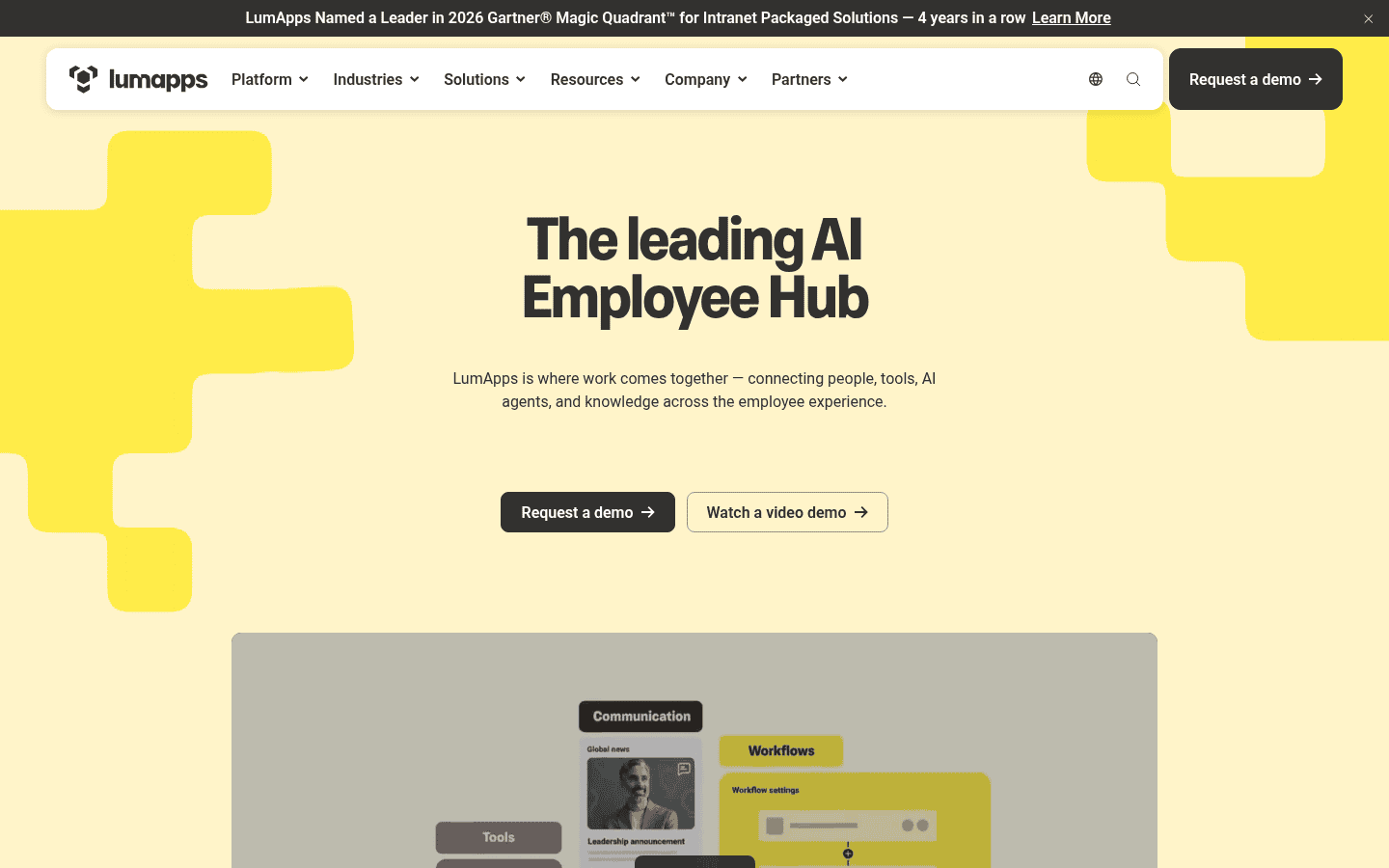
LumApps connects to Microsoft, Google, ServiceNow, Workday and more than 50 other systems, and its Agent Hub brings AI agents into the intranet for desk and frontline staff.
- Pricing: quoted (LumApps website).
- Why we picked it: few rivals sit as comfortably on both Google and Microsoft.
- Watch out for: a large set of options means a longer setup.
8. Unily: best for very large enterprises
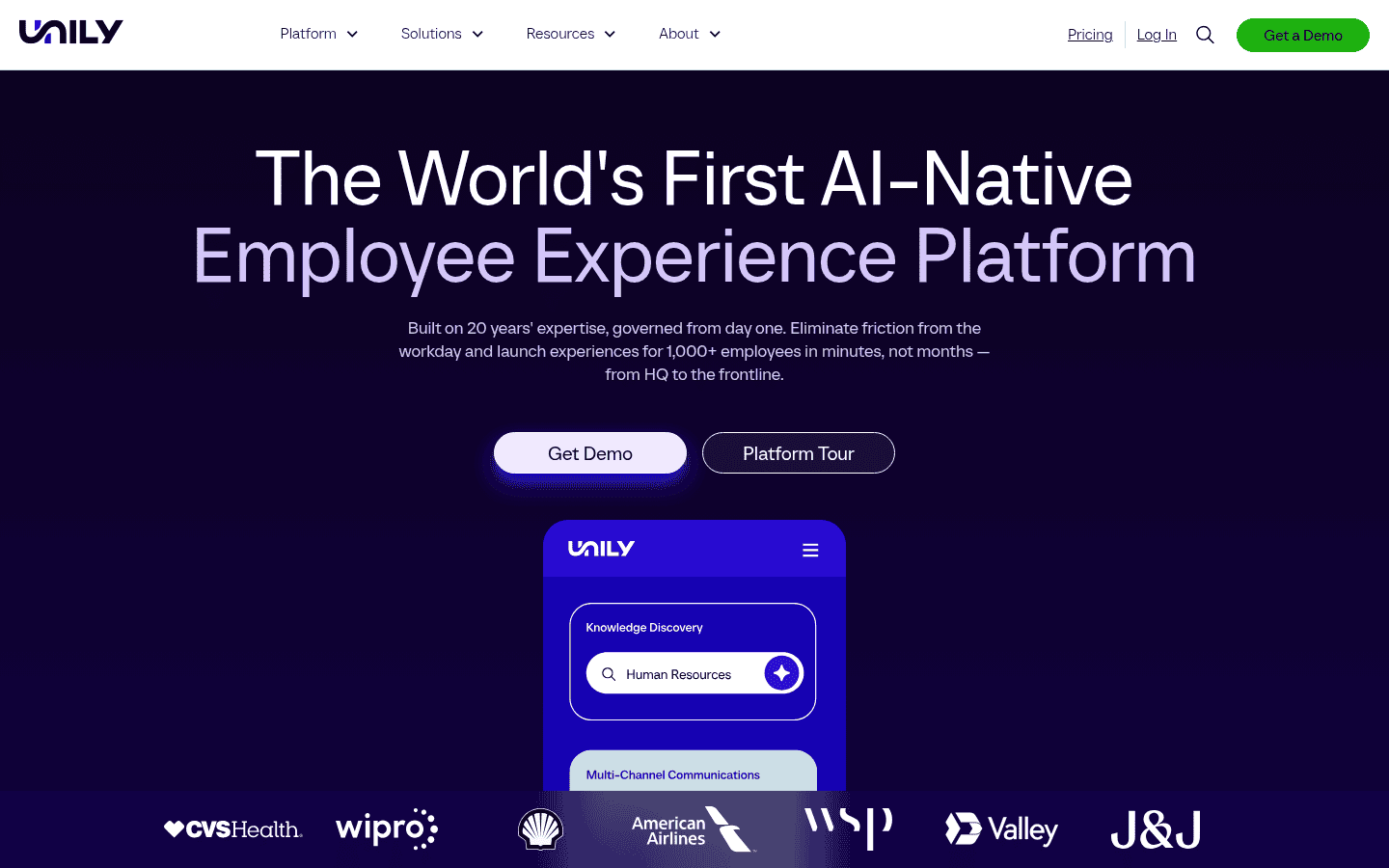
Unily is built for organizations from 1,000 to more than 100,000 employees. It adds an AI agent called Indi, AI enterprise search and Content Studio for comms teams.
- Pricing: quoted (Unily website).
- Why we picked it: deep branding, governance and scale for global firms.
- Watch out for: overkill and over budget for most companies under 1,000 staff.
9. Blink: best for frontline teams on a budget
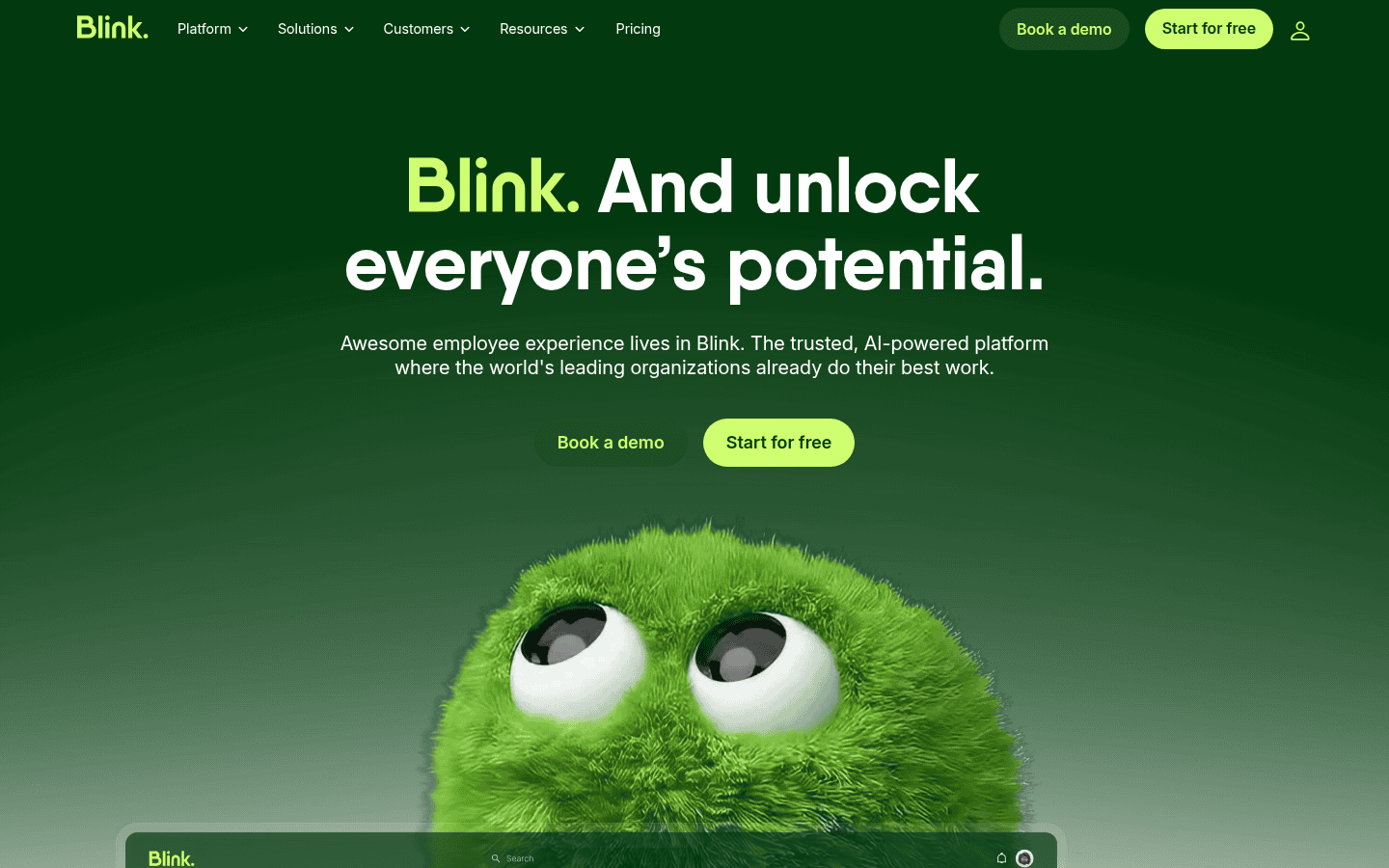
Blink is a mobile first employee app with a news feed, chat, a document hub and links to other systems. Staff can sign up without a company email address.
- Pricing: Core is $3.75 per user a month billed yearly ($4.50 monthly), and Pro is $5.00 ($6.00 monthly) with an AI assistant. Enterprise is custom, and there is a free trial (Blink pricing).
- Why we picked it: the clearest public pricing among frontline apps.
- Watch out for: desk workers may want richer page building than Blink offers.
10. Axero: best for custom building blocks
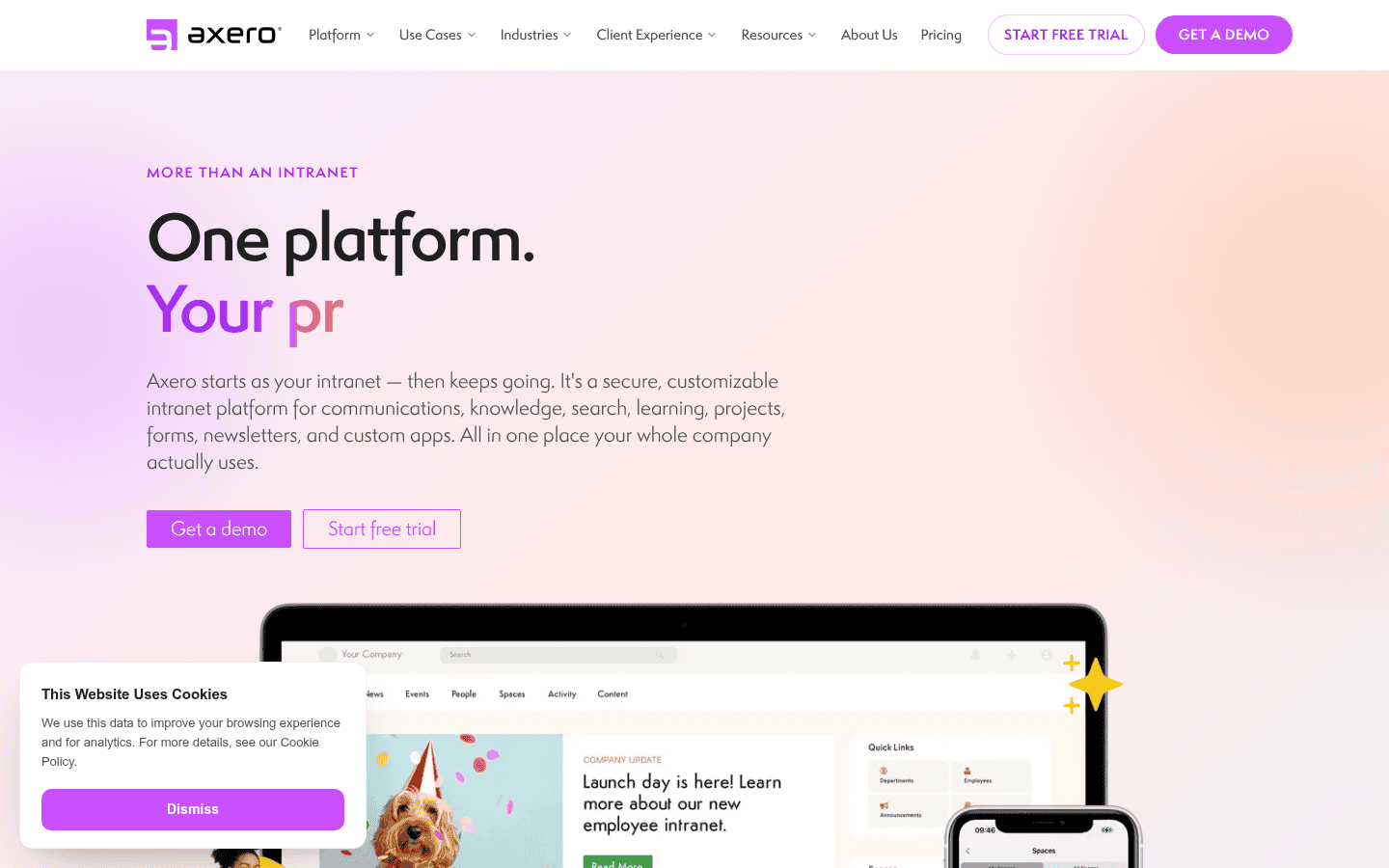
Axero is a customizable intranet with news, knowledge, forms, projects, newsletters and custom apps. It suits mid size firms that want lots of building blocks.
- Pricing: Standard, Premium and Enterprise plans are quoted. Axero says plans start at $10 to $15 per user a month, with lower seat prices for larger teams, and it offers demos rather than a free trial (Axero pricing).
- Why we picked it: more building blocks than most intranets, including forms, projects and custom apps.
- Watch out for: no public rate card or self serve trial, so expect a sales process.
11. Jostle: best for small and mid size teams
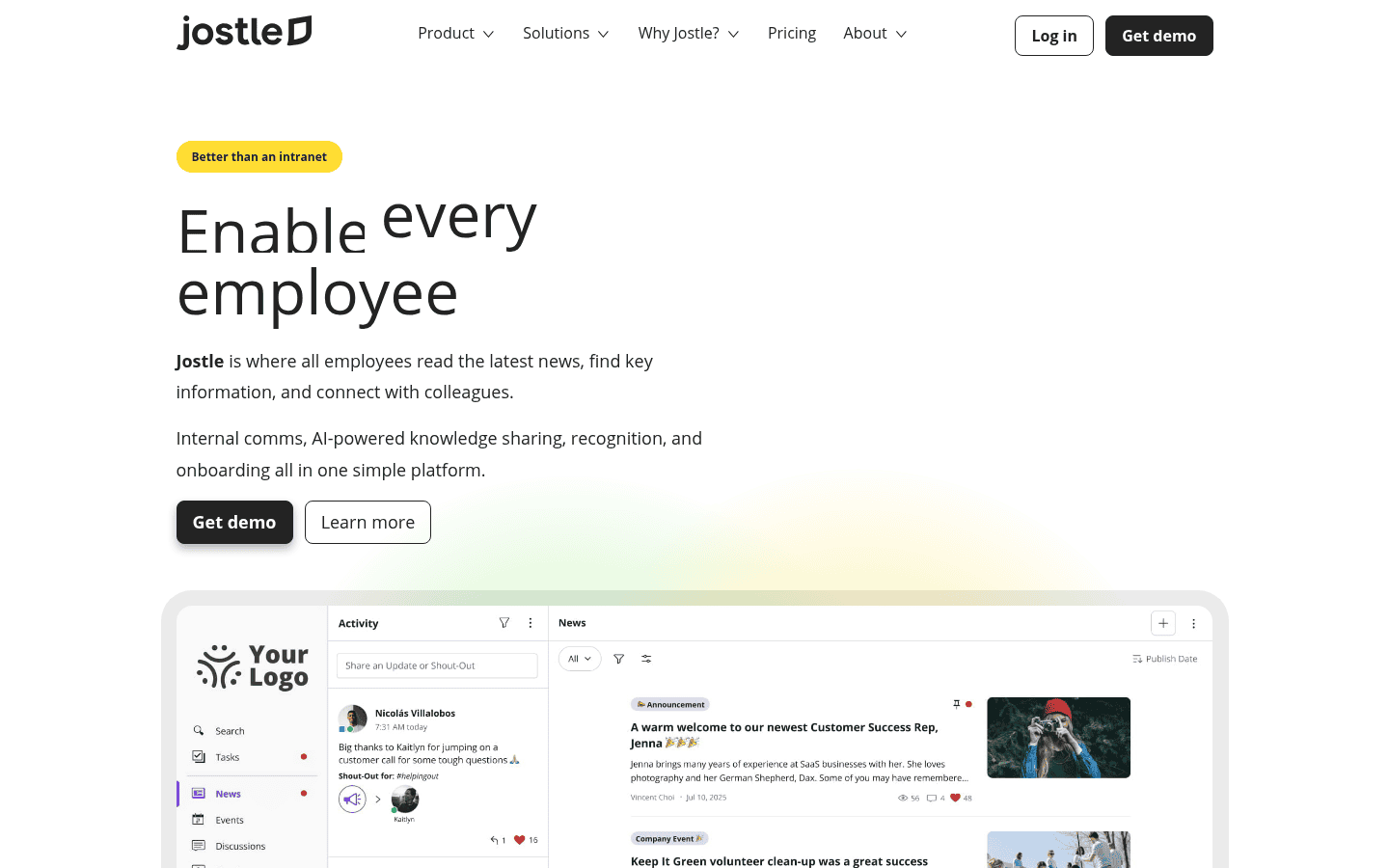
Jostle offers news, an activity feed, recognition, a people directory and a library in a simple package. Every plan includes onboarding, support, SSO and all integrations.
- Pricing: Bronze, Silver, Gold and Platinum plans priced per user, shown on its site once you enter team size. Prices are for yearly billing, monthly adds 15%, and there is a free trial (Jostle pricing).
- Why we picked it: easy to launch, with no setup or support fees.
- Watch out for: fewer AI features than the enterprise platforms above.
12. Connecteam: best for small deskless teams
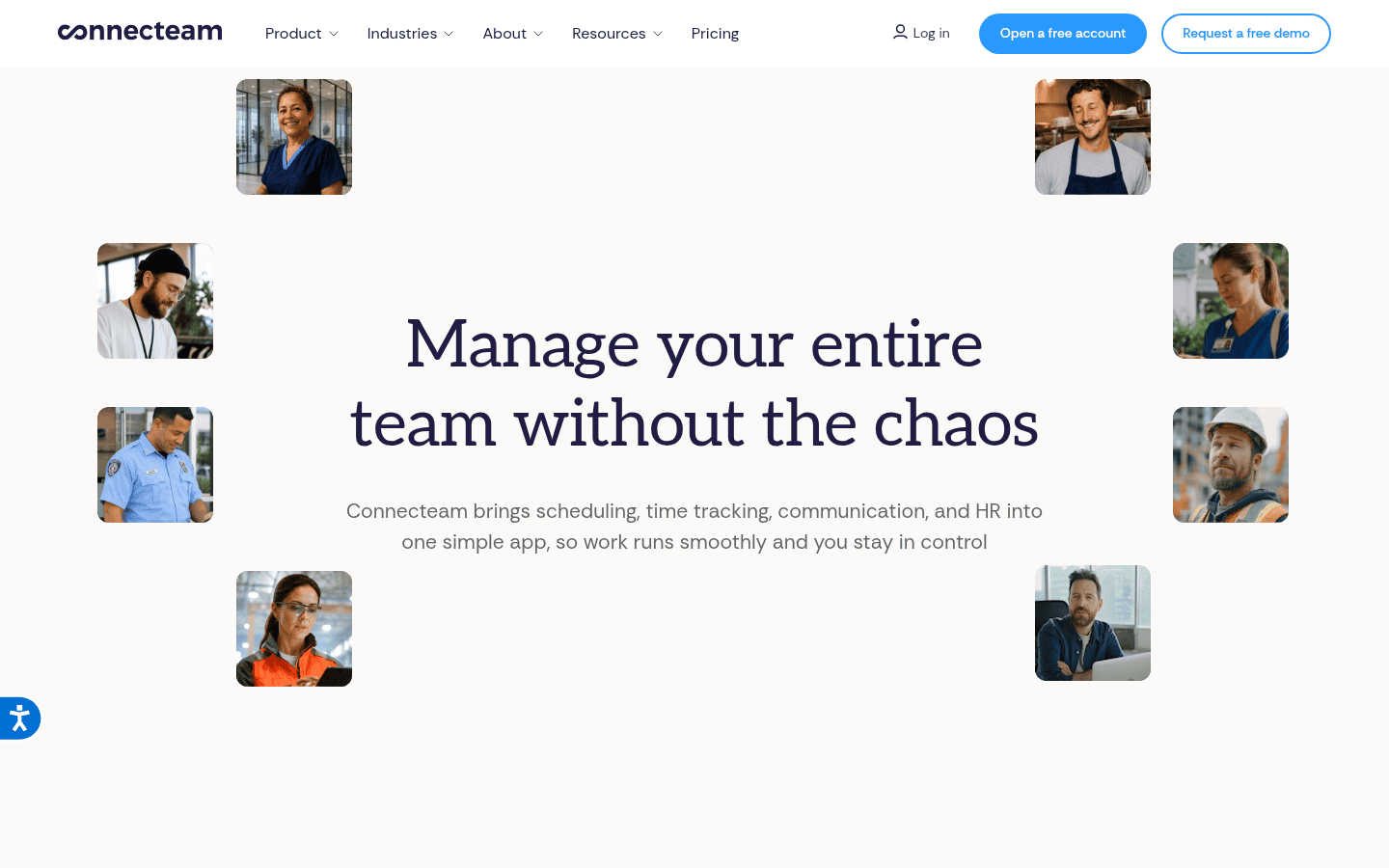
Connecteam is not a classic intranet, but its Communications hub gives small field teams chat, updates, a company directory and a knowledge base in one mobile app, next to time clock and scheduling.
- Pricing: free Small Business plan for up to 10 users with every hub. Paid hubs start at $29 a month billed yearly for the first 30 users (Connecteam pricing).
- Why we picked it: the only standalone free plan on this list, and it works on phones.
- Watch out for: it will not replace a document heavy intranet for office staff.
Buyer tip: ask every vendor to load 20 of your real policies into a trial, then have five employees search for answers. Search quality decides whether people come back.
How much does intranet software cost?
- Already licensed: SharePoint and one Viva Connections experience come with many Microsoft 365 plans, so the main cost is build time.
- Per user: Blink publishes per user prices from $3.75 to $6 a month, and Jostle shows its prices once you enter your team size.
- Quoted: Staffbase, Simpplr, Workvivo, Happeo, Interact, LumApps, Unily and Axero price by quote, usually on a yearly contract.
How do you choose the right intranet?
| If you are | Start with | Why |
|---|---|---|
| On Microsoft 365 | Viva Connections and SharePoint, or Interact | Use what you own, or buy a ready made layer |
| On Google Workspace | Happeo or LumApps | Native Drive and Calendar |
| Mostly frontline staff | Staffbase or Blink | Mobile access without email |
| Focused on AI self service | Simpplr or LumApps | Agents that handle requests |
| Under 100 people | Jostle, Blink or Connecteam | Fast setup and low cost |
| Over 10,000 people | Unily or Staffbase | Scale and governance |
Planning a wider HR stack? See our guides to the best AI learning management systems and the best employee time clock software.
Frequently asked questions
What is the difference between an intranet and an employee app?
An intranet is the company’s internal website for news, pages and documents. An employee app is the mobile version, built so frontline staff can read news and chat on a phone. Most platforms here offer both.
Is SharePoint an intranet?
SharePoint is the content system many intranets are built on. With a home site and Viva Connections it becomes a full intranet, though it takes design work to look polished.
Is there a free intranet?
Connecteam is free for up to 10 users. If you already pay for Microsoft 365, SharePoint and one Viva Connections experience come with many plans at no extra cost.
How long does an intranet launch take?
Small tools such as Blink or Jostle can launch in a few weeks. Enterprise rollouts on Unily, LumApps or a custom SharePoint build often take a few months.
Do intranets charge extra for AI?
It varies. Happeo and Interact include AI in the core subscription, and Blink puts its assistant on the Pro plan. Ask each vendor in writing.
The bottom line: use Viva Connections and SharePoint if you already pay for Microsoft 365, pick Staffbase or Blink when frontline reach matters most, and look at Simpplr or LumApps if you want AI agents handling routine requests. Test search with your own documents before you sign a yearly contract.
Sources: vendor product and pricing pages linked above, checked November 17, 2026.
Free newsletter
Get the Work Insiders weekly
One email a week: the recruiting and HR tech news that mattered, the tools we just added to the directory, and one practical guide. No spam, and you can unsubscribe in one click.