

Quick answer: Of all the AI platforms for work, ChatGPT is the best all round pick for most people in 2026, with a useful free plan and paid plans from $8 a month. Claude is the strongest pick for writing, long documents and connecting to work apps, Gemini is the best value if you live in Google, Microsoft 365 Copilot fits Office shops, and Perplexity is the best for cited research. For automating work across apps, Zapier, Gumloop and n8n lead.
How we picked: we scored 12 platforms out of 5 across five weighted areas, using each vendor’s own pricing pages where available and our own tool directory. No vendor paid to be on this list.
Last updated: November 17, 2026. AI plans change monthly, so confirm prices before you buy.
What is an AI platform?
An AI platform is a product that puts a large language model to work for you. Most people mean a chat assistant, such as ChatGPT, Claude or Gemini, where you type a request and get writing, analysis, research or code back. The category now also covers assistants built into the apps you already use, such as Microsoft 365 Copilot, and automation platforms such as Zapier and n8n that let AI take actions across your other tools.
Three things separate the good ones in 2026: how well they connect to your work apps, how much they let you do on the free plan, and how much control they give a company over its data.
Which AI platforms are best in 2026?
| # | Platform | Best for | Free plan | Paid from | Team plan | Score |
|---|---|---|---|---|---|---|
| 1 | Best all round | Yes | $8 a month (Go) | $20 per user a month, yearly | 4.7 | |
| 2 | Writing, long documents, work apps | Yes | $17 a month, yearly | $20 per seat a month, yearly | 4.6 | |
| 3 | Google users, best value | Yes | $4.99 a month | From $14 per seat with Workspace | 4.6 | |
| 4 | Word, Excel, Outlook and Teams | Copilot Chat with eligible plans | $18 per user a month add on | Same | 4.4 | |
| 5 | Research with citations | Yes | $20 a month | $40 per seat a month | 4.4 | |
| 6 | Real time news and X | Yes | $30 a month | $30 per seat a month | 4.2 | |
| 7 | AI steps in app workflows | Yes, 100 tasks | $19.99 a month | Team plans | 4.2 | |
| 8 | Mistral | European data and low price | Yes | $14.99 a month | $24.99 per user a month | 4.1 |
| 9 | No code AI agents | No | $37 a month | Team plans | 4.0 | |
| 10 | Self hosted AI workflows | Self hosted edition | €20 a month cloud, yearly | Business plans | 4.0 | |
| 11 |  DeepSeek | Free reasoning, open models | Yes | Free app; API by usage | None | 3.9 |
| 12 |  Meta AI | Quick help inside Meta apps | Yes | Free | None | 3.8 |
How did we score these AI platforms?
Each platform was scored out of 5 in five areas, then weighted. We used what each vendor publishes about its plans in November 2026 and scored for everyday business work such as writing, research, analysis and automation, not coding benchmarks.
| Area | Weight | What we looked for |
|---|---|---|
| Capability | 25% | Writing, analysis, files, images, voice, deep research, agents |
| Free plan and price | 20% | A usable free tier, clear paid prices, fair usage limits |
| Work integrations | 20% | Connectors to email, docs, CRM and ATS, plus MCP support |
| Data and admin controls | 20% | Team plans, SSO, admin controls, data use policies |
| Research and accuracy | 15% | Web search, citations, grounding in your own files |
What are the 12 best AI platforms for work?
1. ChatGPT: best all round AI platform
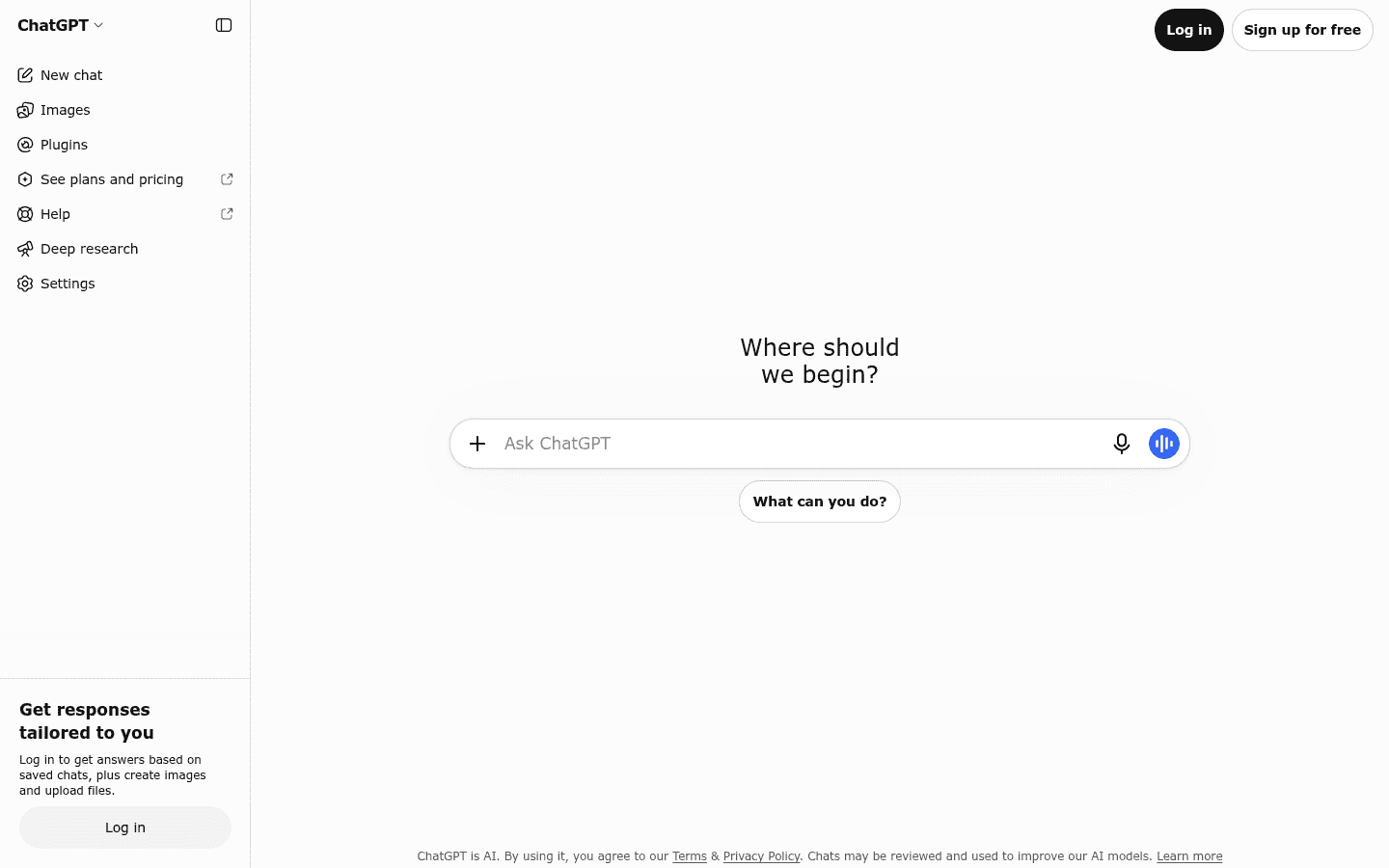
ChatGPT has the widest feature set and the largest user base. Even the free plan includes unlimited text chats plus limited uploads, image creation, voice, deep research and memory, and paid plans add ChatGPT’s agent tools and much higher limits.
- Pricing: Free; Go $8, Plus $20 and Pro from $100 a month; Business is $20 per user a month billed yearly or $25 monthly, with a two seat minimum (ChatGPT pricing page).
- Why we picked it: the most complete toolkit for the widest range of everyday tasks.
- Watch out for: OpenAI is testing ads on the Go plan, and the plan lineup changes often.
2. Claude: best for writing, long documents and work apps
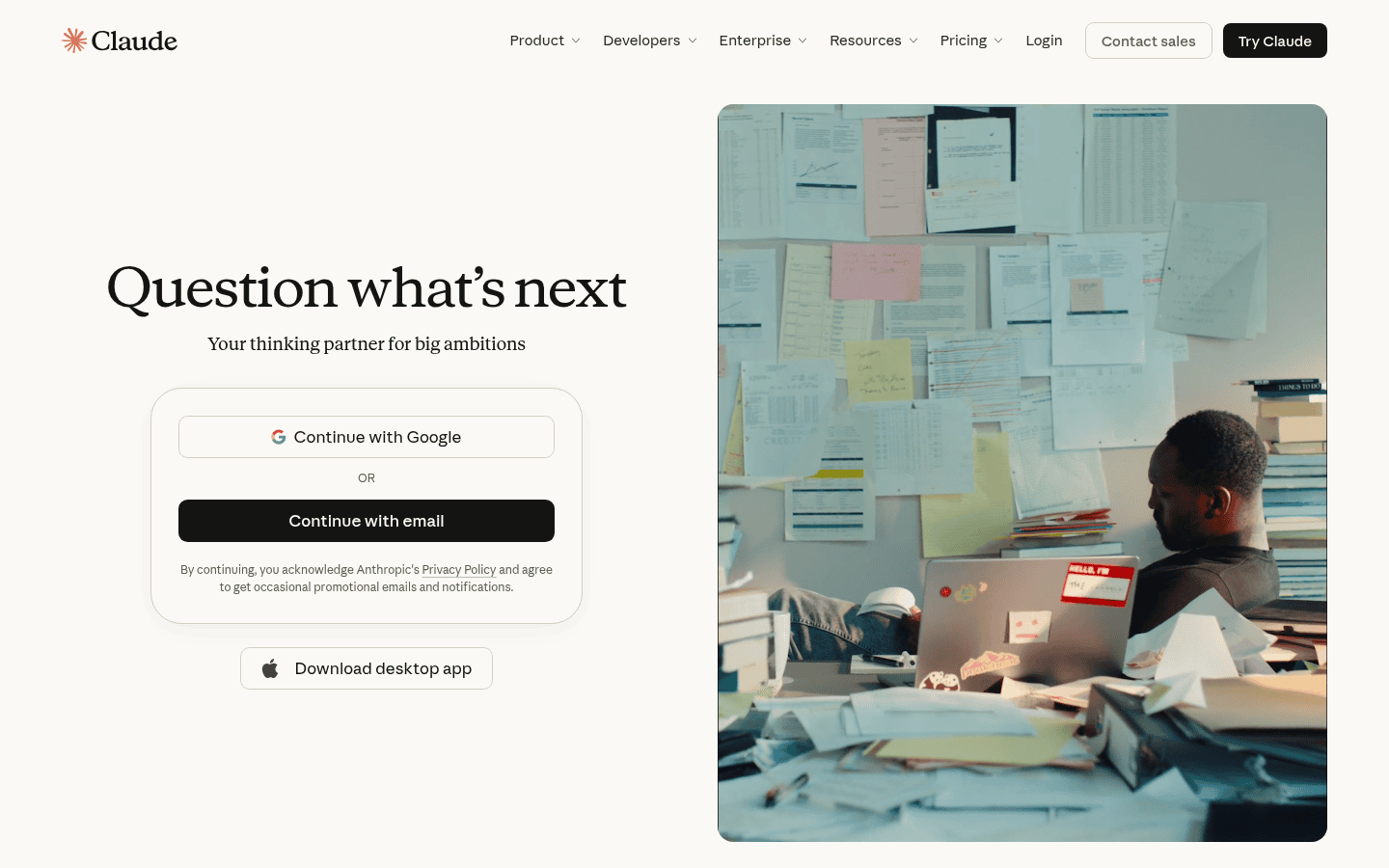
Claude from Anthropic is known for careful writing, analysis of long documents and strong app connections. The free plan includes web search, file creation and code execution, memory, app and tool connections and Artifacts; Pro adds Projects, Claude Code, and Claude in Chrome and Microsoft 365.
- Pricing: Free; Pro $17 a month billed yearly or $20 monthly; Max $100 and Ultra $200 a month; Team $20 per seat billed yearly or $25 monthly; Enterprise $20 per seat plus usage, 20 seat minimum (Claude pricing page).
- Why we picked it: some of the best connectors for work tools, including many recruiting and HR apps through MCP.
- Watch out for: free usage resets on a five hour and weekly basis, so heavy users hit limits.
3. Gemini: best for Google users and best value
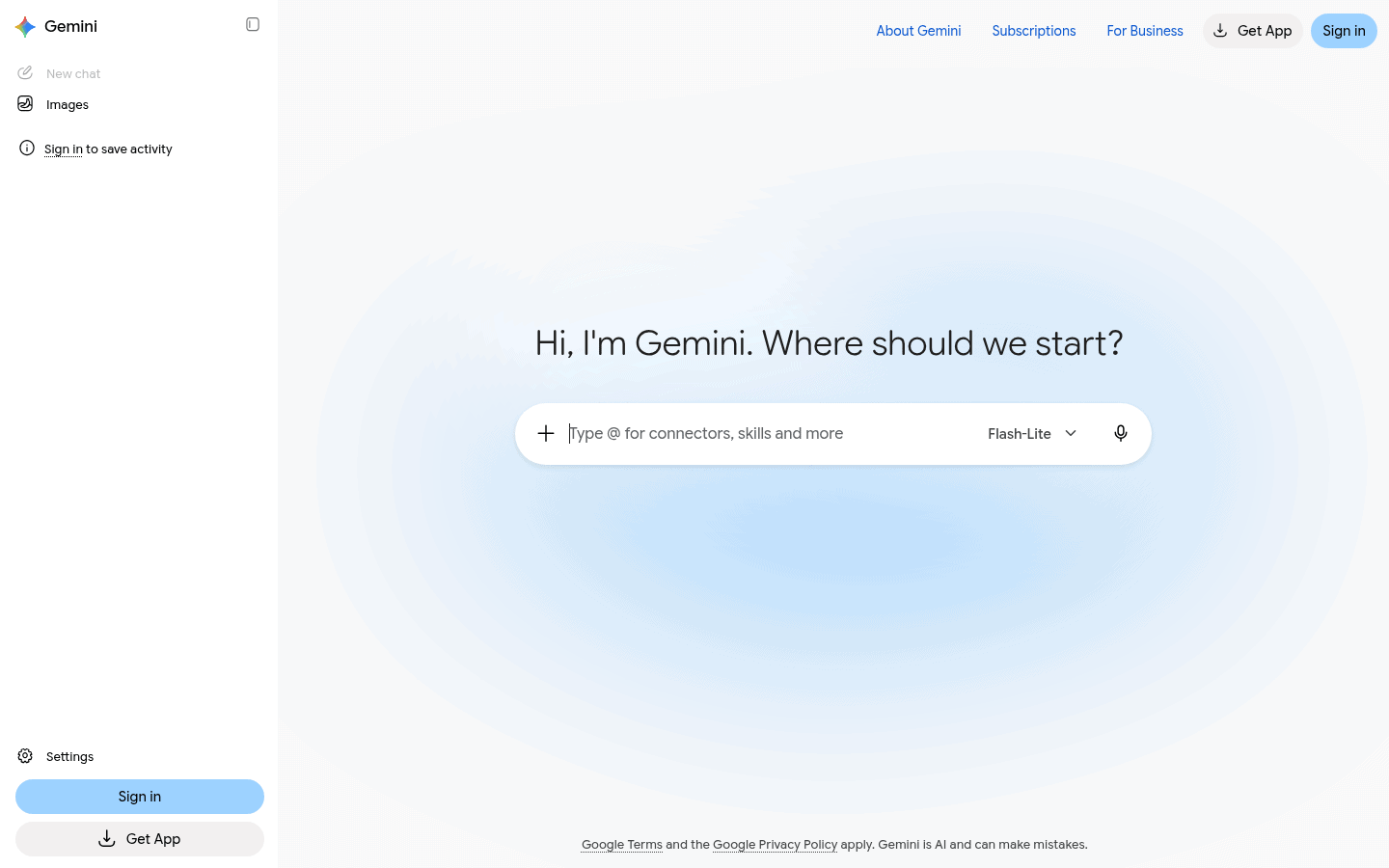
Gemini is built into Google’s apps and accounts. The free tier includes image generation, Deep Research, Gemini Live and Canvas, and the paid plans bundle Google storage, which makes Google AI Pro unusually good value.
- Pricing: Free; Google AI Plus $4.99, AI Pro $19.99 with 5 TB of storage, and Ultra from $99.99 a month. For business, Gemini with Google Workspace starts at $14 per seat a month (Gemini plans page).
- Why we picked it: the cheapest paid entry point and deep Gmail, Docs and Drive integration.
- Watch out for: it shines most inside Google; Microsoft shops get less from it.
4. Microsoft 365 Copilot: best for Word, Excel, Outlook and Teams
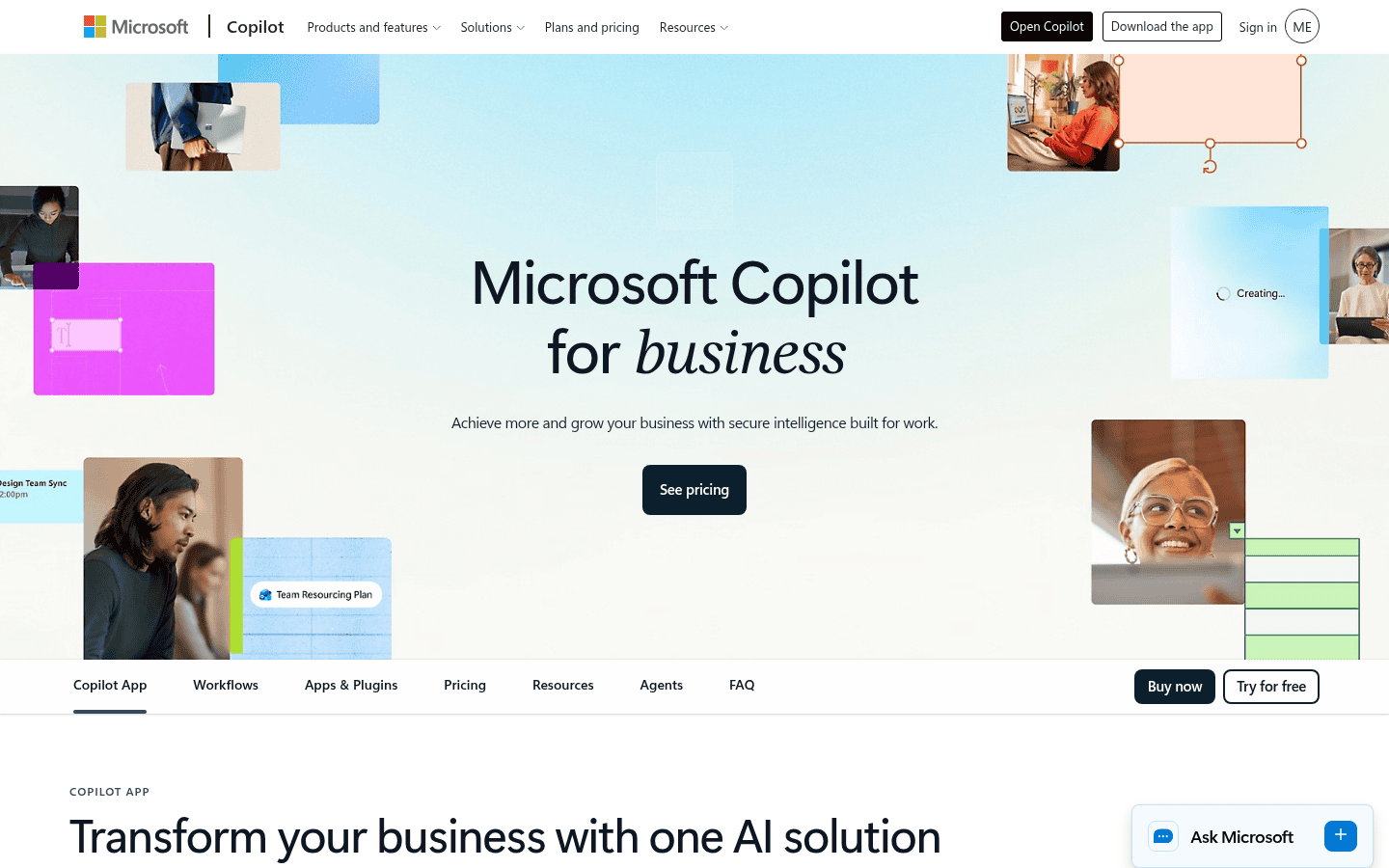
Copilot works inside the Office apps your team already uses, grounded in your own email, files and meetings. Copilot Chat is included at no extra cost with eligible Microsoft 365 plans, and the full Copilot adds AI in Word, Excel, PowerPoint, Outlook and Teams plus prebuilt research and data analysis agents.
- Pricing: the Copilot Business add on is $18 per user a month on an annual plan (a discount from $21 through December 31, 2026); Business Standard with Copilot is $23.50 and Business Premium with Copilot $32, or $20.30 and $28.80 without Teams. The $18 add on price applies to the first year only (Microsoft Copilot pricing).
- Why we picked it: the only choice that works natively across the full Office suite.
- Watch out for: some advanced AI features and custom agents are billed by usage on top of the license.
5. Perplexity: best for research with citations
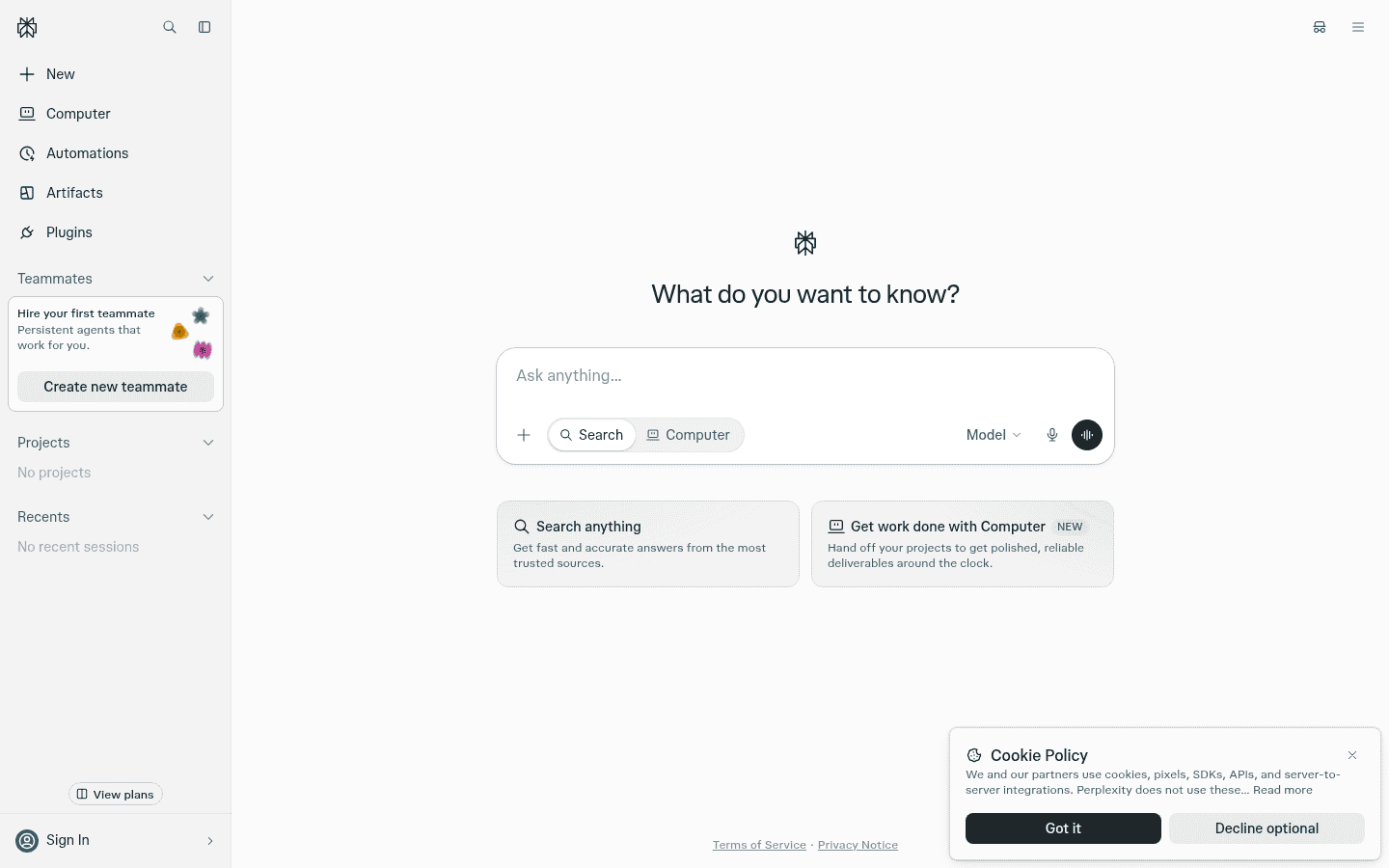
Perplexity is an answer engine that searches the web and shows its sources next to every answer, which makes it easy to check facts. Pro adds the latest models, extended deep research and more file uploads (Perplexity Pro page).
- Pricing: Free; Pro $20 and Max $200 a month; Enterprise Pro about $40 per seat a month.
- Why we picked it: the fastest way to get a sourced answer you can verify.
- Watch out for: it is built for research more than long writing or automation.
6. Grok: best for real time news and X
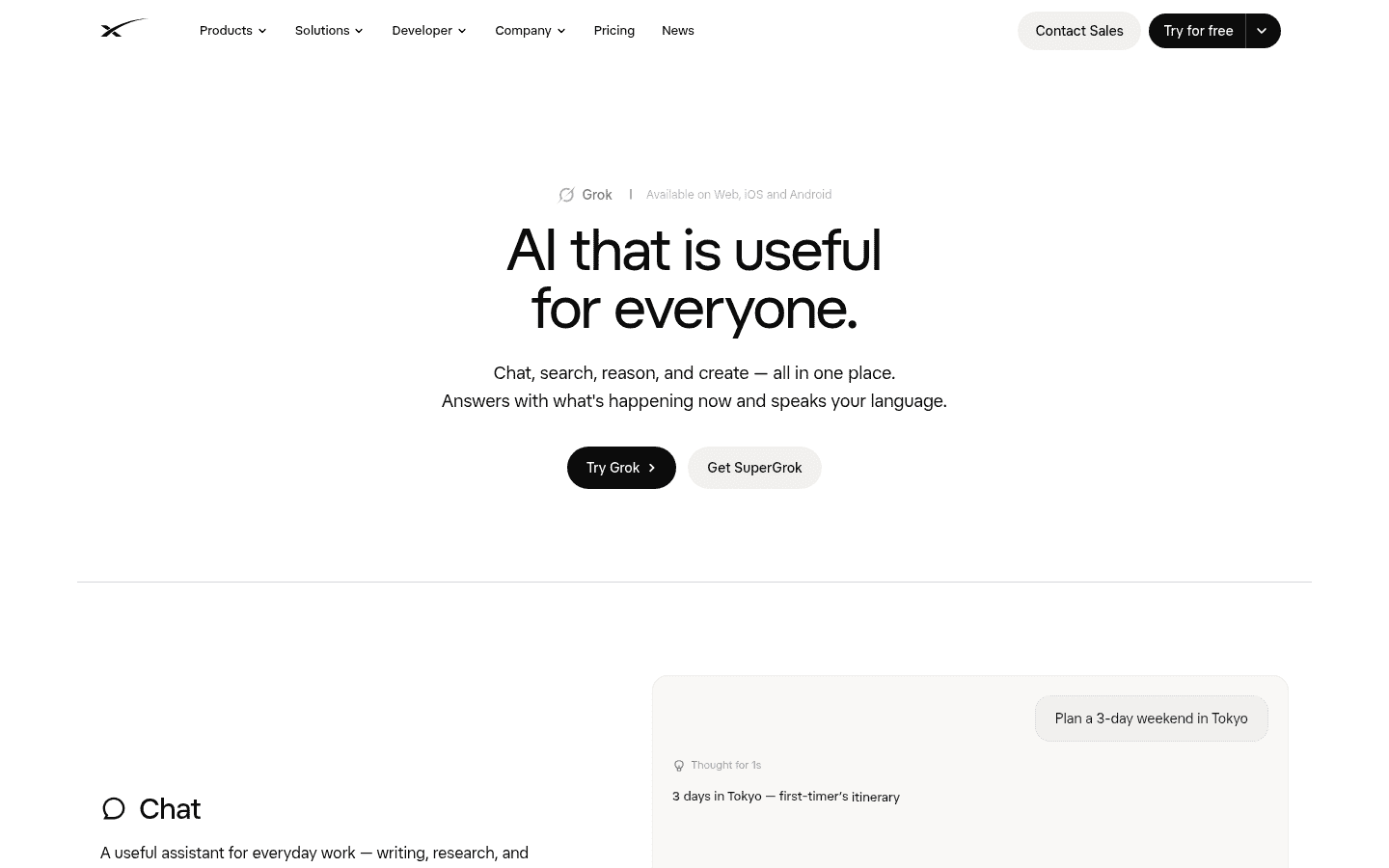
Grok from xAI has live access to posts on X, which makes it strong for breaking news, trends and public sentiment. It also handles chat, coding, reasoning, image generation and document analysis (Grok’s site). Recruiters building Grok bots will find examples in our AI agents guide.
- Pricing: Free; paid Grok access is now sold through X subscriptions at $30, $100 or $200 a month, with team seats at the same three prices, and the older SuperGrok plans are closed to new subscribers (Grok pricing breakdown).
- Why we picked it: nothing else on this list sees what is happening on X in real time.
- Watch out for: the cheapest full paid plan costs more than ChatGPT Plus or Claude Pro.
7. Zapier: best for adding AI steps to app workflows
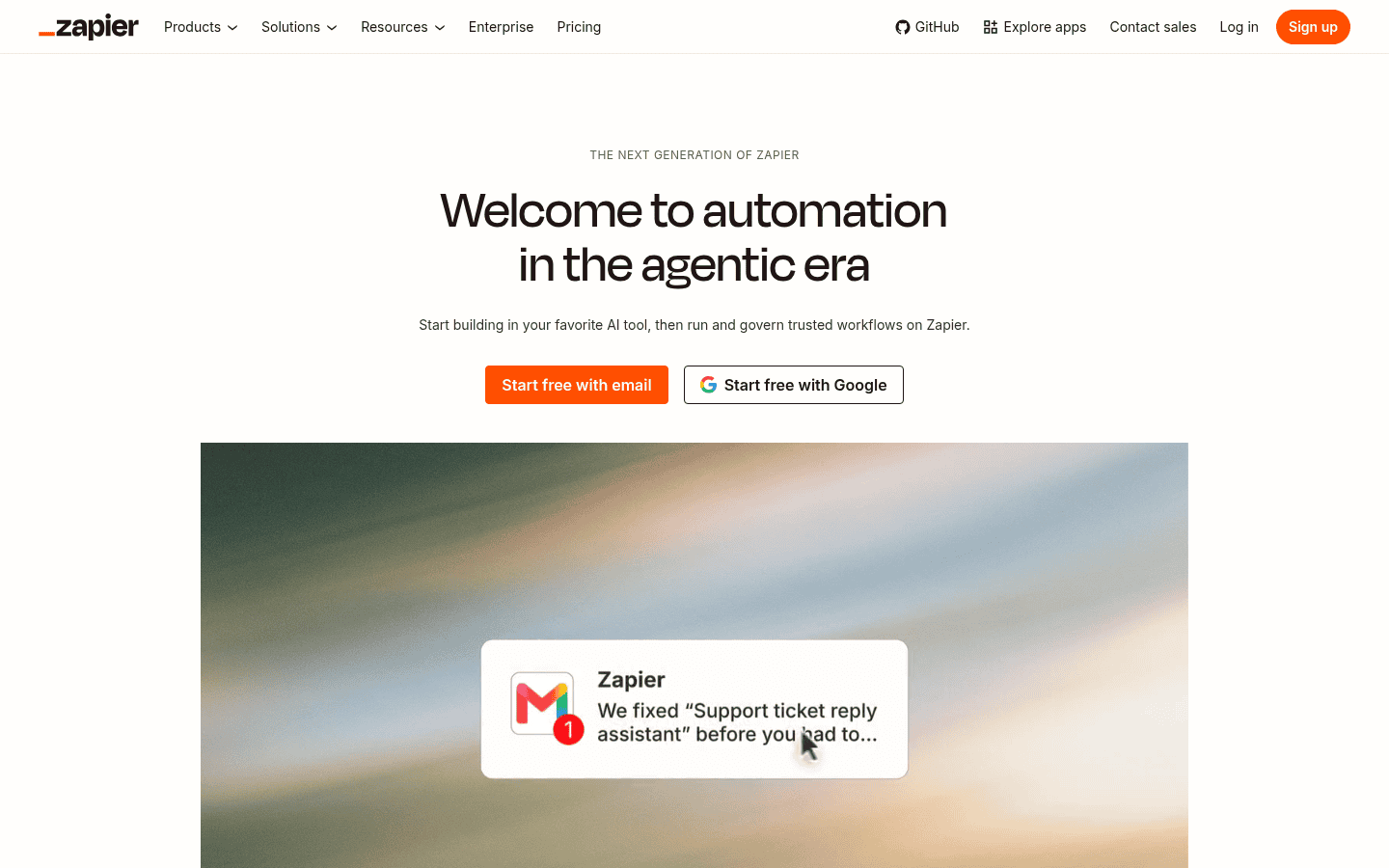
Zapier connects thousands of apps and now lets AI steps sit inside those workflows, for example summarizing a new applicant, tagging an email or drafting a CRM note. It also offers MCP, so assistants like Claude and ChatGPT can trigger Zapier actions. Our Zapier AI guide covers the task math.
- Pricing: free for 100 tasks a month; paid plans from $19.99 a month. AI steps count extra tasks (see our automation tools comparison).
- Why we picked it: the easiest way to make AI do something in your other apps.
- Watch out for: task counts climb fast once AI steps run on every record.
8. Mistral: best for European data and a low price
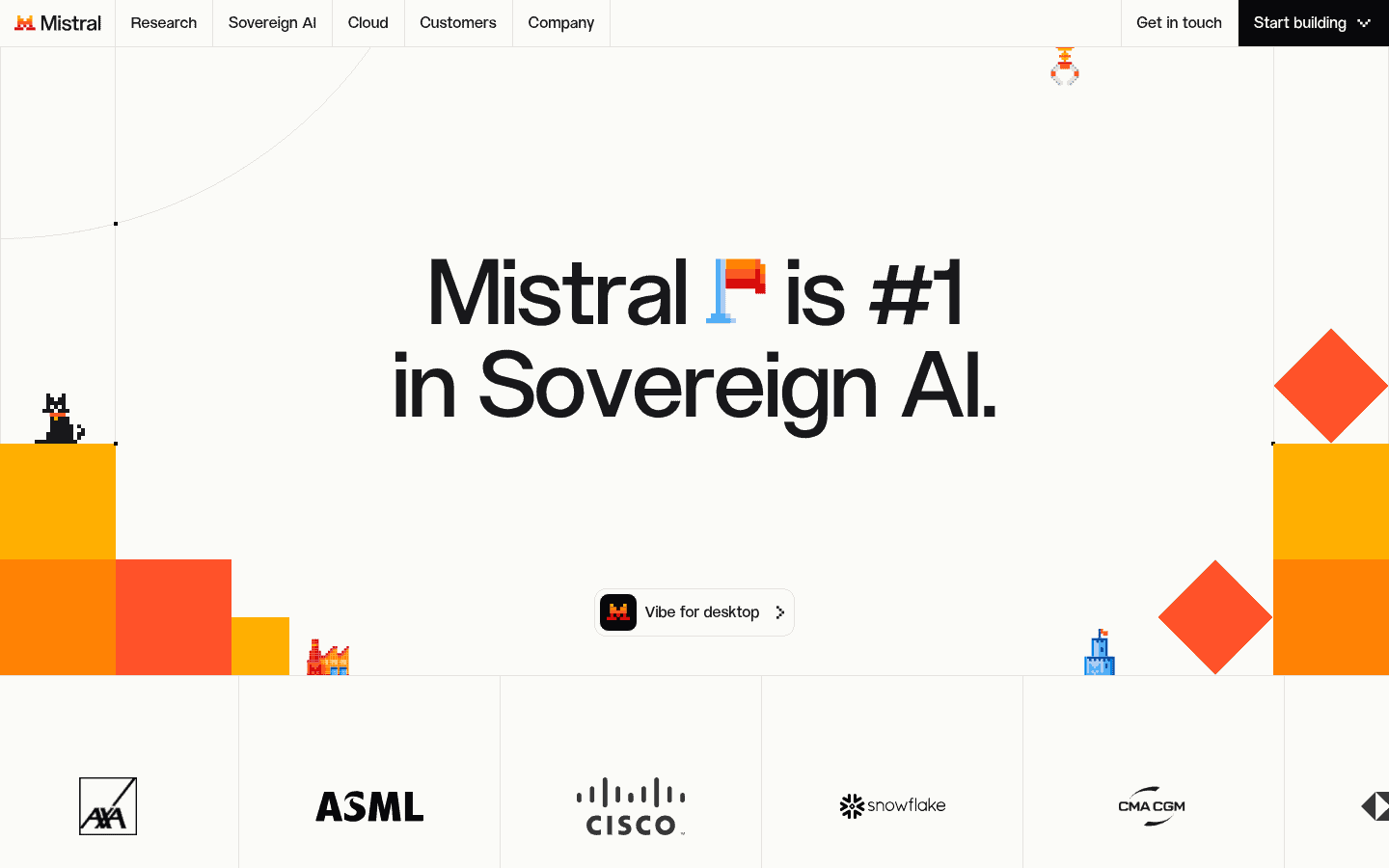
Mistral is a French AI company with its own models and a chat assistant. Even the free plan includes web search, image generation and editing, limited coding sessions and more than 100 connectors, and Pro adds more messages, faster responses and $15 a month in API credits.
- Pricing: Free; Pro $14.99 a month; Team $24.99 per user a month; Enterprise by quote (Mistral pricing page).
- Why we picked it: the cheapest full featured paid plan here, from a European provider.
- Watch out for: fewer third party guides and integrations than the big three.
9. Gumloop: best for no code AI agents
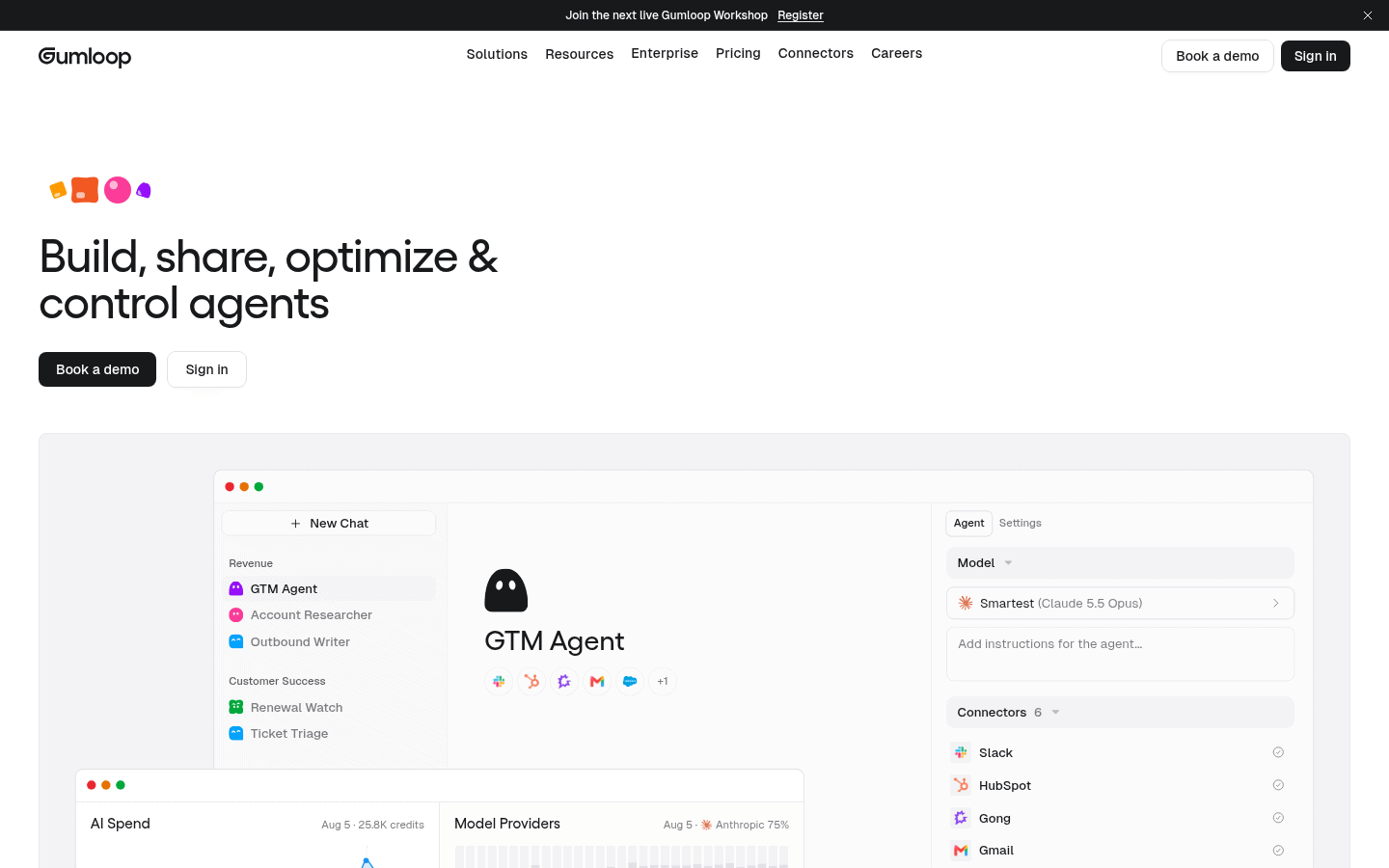
Gumloop is a no code builder for AI agents that connects 400 or more apps and any AI model, so a recruiter can automate research, enrichment and outreach prep without code. See our Gumloop listing for details.
- Pricing: from $37 a month, as a subscription plus usage, with no free plan.
- Why we picked it: agents that decide their own steps toward a goal, built visually.
- Watch out for: usage costs on top of the subscription need watching.
10. n8n: best for self hosted AI workflows
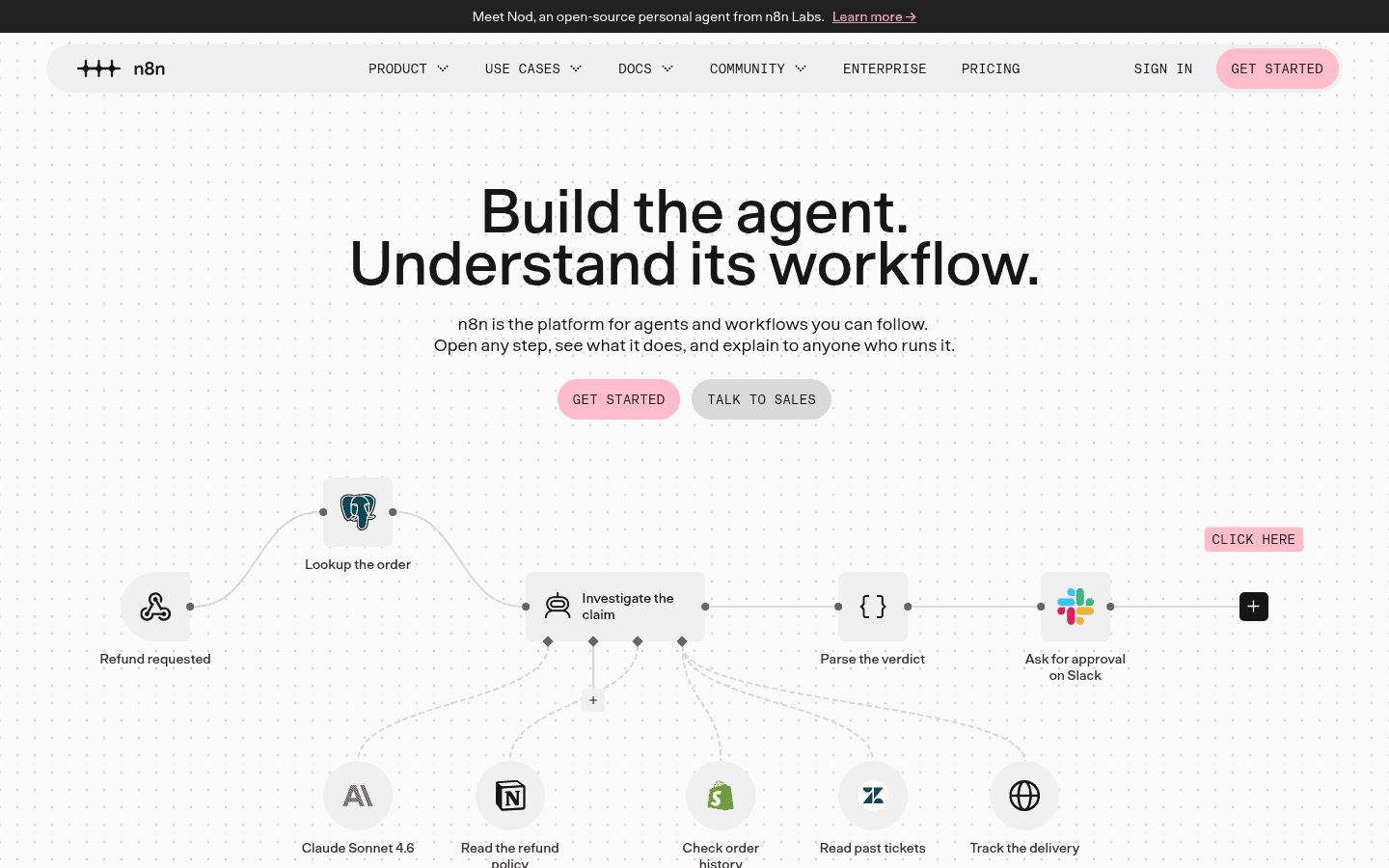
n8n is a workflow automation platform with strong AI agent nodes, and it can run on your own servers. It counts each full workflow run once, no matter how many steps it has, which keeps costs predictable at volume.
- Pricing: the self hosted Community Edition is free; cloud plans start at €20 a month billed yearly (see our automation tools comparison).
- Why we picked it: full control of data and cost for technical teams.
- Watch out for: self hosting means you own updates, security and uptime.
11. DeepSeek: best free reasoning and open models
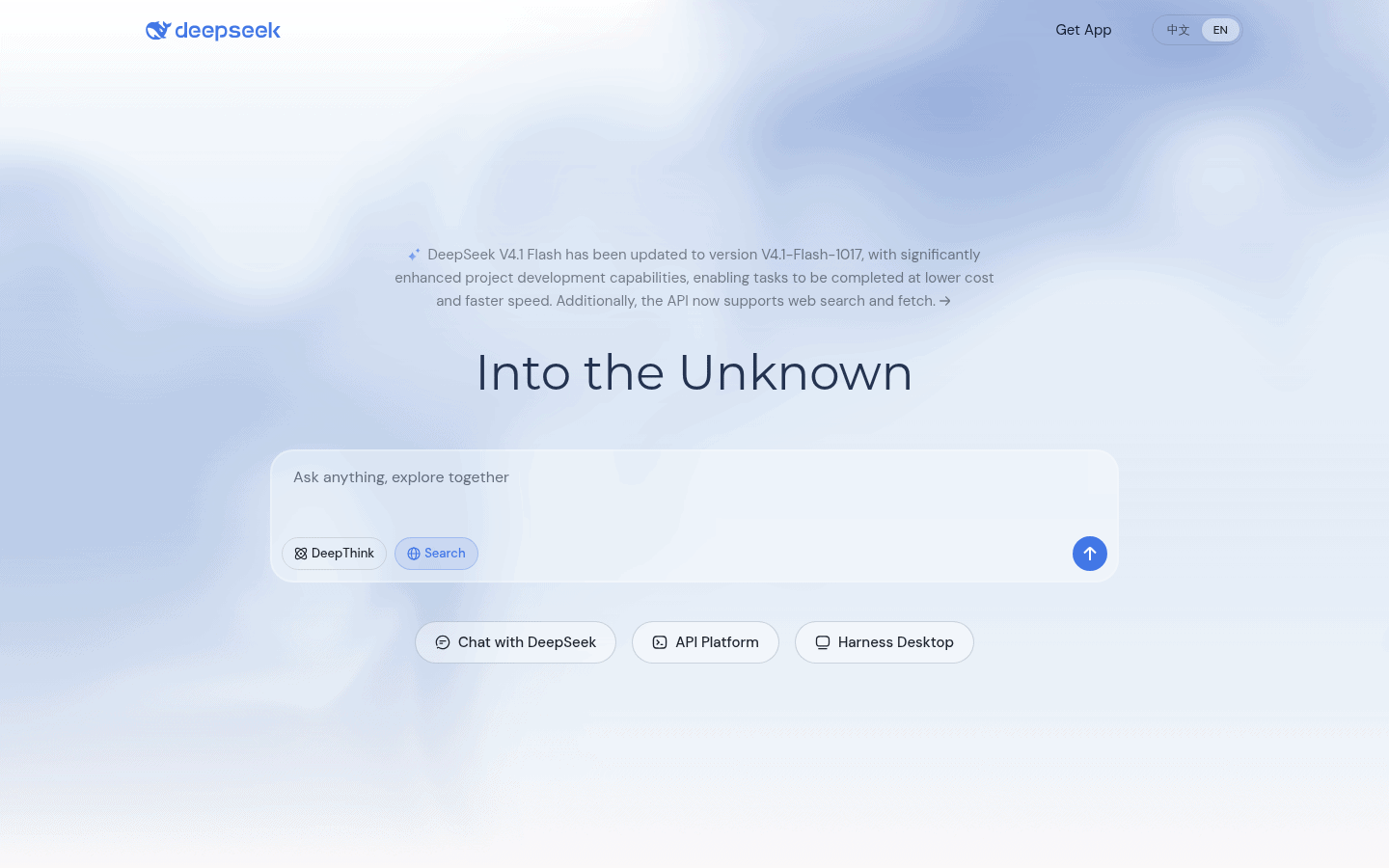
DeepSeek offers a free chat app on web and mobile with DeepThink reasoning and search, and it releases its models, including DeepSeek V4 and R1, as open source (DeepSeek’s site).
- Pricing: the chat app is free; the API is billed by usage.
- Why we picked it: strong reasoning at no cost, and open models other tools can build on.
- Watch out for: it is a Chinese company, and several governments have restricted its use on official devices, so check your data policy before pasting in company or candidate information.
12. Meta AI: best for quick help inside Meta apps
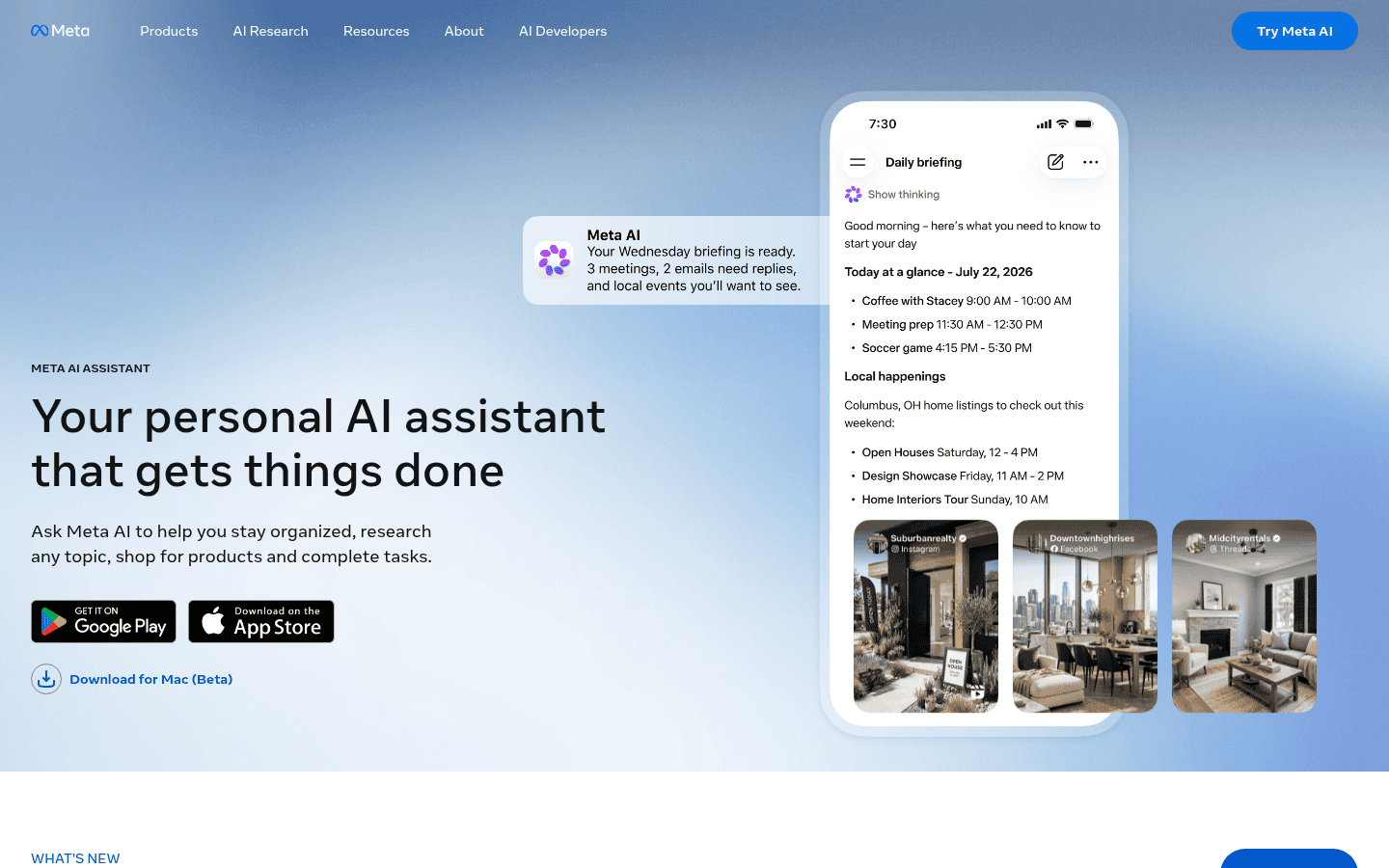
Meta AI is built into WhatsApp, Instagram, Facebook and Messenger, and it also has its own app. It is free and handy for quick questions, image ideas and short drafts where you already chat.
- Pricing: free.
- Why we picked it: no sign up for billions of people who already use Meta apps.
- Watch out for: no business plan or admin controls, so it is not the place for company data.
Buyer tip: before you pay, give the same three real tasks to two or three free plans: summarize a long document, draft an email in your voice, and answer a question that needs current facts. The winner on your own work beats any ranking, including this one.
Which AI platform is best for which job?
| Your situation | Start with | Why |
|---|---|---|
| One tool for everything | ChatGPT | Widest features and a strong free plan |
| Long documents and careful writing | Claude | Strong on long context and app connections |
| Company runs on Google Workspace | Gemini | Built into Gmail, Docs and Drive |
| Company runs on Microsoft 365 | Microsoft 365 Copilot | Works inside Word, Excel, Outlook and Teams |
| Fact checking and market research | Perplexity | Sources on every answer |
| Tracking news and social trends | Grok | Live access to X |
| Data must stay in Europe or on site | Mistral or n8n | European provider or self hosting |
| Automating repetitive steps | Zapier or Gumloop | AI that acts across your apps |
Which AI platforms are free?
Eleven of the twelve have a free way in; only Gumloop does not. ChatGPT, Claude, Gemini, Perplexity, Grok, Mistral, DeepSeek and Meta AI all have free chat plans, Zapier is free for 100 tasks a month, and n8n is free to self host. Copilot Chat comes at no extra cost with eligible Microsoft 365 business plans. Free plans cap how much you can do, and some use stronger models only on paid tiers, so test on your real work before deciding a free plan is enough.
How much do AI platforms cost for a team?
Most assistant team plans now cluster around $20 to $30 per user a month. ChatGPT Business and Claude Team both start at $20 per seat on yearly billing, Mistral Team is $24.99, Grok team seats start at $30, and Perplexity Enterprise Pro is about $40. Gemini comes with Google Workspace plans from $14 per seat, and Copilot is an $18 add on for Microsoft 365 business customers during its current discount.
Team plans matter for more than price: they add admin controls, single sign on and stronger data commitments than personal accounts. If your team handles candidate or client data, put everyone on a business plan instead of personal subscriptions.
How are recruiters and HR teams using these platforms?
The most common uses are drafting job descriptions and outreach, summarizing resumes and interview notes, building Boolean strings, researching companies before a call and cleaning lead lists. The bigger shift in 2026 is connecting assistants directly to recruiting tools through MCP, so Claude or ChatGPT can read your ATS, CRM or email instead of you copying data back and forth. Our MCP directory lists which recruiting tools support it, and our Claude prompts guide has ready to use examples.
AI platforms FAQ
What is the best AI platform overall?
ChatGPT for most people, because it does the widest range of tasks well and has a strong free plan. Claude and Gemini are close behind, and each wins for specific kinds of work.
What is the best free AI platform?
ChatGPT, Claude and Gemini all have capable free plans. Gemini’s free tier includes Deep Research, and DeepSeek is free with strong reasoning, though check your data policy first.
Is ChatGPT or Claude better for work?
ChatGPT has more built in features, such as image creation and agent tools. Claude is often preferred for long documents, careful writing and connecting to work apps. Many teams use both.
Is it safe to put company data into an AI platform?
Use a business or enterprise plan, which typically adds admin controls and data commitments, and follow your company’s AI policy. Avoid pasting sensitive candidate or client data into personal free accounts.
What is the difference between an AI assistant and an AI automation platform?
An assistant answers and drafts when you ask. An automation platform such as Zapier, Gumloop or n8n runs AI steps on its own when something happens, such as a new form or email.
Which AI platform is best for recruiters?
Start with ChatGPT or Claude for drafting and research, and add Perplexity for company research with sources. See our AI assistants directory for recruiting specific tools.
The bottom line
Pick one general assistant, ChatGPT, Claude or Gemini, based on where your work already lives, and add Perplexity for research you need to cite. Once the team uses AI daily, connect it to your tools with Zapier, Gumloop, n8n or MCP so it can act, not just answer. Browse more options in our AI assistants directory.
Sources: ChatGPT pricing, Claude pricing, Gemini plans, Microsoft Copilot pricing, Perplexity Pro, Grok, Mistral pricing, DeepSeek, Grok pricing breakdown, Zapier pricing, Gumloop pricing, n8n pricing
Free newsletter
Get the Work Insiders weekly
One email a week: the recruiting and HR tech news that mattered, the tools we just added to the directory, and one practical guide. No spam, and you can unsubscribe in one click.