

Quick answer: For most small businesses, Homebase is the best employee scheduling software in 2026 because its free plan covers one location with up to 10 employees and its paid plans add an AI scheduling assistant. Connecteam is the best value for deskless teams, When I Work has the simplest per user pricing, Deputy is strongest on labor law compliance and forecasting, and 7shifts is built for restaurants.
How we picked: we scored 12 tools out of 5 across five weighted areas using each vendor’s own pricing page and product documentation. No vendor paid to be on this list.
Last updated: November 17, 2026. Prices change often, so confirm on the vendor site before you buy.
What is employee scheduling software?
Employee scheduling software replaces the spreadsheet, the group text and the paper schedule on the break room wall. A manager builds the week once, the app sends every worker their shifts on their phone, and changes, swaps and time off requests flow through the app instead of through a dozen phone calls.
Most tools now share the same core: drag and drop schedule building, templates you can copy week to week, open shifts that workers can claim, shift swaps with manager approval, availability and time off requests, and reminders before each shift. The better ones add a time clock, labor cost tracking against sales, overtime warnings and payroll exports, so the schedule, the hours worked and the paycheck all match.
It matters because unstable schedules are still common. The Harvard Shift Project surveyed 30,000 workers at 120 of the largest US retail and food service companies and found that two thirds received less than two weeks’ notice of their schedules (Shift Project data). Posting the schedule earlier is the cheapest retention tool most hourly employers have.
Which employee scheduling software is best in 2026?
Here is the full list with the price that matters most for each tool. “Paid from” is the lowest published paid plan; per user and per location pricing are not directly comparable, so read the pricing section below before you compare totals.
| # | Tool | Best for | Free plan | Paid from | Auto scheduling | Score |
|---|---|---|---|---|---|---|
| 1 | Small single location teams | Yes, 1 location, up to 10 employees | $30 per location a month | AI assistant on Plus and up | 4.7 | |
| 2 | Deskless and field teams | Yes, up to 10 users with all features | $29 a month for 30 users, yearly | Expert plan | 4.6 | |
| 3 | Simple per user pricing | No, 14 day trial | $2.50 per user a month | All plans | 4.5 | |
| 4 | Compliance and forecasting | No, free trial | $5 per user a month | Core and Pro | 4.5 | |
| 5 | Restaurants | Yes, Comp plan for 1 location | $39.99 per location a month, yearly | Higher plans | 4.4 | |
| 6 | Free scheduling for up to 30 users | Yes, up to 30 users | $1.70 per user a month, yearly | Business plan | 4.3 | |
| 7 | Time clock first teams | No, 14 day trial | $19 a month plus $4.99 per user | Not listed | 4.2 | |
| 8 | Shiftbase | European teams | Yes, up to 15 employees | €30 a month for 6 employees | Premium plan | 4.1 |
| 9 | QuickBooks users | No, 30 day trial | $20 a month plus $10 per user | Not listed | 4.0 | |
| 10 | UK and EU hospitality | No, 30 day trial | £2.99 per user a month | Pro plan | 4.0 | |
| 11 | ZoomShift | Tight budgets | Yes, up to 20 users | $2 per user a month | Premium plan | 3.9 |
| 12 | Microsoft Teams Shifts | Microsoft 365 shops | Included with Teams | No extra cost | No | 3.8 |
How did we score these scheduling tools?
Every tool was scored out of 5 in five areas, then weighted. We read each vendor’s current pricing page and product documentation in November 2026 and scored what is published, not what a sales rep promises. Tools that hide a feature behind a quote lose points for that feature.
| Area | Weight | What we looked for |
|---|---|---|
| Core scheduling | 30% | Templates, open shifts, swaps, availability, time off, mobile app |
| Time clock and payroll | 20% | Clock in on phone or kiosk, timesheets, payroll export or built in payroll |
| Price and free plan | 20% | Published prices, a real free plan, no surprise minimums |
| Automation and AI | 15% | Auto scheduling, demand forecasting, AI assistants, MCP or API access |
| Compliance and control | 15% | Overtime warnings, break rules, fair workweek tools, permissions |
What are the 12 best employee scheduling apps?
1. Homebase: best for small single location teams
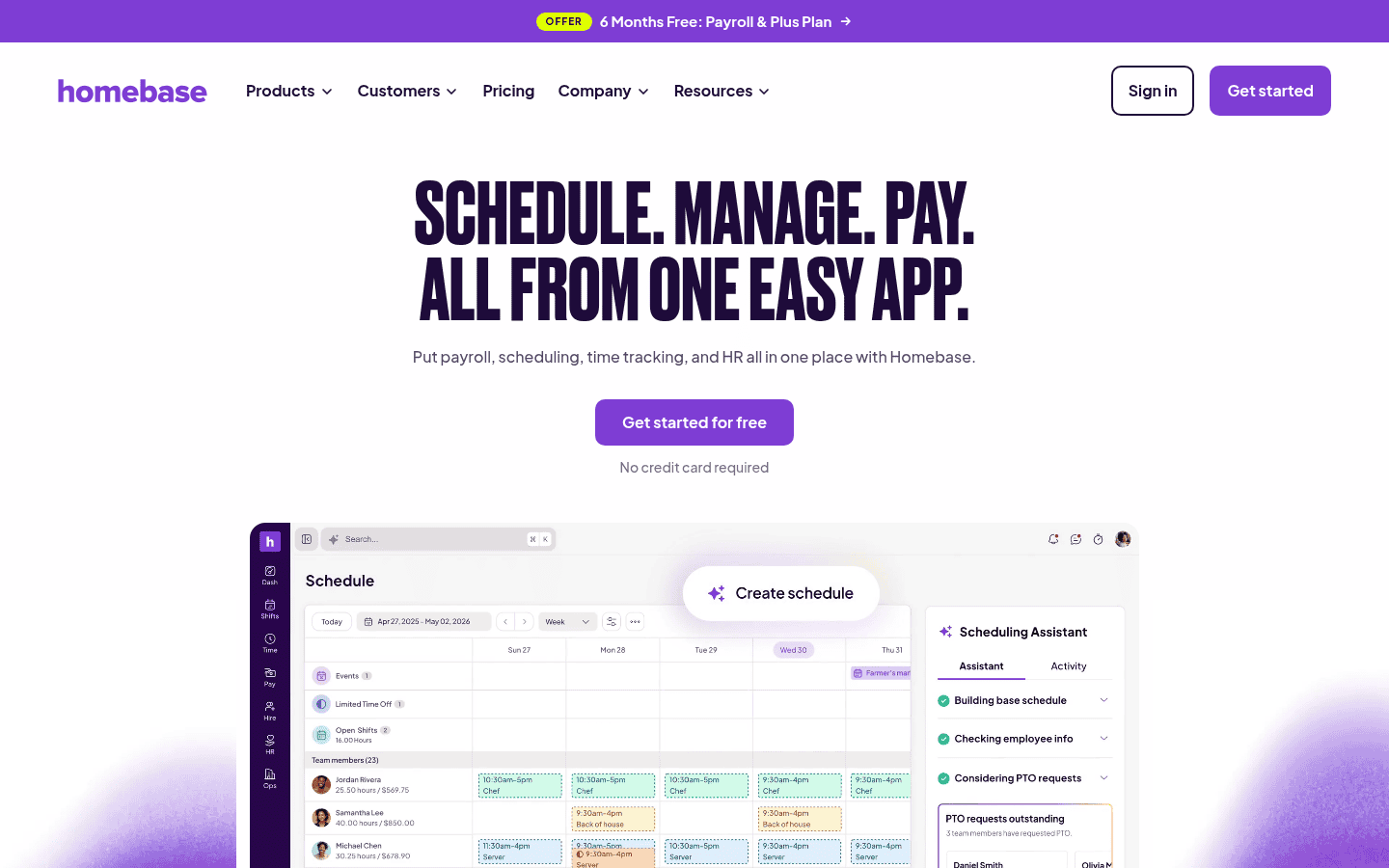
Homebase pairs scheduling with a time clock, team messaging and optional payroll, and its free Basic plan covers one location with up to 10 employees. Workers can trade, cover and claim open shifts, and managers can build schedules from forecasted sales and labor targets.
- Pricing: Basic is free; Essentials is $30 and All in One is $120 per location a month, with Plus in between. Annual billing is advertised at 20% off (Homebase pricing page).
- Why we picked it: the strongest free plan for a small shop, plus an AI scheduling assistant on Plus and All in One.
- Watch out for: payroll is an add on at $49 a month plus $6 per employee paid, and pricing is per location, so it adds up fast across many sites.
2. Connecteam: best value for deskless and field teams
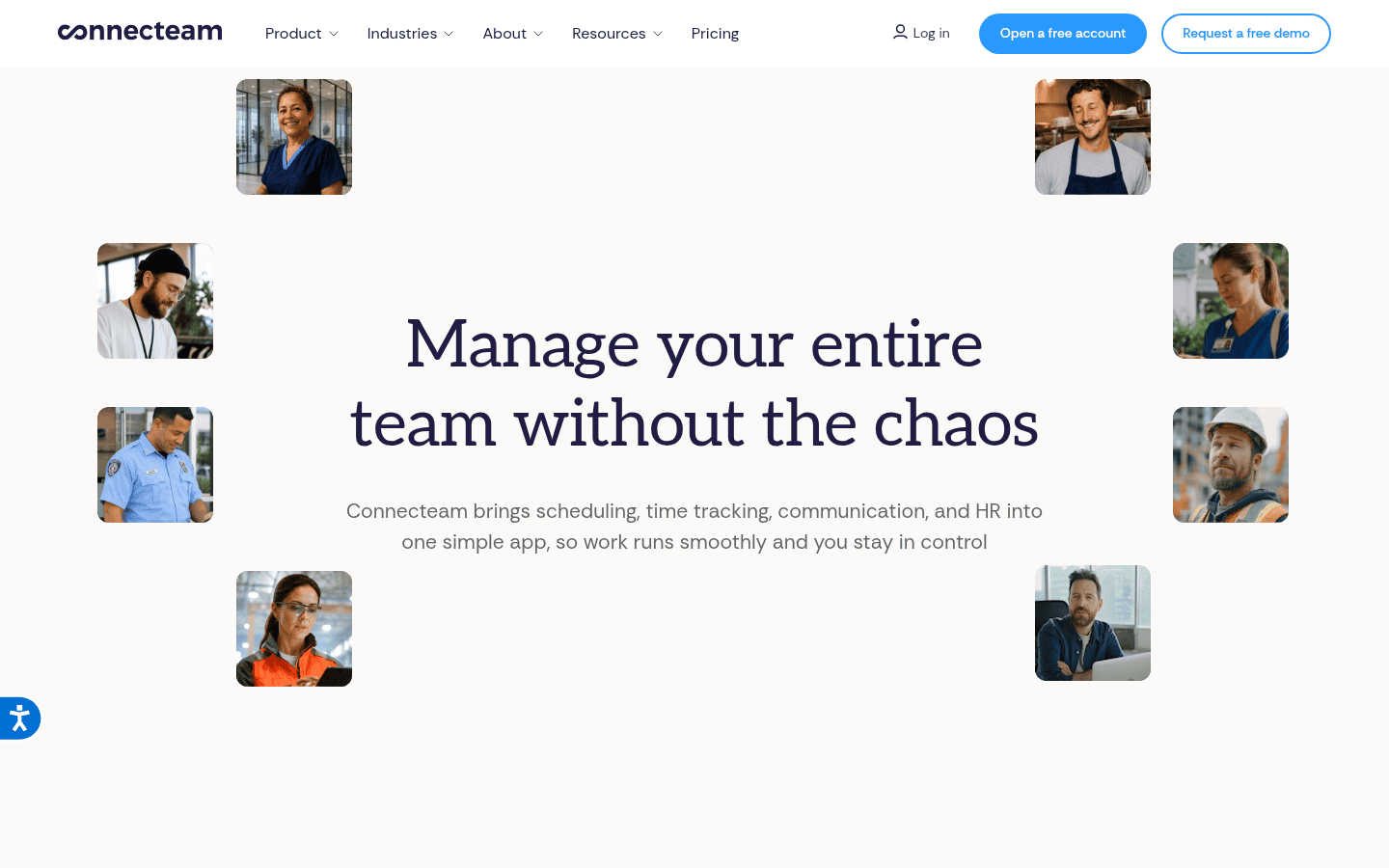
Connecteam bundles scheduling, a GPS time clock, checklists, chat and training into one mobile app built for people who never sit at a desk. Its free Small Business plan includes every hub and feature for up to 10 users.
- Pricing: the Operations hub costs $29, $49 or $99 a month billed yearly for the first 30 users ($35, $59 or $119 monthly), then $0.80 to $4.20 per extra user (Connecteam pricing page).
- Why we picked it: the lowest cost per head for teams of 20 to 30, with a 14 day trial of the top plan.
- Watch out for: auto scheduling is only on Expert, and its pricing table lists no AI scheduling feature.
3. When I Work: best for simple per user pricing
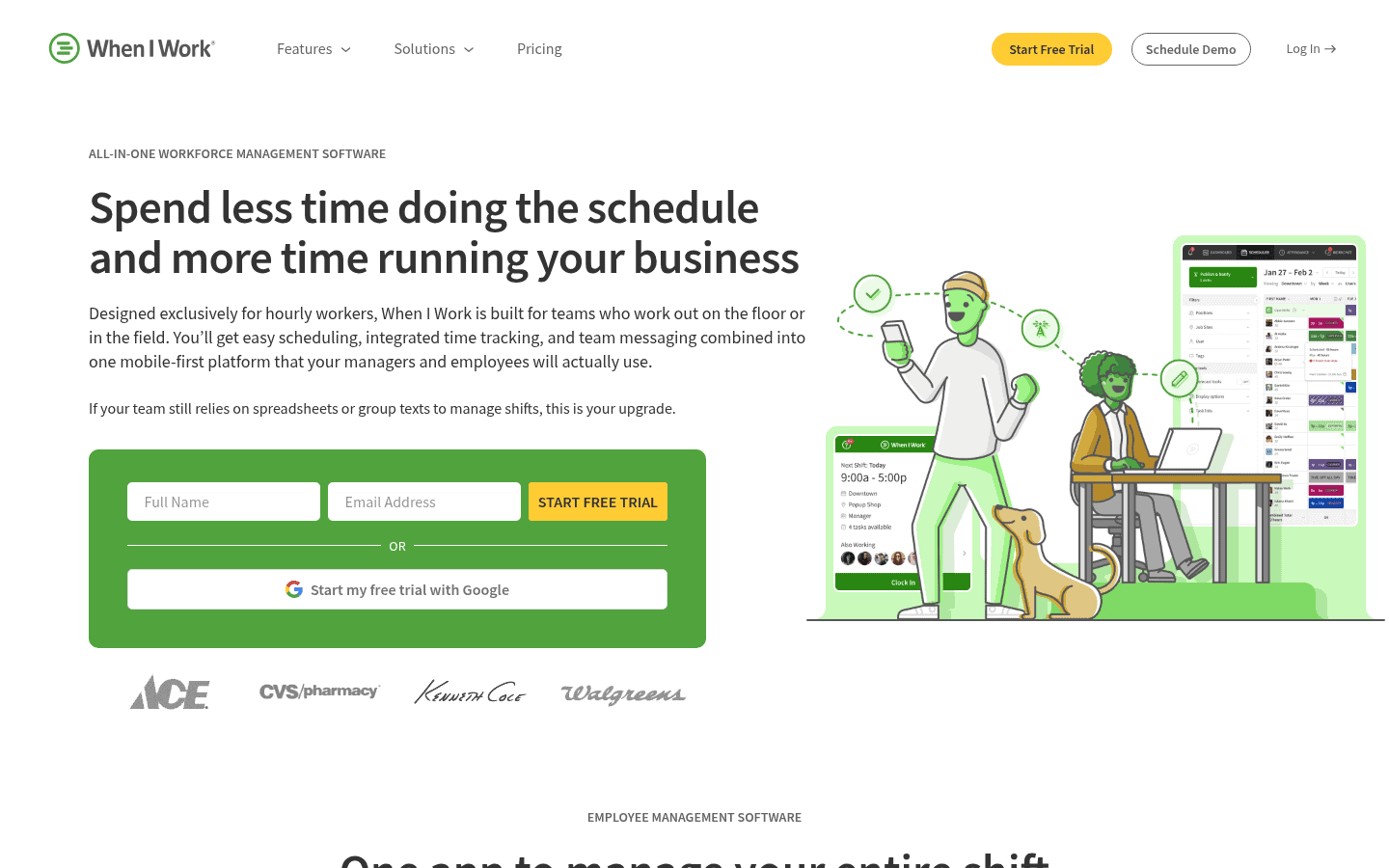
When I Work keeps things simple: pick a plan, pay per user, and get auto scheduling, open shifts and shift swaps from the cheapest tier. It suits hourly teams in retail, healthcare and services that want a clean mobile app without a long setup.
- Pricing: Essentials $2.50, Pro $5 and Premium $8 per user a month, with a 14 day free trial (When I Work pricing).
- Why we picked it: auto scheduling and swaps on every plan at one of the lowest per user prices.
- Watch out for: the time clock shows as a separate toggle with no listed price, and SSO and API access sit on Premium.
4. Deputy: best for labor law compliance and forecasting
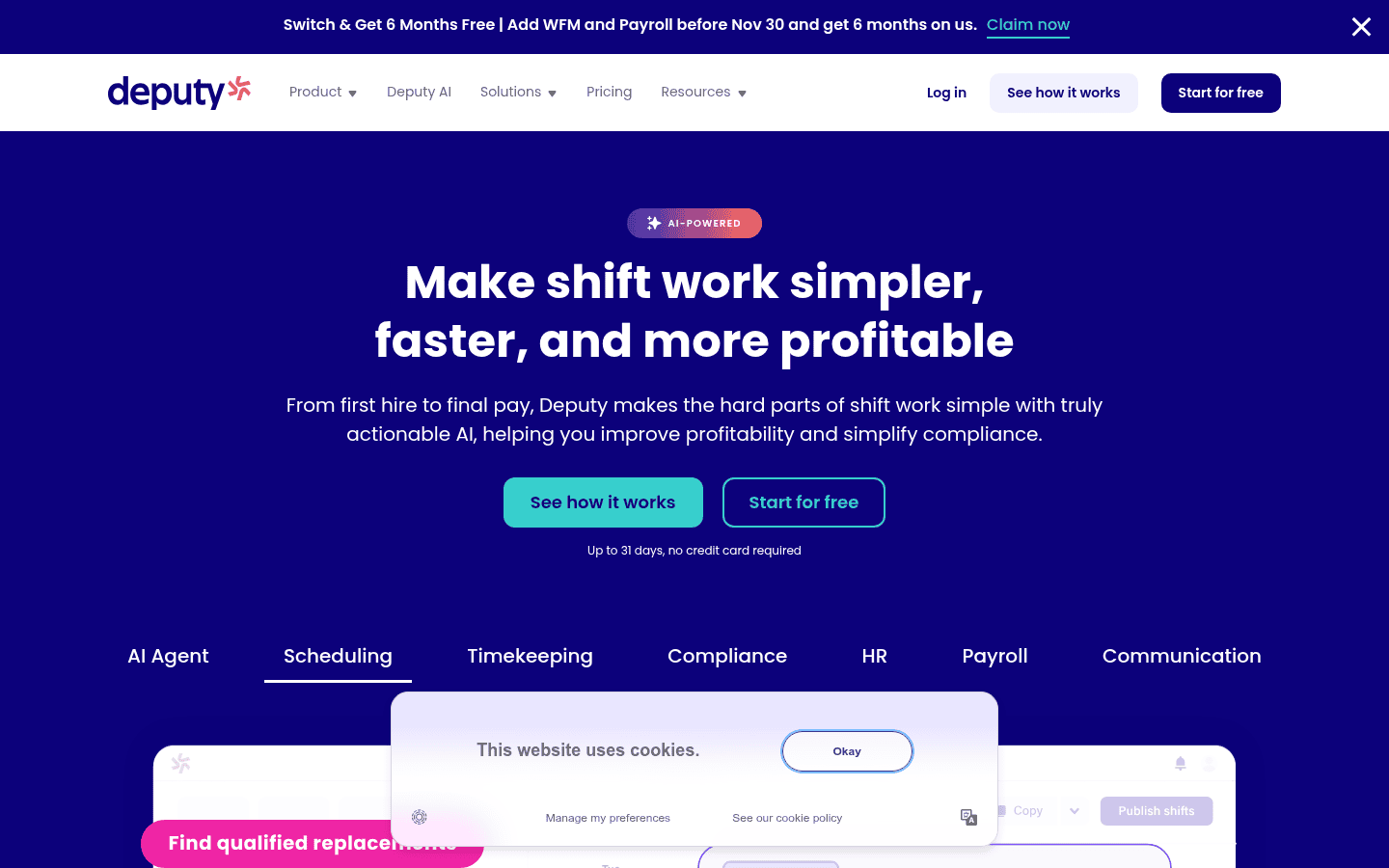
Deputy is the pick for multi state employers worried about breaks, overtime and fair workweek rules. Core and Pro add auto scheduling, demand forecasting, biometric time clocks and advanced labor law compliance, and Deputy AI is included in every plan.
- Pricing: Lite $5, Core $6.50 and Pro $9 per user a month in the US, with a $30 minimum monthly spend on monthly plans and 10% off yearly (Deputy pricing page).
- Why we picked it: the deepest compliance and forecasting tools at a published per user price.
- Watch out for: Deputy labels its AI as introductory and free, and says price and availability may change.
5. 7shifts: best for restaurants
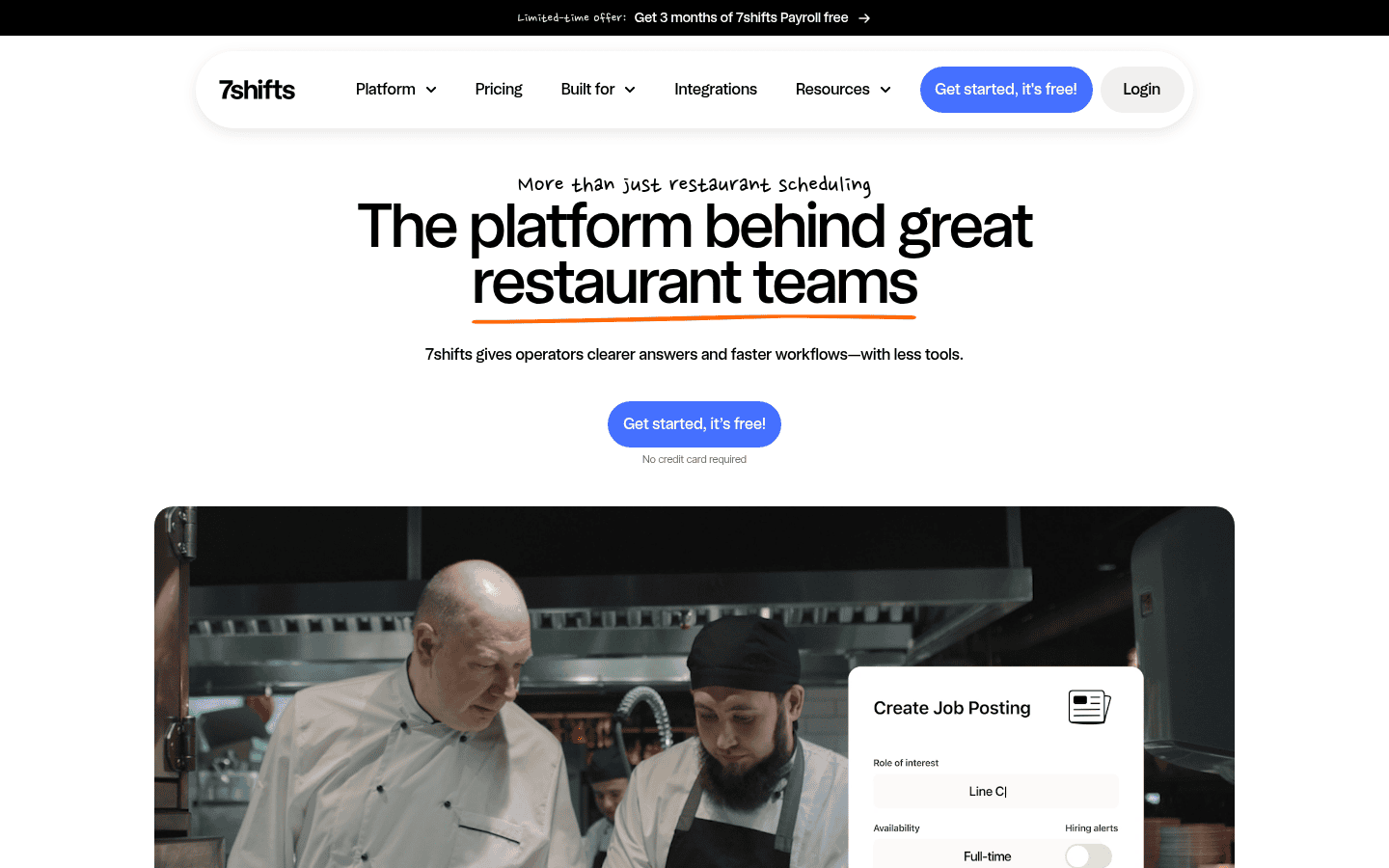
7shifts is built only for restaurants, with tip pooling, labor budgeting against sales, POS integrations and a manager log book. Pricing is per location, so a busy restaurant with a big crew pays the same as a small one on the same plan.
- Pricing: the Comp plan is free for a single small location; paid plans start with Essentials at $39.99 per location a month billed yearly, or $44.99 monthly, for up to 30 employees (7shifts pricing breakdown). 7shifts renamed its plans in 2026, so confirm on its plans page.
- Why we picked it: nothing else on this list fits restaurant workflows as closely.
- Watch out for: labor compliance, advanced budgeting and payroll integration sit on higher plans, and employee caps apply per plan.
6. Sling: best free scheduling for teams up to 30
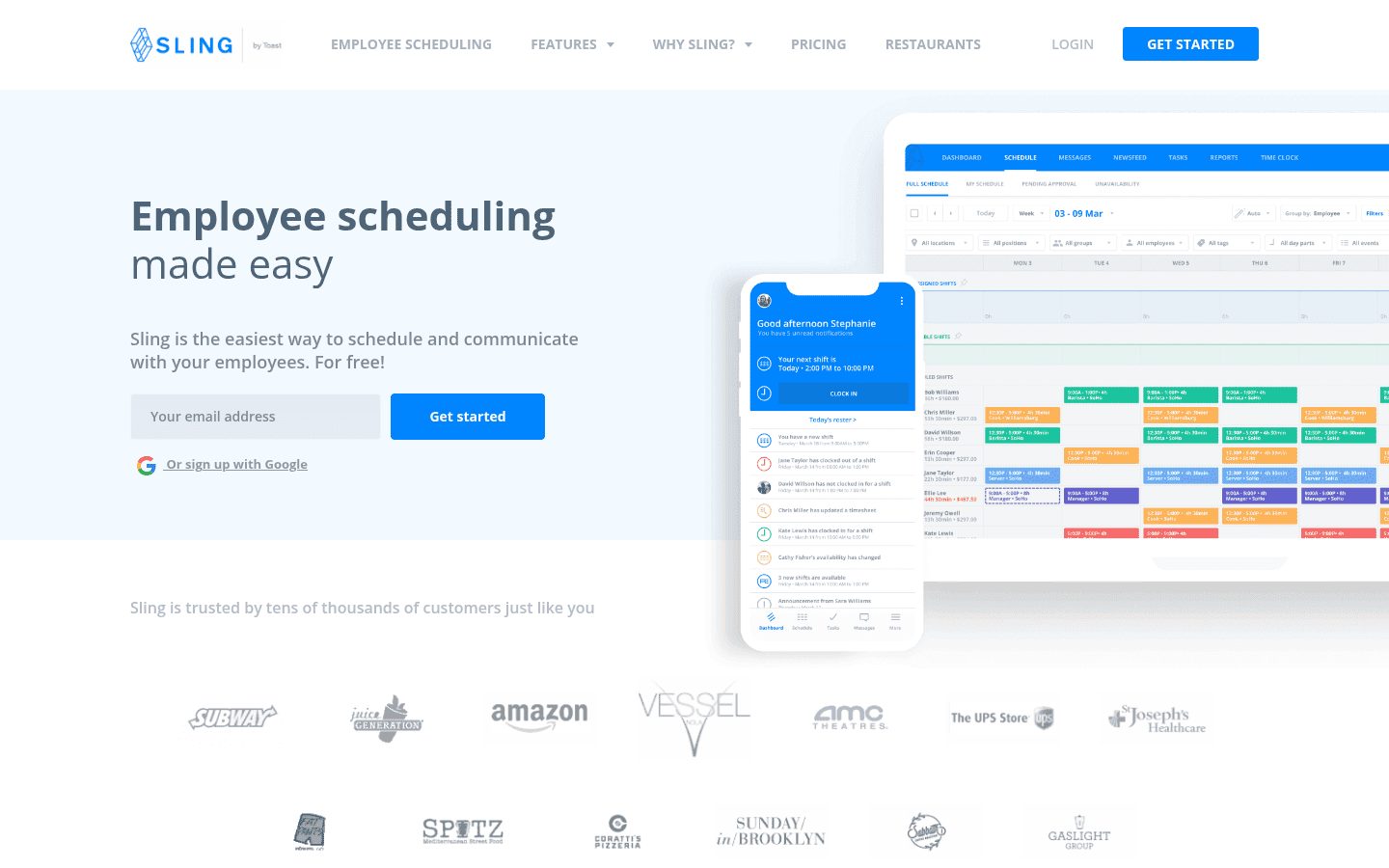
Sling, now owned by Toast, offers free shift scheduling, time off requests, available shifts and messaging for up to 30 users. Paid plans add shift swaps, a mobile time clock with geofencing, timesheets and labor cost tracking against sales.
- Pricing: Premium is $2 and Business is $4 per user a month, or $1.70 and $3.40 on annual billing, with a 15 day trial (Sling pricing page).
- Why we picked it: the most generous free user limit on this list.
- Watch out for: auto assigning shifts and kiosk time tracking are Business only, and the free plan has no time clock.
7. Buddy Punch: best for teams that start with the time clock
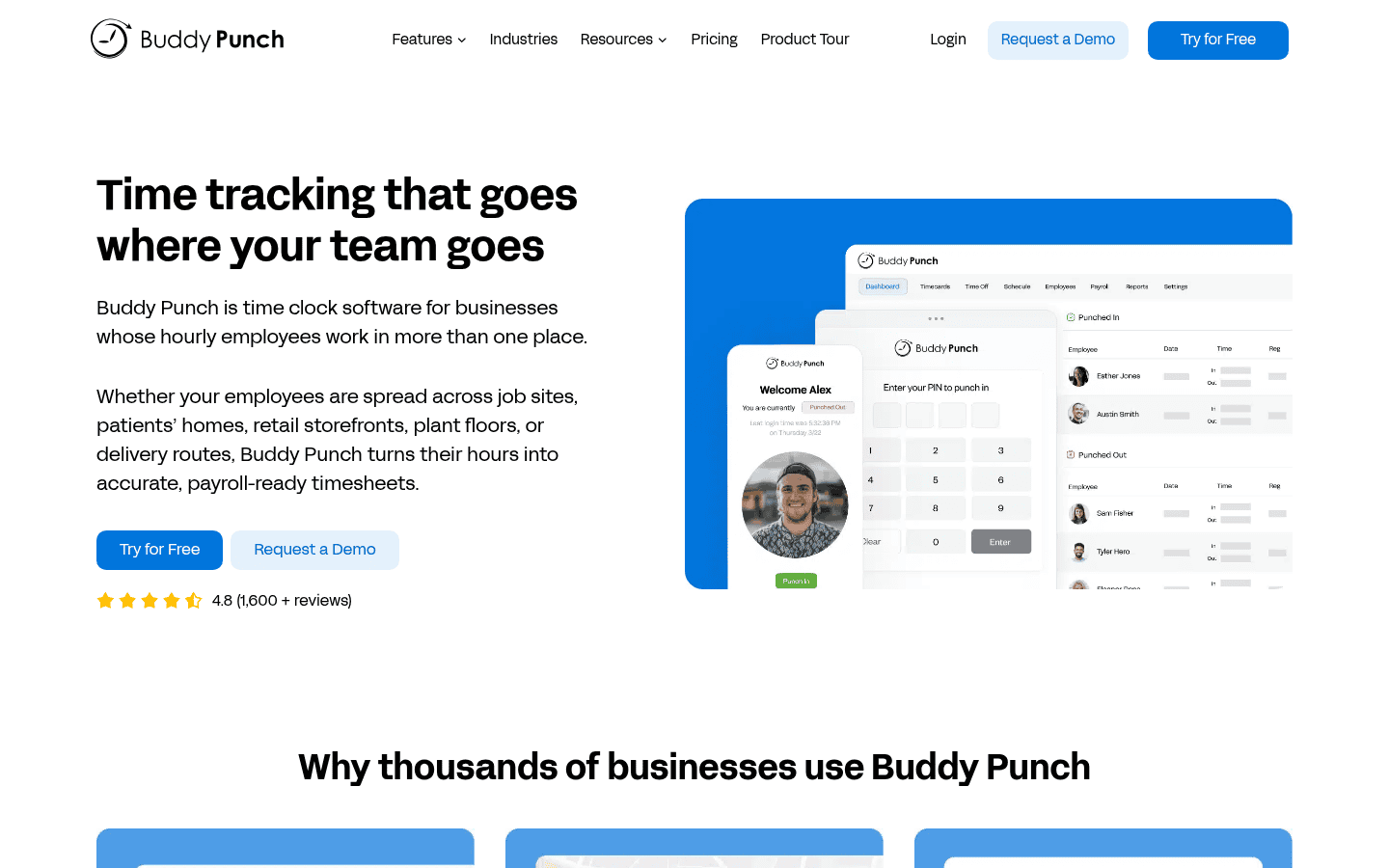
Buddy Punch began as a time clock and added scheduling, so it is strong on punches: GPS, QR codes, kiosks, webcam photos and offline mode. Pro and Advanced plans include MCP access, which lets an AI assistant such as Claude or ChatGPT read your time data.
- Pricing: a $19 monthly base fee plus $4.99, $6.99 or $12.99 per user a month on annual billing, with a 14 day trial (Buddy Punch pricing).
- Why we picked it: the most complete time clock here, and one of the few with MCP access.
- Watch out for: scheduling is a $1 per user add on for Starter, and payroll costs $8 per user plus a $49 base.
8. Shiftbase: best for European teams
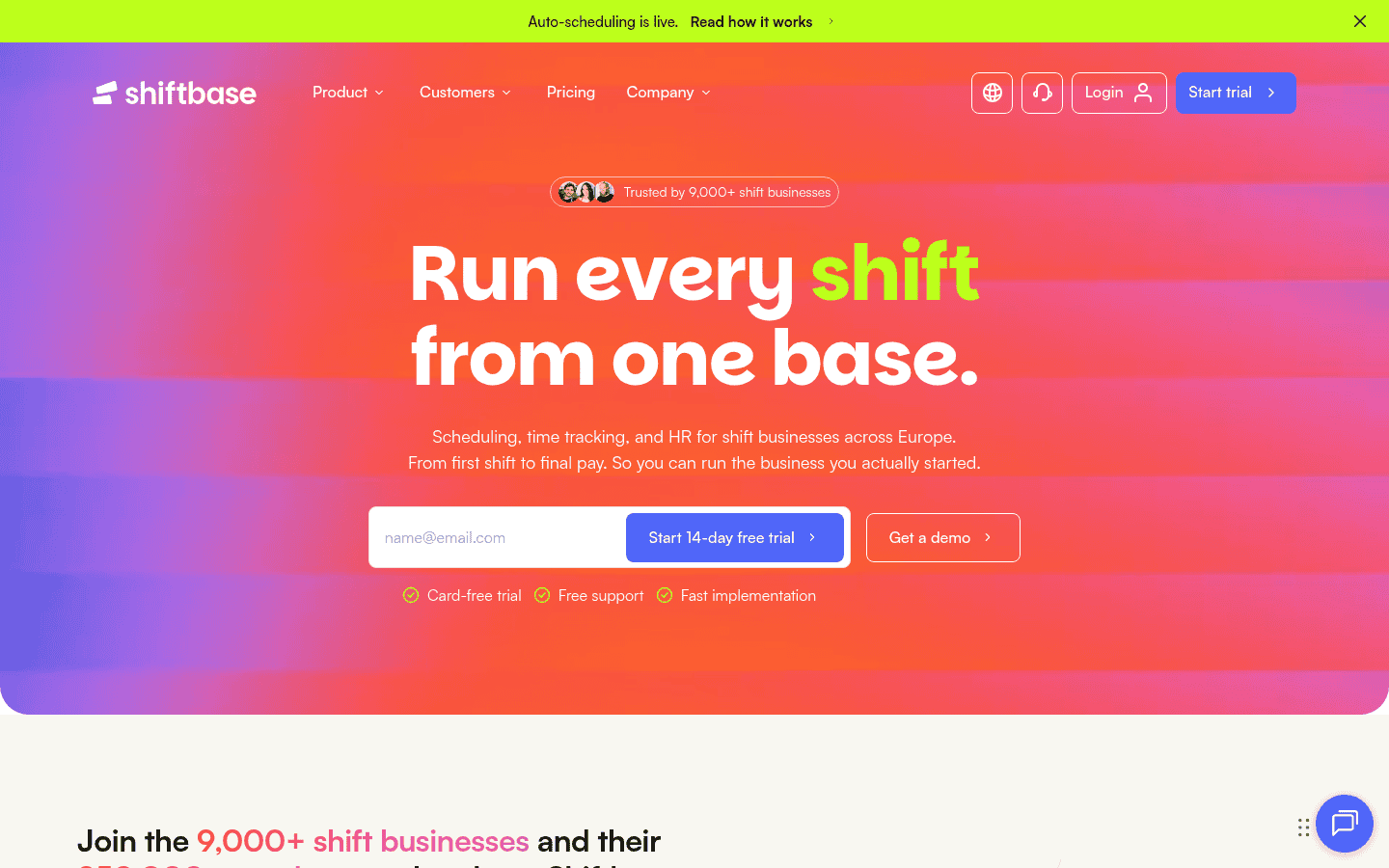
Shiftbase is a Dutch scheduling, time and absence tool priced in euros and pounds. Premium adds auto scheduling that fills shifts across departments up to a month ahead, plus an AI forecast.
- Pricing: free for up to 15 employees; Basic is €30 a month for 6 employees plus €4 each, and Premium is €75 a month for 12 plus €5.25 each, with 10% off yearly (Shiftbase pricing page).
- Why we picked it: strong absence policies and payroll exports for EU employers.
- Watch out for: the free plan only allows manual time entry, and unlimited integrations and API access cost extra through the €20 App Center add on.
9. QuickBooks Time: best for QuickBooks users
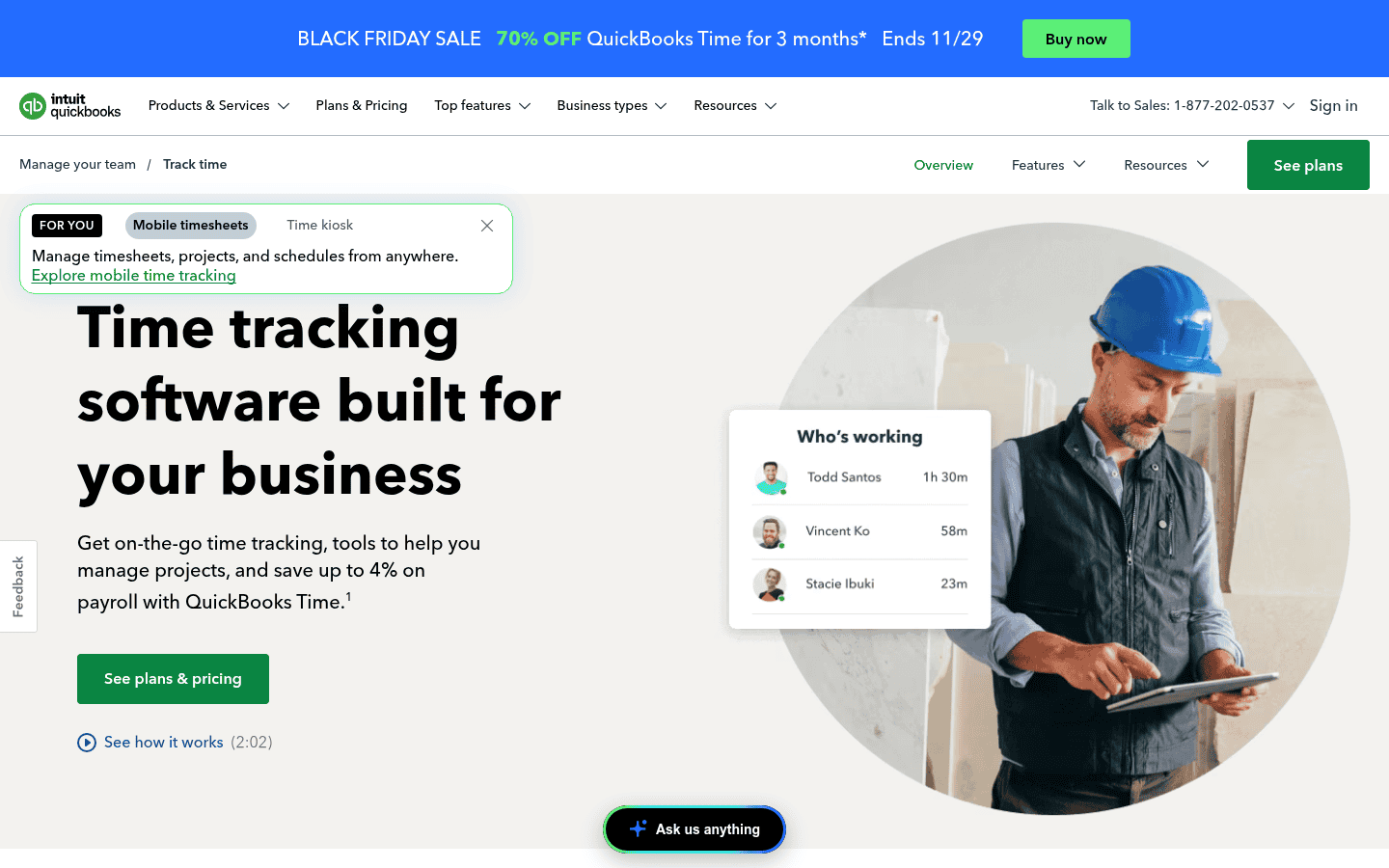
QuickBooks Time, formerly TSheets, is a time tracker with scheduling built in, and it syncs hours straight into QuickBooks payroll and invoicing. It makes most sense when QuickBooks already runs your books.
- Pricing: Time Premium is $20 a month plus $10 per user and Time Elite is $40 plus $12 per user, with an introductory discount on the base fee and a 30 day trial (QuickBooks Time pricing).
- Why we picked it: the cleanest hours to payroll path for QuickBooks shops.
- Watch out for: it is among the most expensive per user here, and geofencing sits on Workforce Elite only.
10. Planday: best for UK and European hospitality
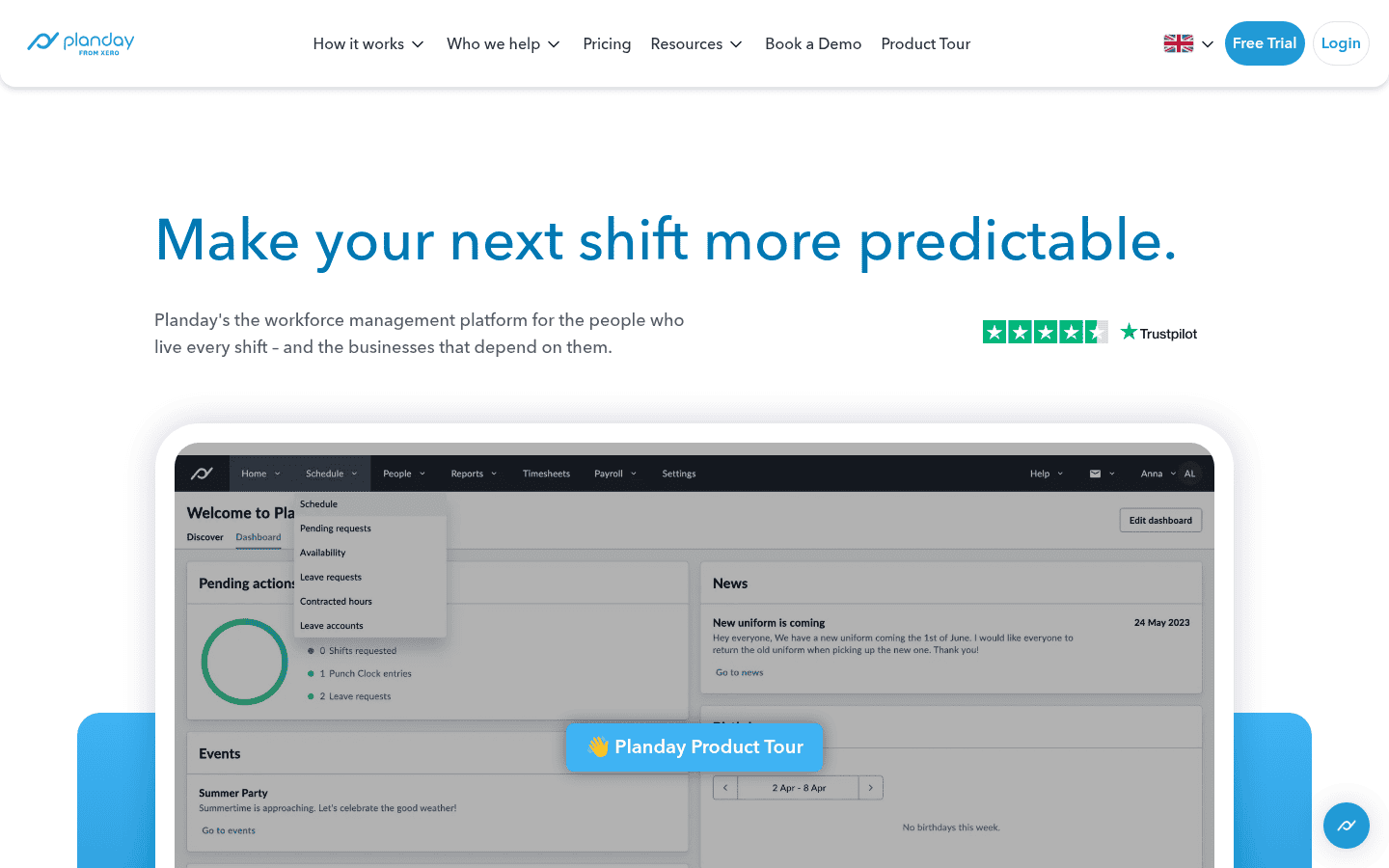
Planday, owned by Xero, is popular with hospitality and retail employers in the UK and Europe. Plans run from simple time tracking to custom Pro packages with auto scheduling, and the pricing page lists access through Claude and ChatGPT.
- Pricing: from £2.99 per user a month with a 5 user minimum on Starter, and a 30 day free trial on Starter and Plus (Planday pricing page).
- Why we picked it: mature payroll reporting and integrations for UK employers.
- Watch out for: Plus and Pro prices are not published, and auto scheduling is on Pro only.
11. ZoomShift: best for tight budgets
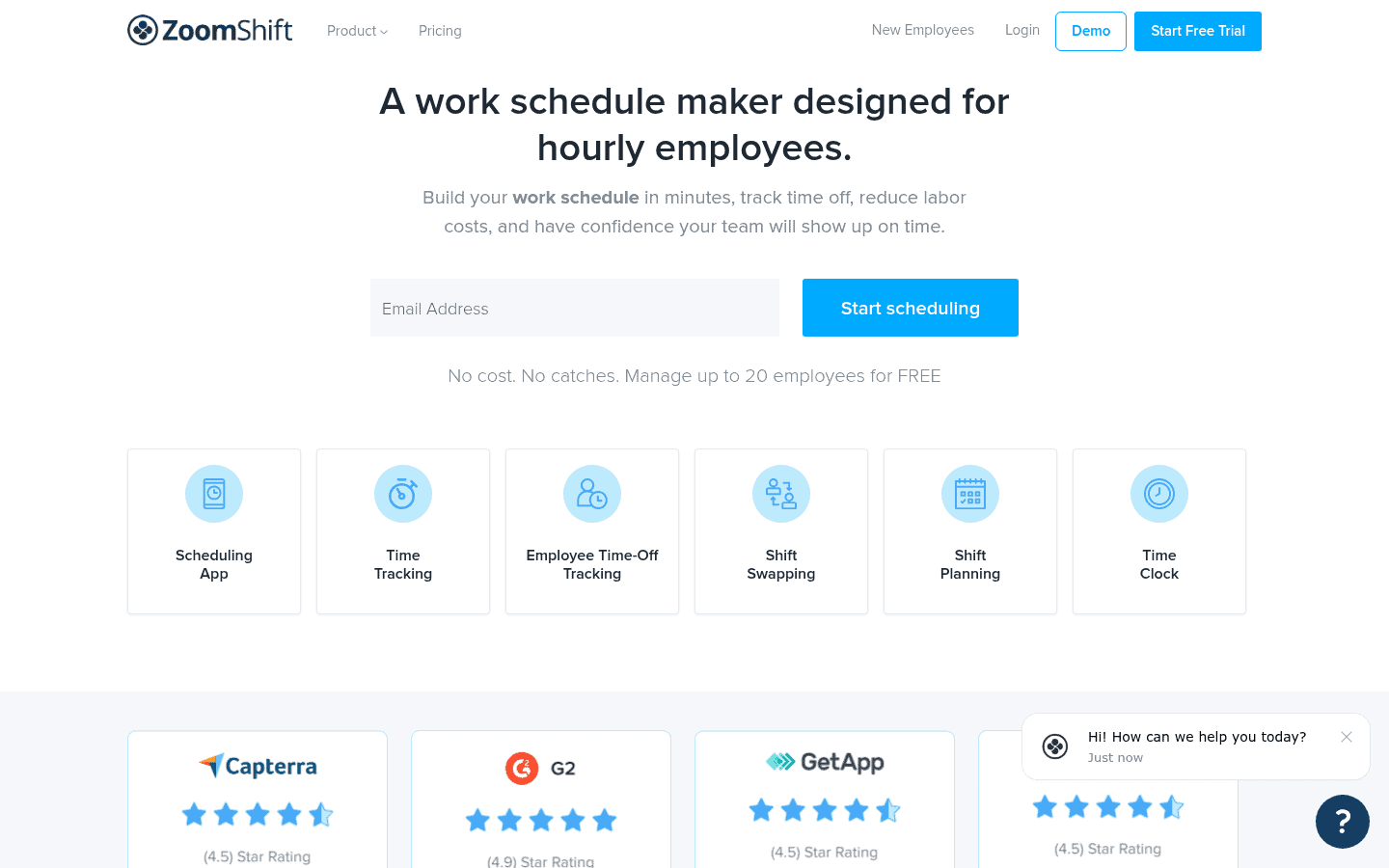
ZoomShift covers the basics at a low price: schedules, shift cover requests and swaps, a time clock, PTO and break tracking, and a payroll report. Premium adds auto scheduling, overtime warnings and a geofenced time clock.
- Pricing: free for up to 20 users on one location; Starter from $2 and Premium from $4 per active team member a month, with a 14 day trial (ZoomShift pricing page).
- Why we picked it: paid features at a price small teams barely notice.
- Watch out for: the free plan only schedules two weeks ahead and has no time clock.
12. Microsoft Teams Shifts: best if you already pay for Microsoft 365
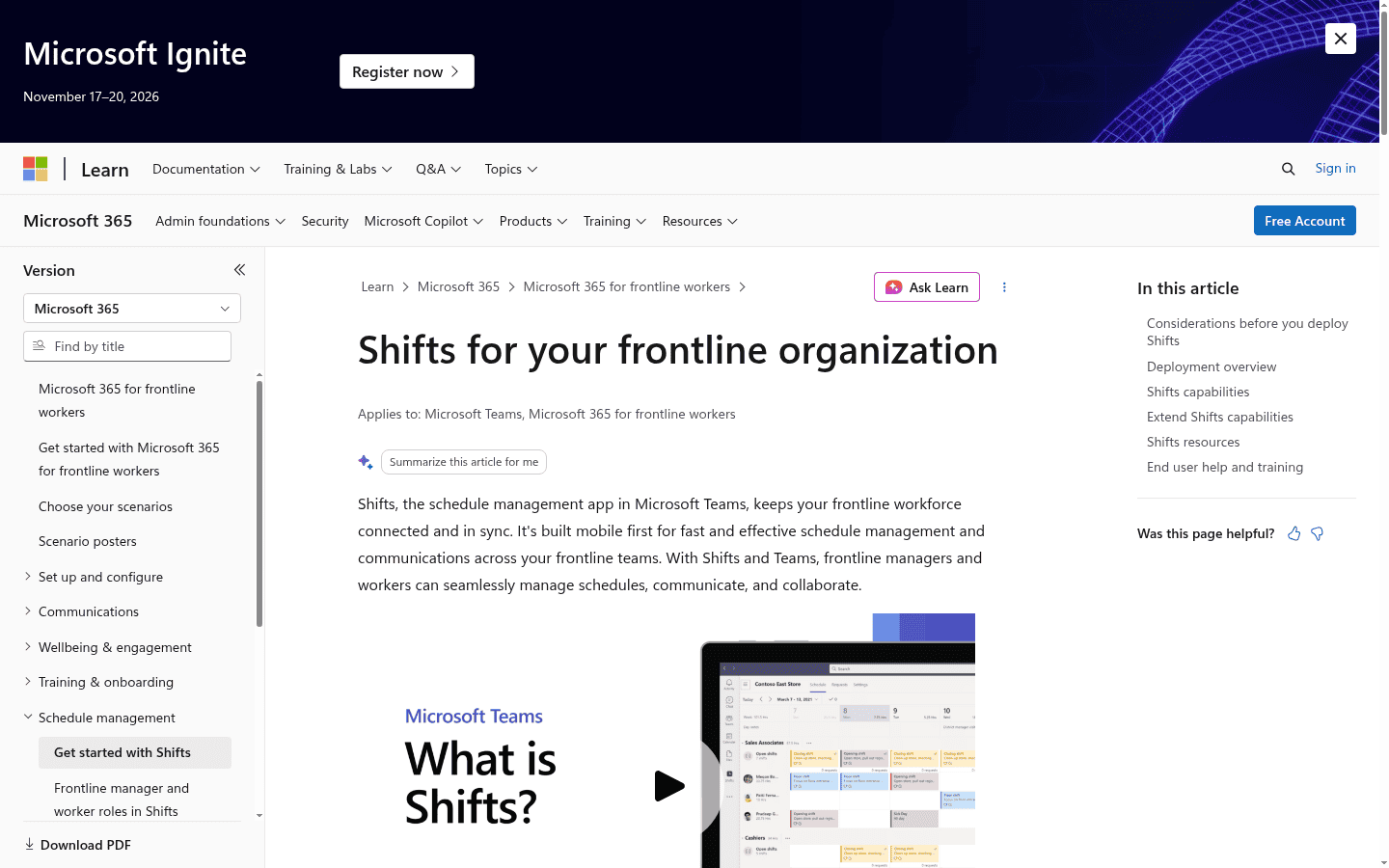
Shifts is the scheduling app inside Microsoft Teams. Managers build schedules or import them from Excel, workers request open shifts, swap or offer shifts to coworkers, and clock in and out of shifts and breaks on their phone (Microsoft Shifts docs).
- Pricing: no extra cost. Microsoft says that if you have Teams, you have Shifts (Shifts help page).
- Why we picked it: zero added cost for companies already on Microsoft 365.
- Watch out for: no auto scheduling, labor forecasting or built in payroll.
Buyer tip: run a two week trial with your real schedule, not a demo account. Load one actual week, have three workers swap shifts on their phones and export the timesheet to payroll. Whatever breaks in that test will break every week.
How much does employee scheduling software cost?
Most tools cost between $2 and $10 per user a month, but vendors charge in three different ways, and the cheapest model depends on how many people you schedule.
| Pricing model | Examples | Cheapest when |
|---|---|---|
| Per user | When I Work, Deputy, Sling, ZoomShift, Planday | You have few staff per site |
| Per location | Homebase, 7shifts | You have many staff in one site |
| Flat bundle plus extra seats | Connecteam, Shiftbase | You have 10 to 30 people in total |
| Base fee plus per user | Buddy Punch, QuickBooks Time | Time tracking matters more than scheduling |
| Included in another license | Microsoft Teams Shifts | You already pay for Microsoft 365 |
Watch for the extras: payroll add ons, minimum monthly spends (Deputy’s is $30 on monthly plans), and features such as auto scheduling or geofencing that only appear on the top tier.
How do you choose the right scheduling app?
| Your situation | Start with | Why |
|---|---|---|
| One small shop, under 10 staff | Homebase or Connecteam free plan | Real features at no cost |
| Up to 30 staff, scheduling only | Sling free plan | Free up to 30 users |
| Restaurant or bar | 7shifts | Tips, POS and labor budgeting |
| Multi state employer | Deputy | Break, overtime and fair workweek rules |
| Field crews and deskless teams | Connecteam | GPS clock, checklists and chat in one app |
| Already on QuickBooks | QuickBooks Time | Hours flow into payroll |
| Already on Microsoft 365 | Teams Shifts | No extra cost |
| UK or EU employer | Planday or Shiftbase | Local currency, absence rules and payroll exports |
Ask four questions in every demo: can workers swap shifts without the manager redoing the schedule, does the time clock stop early clock ins, can it warn before overtime, and does the payroll export match your provider exactly.
Do fair workweek laws change what you need?
Yes, if you have hourly staff in a covered area. Oregon is the only state with a statewide predictive scheduling law, and ten cities and counties have their own, including New York City, San Francisco, Seattle, Philadelphia, Chicago and Los Angeles (law list here). Most require schedules posted about two weeks ahead and extra pay when you change them late.
If any of your sites sit in those places, give compliance tools the most weight. Deputy and the higher plans of 7shifts and Homebase track notice periods and premiums; basic free plans usually do not.
Is AI scheduling worth paying for?
For one location with a stable crew, usually not. Copying last week’s template takes minutes. AI and auto scheduling earn their price when you staff against demand, such as sales forecasts, weather or foot traffic, across several locations, or when you juggle dozens of availability rules. Homebase’s assistant, Deputy AI and Shiftbase’s AI forecast all aim at that problem.
A newer option is connecting scheduling data to an AI assistant you already use. Buddy Punch includes MCP access on Pro, and Planday lists access through Claude and ChatGPT. Our MCP directory tracks which HR tools offer this.
Employee scheduling software FAQ
What is the best free employee scheduling software?
Sling is free for up to 30 users, Connecteam’s Small Business plan is free with every feature for up to 10 users, and Homebase is free for one location with up to 10 employees. ZoomShift and Shiftbase also have free plans.
What is the best scheduling app for small business?
Homebase for a single location, Connecteam for deskless teams and When I Work if you want simple per user pricing. All three run well on a phone.
Can employees swap shifts in these apps?
Yes. Most tools support swaps with manager approval, though Sling and ZoomShift keep swaps off their free plans.
Does scheduling software include a time clock?
Most do on paid plans. Homebase, Connecteam and Microsoft Teams Shifts include one at no cost; Sling and ZoomShift free plans do not.
Is Microsoft Teams Shifts free?
It is included with Microsoft Teams, so there is no separate charge if your staff already have Teams licenses.
What is the difference between scheduling software and workforce management software?
Scheduling apps build and share shifts. Workforce management suites add time and attendance, labor forecasting, compliance and often payroll. Several tools here, such as Deputy and Connecteam, now cover both.
The bottom line
Start free if you can: Homebase, Connecteam and Sling all have plans that cover a small team at no cost. Move to Deputy if compliance keeps you up at night, 7shifts if you run restaurants, and When I Work if you want one simple per user price. Browse every option in our workforce management directory or compare time clock tools.
Sources: Homebase pricing, Connecteam pricing, When I Work pricing, Deputy pricing, 7shifts pricing breakdown, Sling pricing, Buddy Punch pricing, Shiftbase pricing, QuickBooks Time pricing, Planday pricing, ZoomShift pricing, Microsoft Shifts docs, Harvard Shift Project
Free newsletter
Get the Work Insiders weekly
One email a week: the recruiting and HR tech news that mattered, the tools we just added to the directory, and one practical guide. No spam, and you can unsubscribe in one click.