
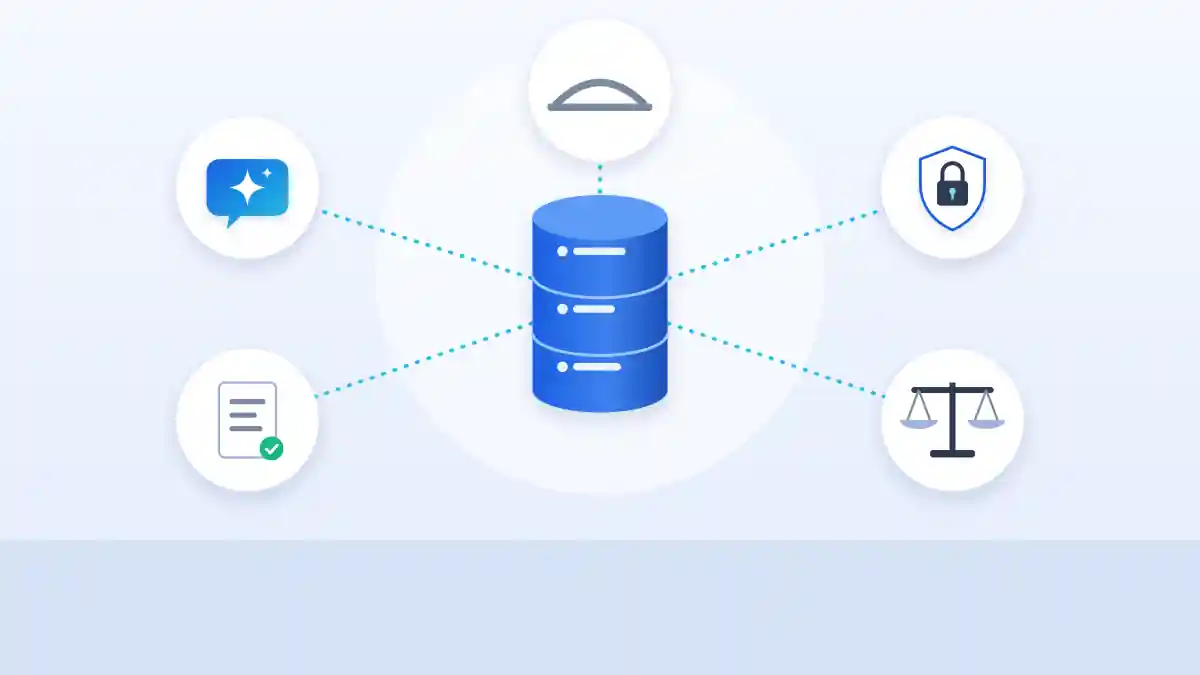
Quick answer: MCP (Model Context Protocol) lets an AI assistant such as Claude, ChatGPT or Copilot read and update your ATS or CRM directly. For a staffing agency that means faster searches, shortlists and reporting, and a new set of risks around who can pull what from your database. This hub collects every guide you need to do it safely, in the order most agencies need them.
Who this is for: agency owners, ops leads and recruiters deciding whether and how to connect AI to agency data.
Where should an agency start with MCP?
Follow these in order. Each guide stands on its own, but together they take you from “what is this” to a controlled rollout.
| Step | Guide | What it answers |
|---|---|---|
| 1. Understand it | What is an MCP server | How MCP works and how it differs from an API |
| 2. See the market | Agencies and MCP access | Which recruiting platforms have MCP and whether agencies are using it |
| 3. Check your ATS | Bullhorn MCP options | Every third party way to connect AI to Bullhorn, with prices |
| 4. Pick your assistant | Assistant comparison | Claude, ChatGPT or Copilot: price, training terms, MCP controls |
| 5. Write the rules | Agency AI policy template | A free policy with sections for MCP connections and offboarding |
| 6. Lock down data | Protect your database | ATS permissions, export limits and what to do when a recruiter resigns |
| 7. Know the threats | Resume prompt injection | Hidden instructions in resumes and why they matter once AI can act |
| 8. Stay legal | Candidate data and AI | Training terms and AI hiring laws in NYC, Illinois, California, Colorado and the EU |
Which tools and connectors can recruiters use with MCP?
Beyond the ATS, most recruiting work touches email, calendar, sourcing and outreach tools. These guides cover them:
- MCP servers for recruiters: everyday tools that connect to Claude, ChatGPT and Copilot
- Our MCP directory: vendor MCP servers with live status checks
- MCP adoption tracker: how many recruiting tools ship one, by category
- Apollo MCP server: contact data and sequences in Claude or ChatGPT
- LinkedIn MCP server: what exists and what is safe to connect
- Atlas vs Spott: two AI native agency CRMs with MCP
What can recruiters actually do once AI is connected?
These hands on guides show real workflows:
- Source candidates with Claude: a six step workflow and copy ready prompt
- Screen resumes with Claude: a scoring rubric and how to check its work
- Claude Code reply desk: sorting hiring manager replies with a skill
What is the safe way to roll out MCP at an agency?
The same five rules come up across every guide in this series:
- One owner makes every connection. Recruiters use approved connections; they do not create their own.
- Business plans only. No agency data in personal AI accounts.
- Permissions before AI. The assistant sees what the user sees, so tighten ATS roles first.
- Read only first. Add write actions one at a time, with confirmations on.
- Close access the day someone resigns. Remove seats and connections, then review recent activity.
Quick answers
What is MCP in recruiting?
A standard way for AI assistants to connect to recruiting software, so you can search, update and report on live ATS or CRM data in plain English.
Is MCP safe for a staffing agency?
It can be, with an owner controlling connections, tight ATS permissions, business AI plans and read only access to start.
Does my ATS support MCP?
Many newer platforms do; Bullhorn does not have an official server. Check our MCP directory.
Which AI assistant should we use?
Claude Team and ChatGPT Business are the simplest for most agencies; Copilot suits Microsoft 365 shops.
Do we need an AI policy first?
Yes. Start with our free policy template.
The bottom line
MCP turns your agency database into something your team can talk to. Get the order right: understand it, check your ATS, pick one assistant, write the rules, lock down permissions, then connect. Follow new MCP launches for recruiting tools on our recruiting news feed.