

Quick answer: For most small hourly teams, Connecteam is the best employee time clock software in 2026, because it is free for up to 10 users and adds GPS, geofences and a kiosk on cheap paid plans. Pick Homebase if you run one location with shift workers, Jibble if you want a free time clock for unlimited users, and Buddy Punch if you need tight payroll exports.
How we picked: we scored 12 tools across five weighted areas using each vendor’s own pricing and product pages. We did not run hands on trials of every app, so treat scores as a buyer’s shortlist, not a lab test.
Last updated: November 17, 2026
What is employee time clock software?
Employee time clock software replaces the punch card. Staff clock in and out on a phone, a shared tablet kiosk, a computer or a chat app, and the tool turns those punches into timesheets with breaks, overtime and paid time off worked out for you. Managers approve the hours, then export them to payroll.
It matters for more than convenience. Under the US Fair Labor Standards Act, employers must keep accurate records of hours worked each day and each week for nonexempt staff, and keep time cards for at least two years, according to the DOL recordkeeping fact sheet. A digital time clock gives you that record without a filing cabinet.
How did we score these time clock apps?
Each tool got a score out of 5 in five areas, weighted by what matters most to an hourly employer.
| Area | Weight | What we looked for |
|---|---|---|
| Clock in options and proof | 30% | Mobile, kiosk, web, GPS, geofences, photo or face checks against buddy punching |
| Pay rules and timesheets | 25% | Overtime, breaks, rounding, approvals, paid time off |
| Ease for staff | 20% | How fast a new hire can clock in without training |
| Price and free plan | 15% | Published prices, free tier, minimums and contracts |
| Payroll exports | 10% | Direct sync to payroll or clean exports |
Which time clock software is best? (comparison table)
| # | Tool | Best for | Free plan | Paid from | Kiosk or GPS | Score |
|---|---|---|---|---|---|---|
| 1 | Deskless teams | Yes, up to 10 users | $29/mo for 30 users | Both | 4.7 | |
| 2 | Single location shift work | Yes, up to 10 staff | $30/location/mo | Kiosk | 4.6 | |
| 3 | Free time tracking at scale | Yes, unlimited users | Quoted | Both | 4.5 | |
| 4 |  Clockify | Billable hours plus attendance | Yes, up to 5 users | $3.99/user/mo | Both, paid | 4.4 |
| 5 | Payroll ready timesheets | No | $19/mo + $4.99/user | Both | 4.4 | |
| 6 | QuickBooks users | No | $20/mo + $10/user | Both | 4.3 | |
| 7 | Scheduling plus time | No | $5/user/mo | Both | 4.3 | |
| 8 | All in one HR | No | From $8/employee + base | Both | 4.1 | |
| 9 |  TimeCamp | Office and project hours | Yes | $3.99/user/mo | Kiosk on top plan | 4.1 |
| 10 | Construction crews | No | Quote | GPS | 4.0 | |
| 11 |  Tickin | Slack based teams | Yes, up to 10 | $1.60/employee/mo | GPS extra | 3.9 |
| 12 | Microsoft Teams Shifts | Microsoft 365 shops | Comes with Teams | Included | Location option | 3.8 |
What are the 12 best employee time clock apps?
1. Connecteam: best for deskless teams
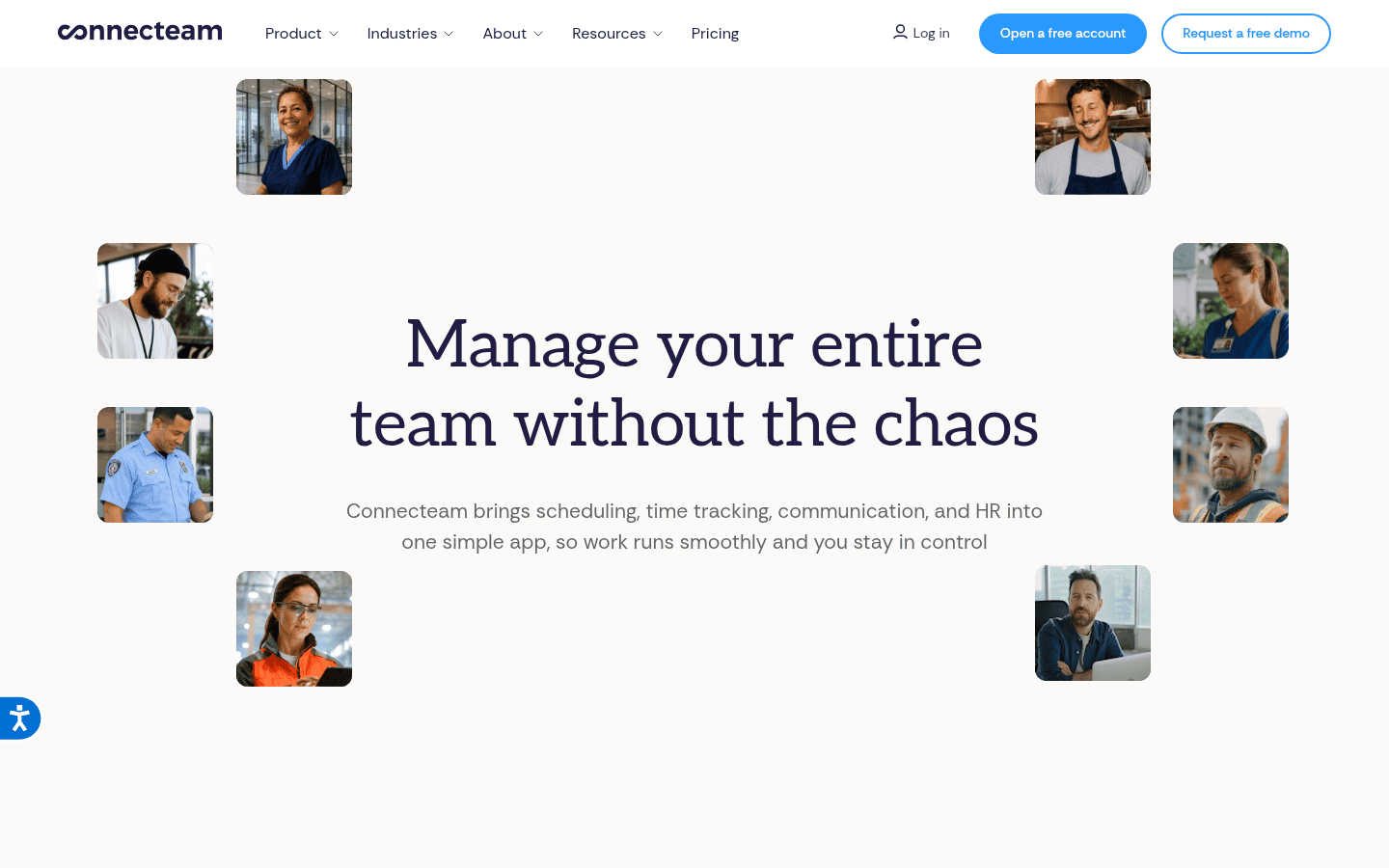
Connecteam is a mobile app for field and shift teams, and its time clock sits in the Operations hub alongside scheduling, forms and chat. Staff clock in from a phone or a shared kiosk, and managers can lock punches to a job site with geofences.
- Pricing: free Small Business plan for up to 10 users with every feature. Operations hub Basic is $29 a month billed yearly for the first 30 users, Advanced $49 and Expert $99 (Connecteam pricing).
- Why we picked it: the flat fee for 30 users makes it one of the cheapest options for a growing crew, and the free plan is not a stripped trial.
- Watch out for: each user past 30 adds a monthly fee that rises on higher plans.
2. Homebase: best for single location shift work
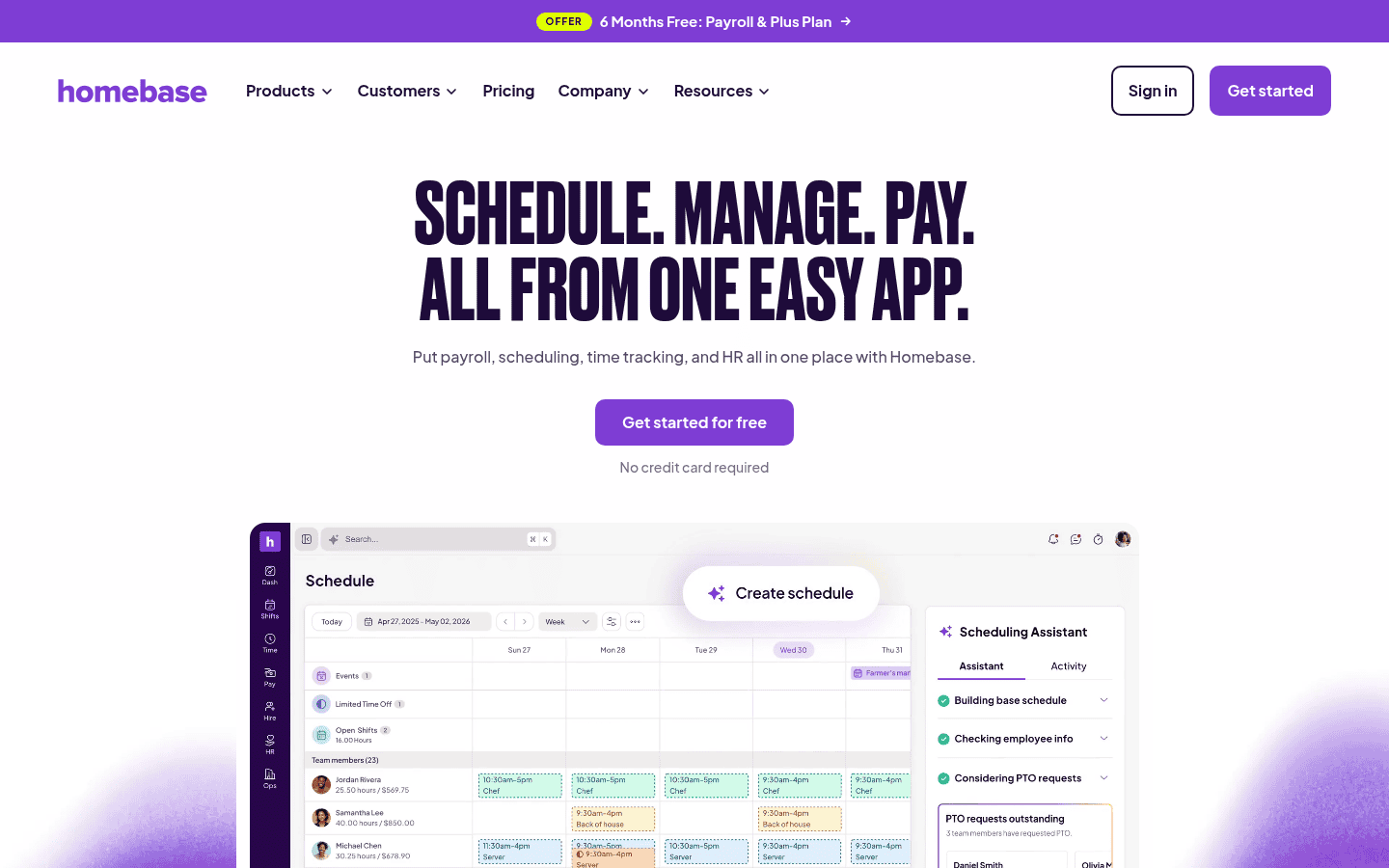
Homebase is built for restaurants, shops and other hourly businesses. Its time clock runs on a tablet, a computer or a point of sale device, and it ties straight into the schedule so late arrivals and early clock ins show up at once.
- Pricing: Basic is free for up to 10 employees at one location and includes the time clock. Essentials is $30 per location a month, Plus $70 and All in One $120 (Homebase pricing).
- Why we picked it: paying per location rather than per person keeps costs flat as you hire.
- Watch out for: payroll is an extra cost, and multi location chains pay per site.
3. Jibble: best for free time tracking at scale
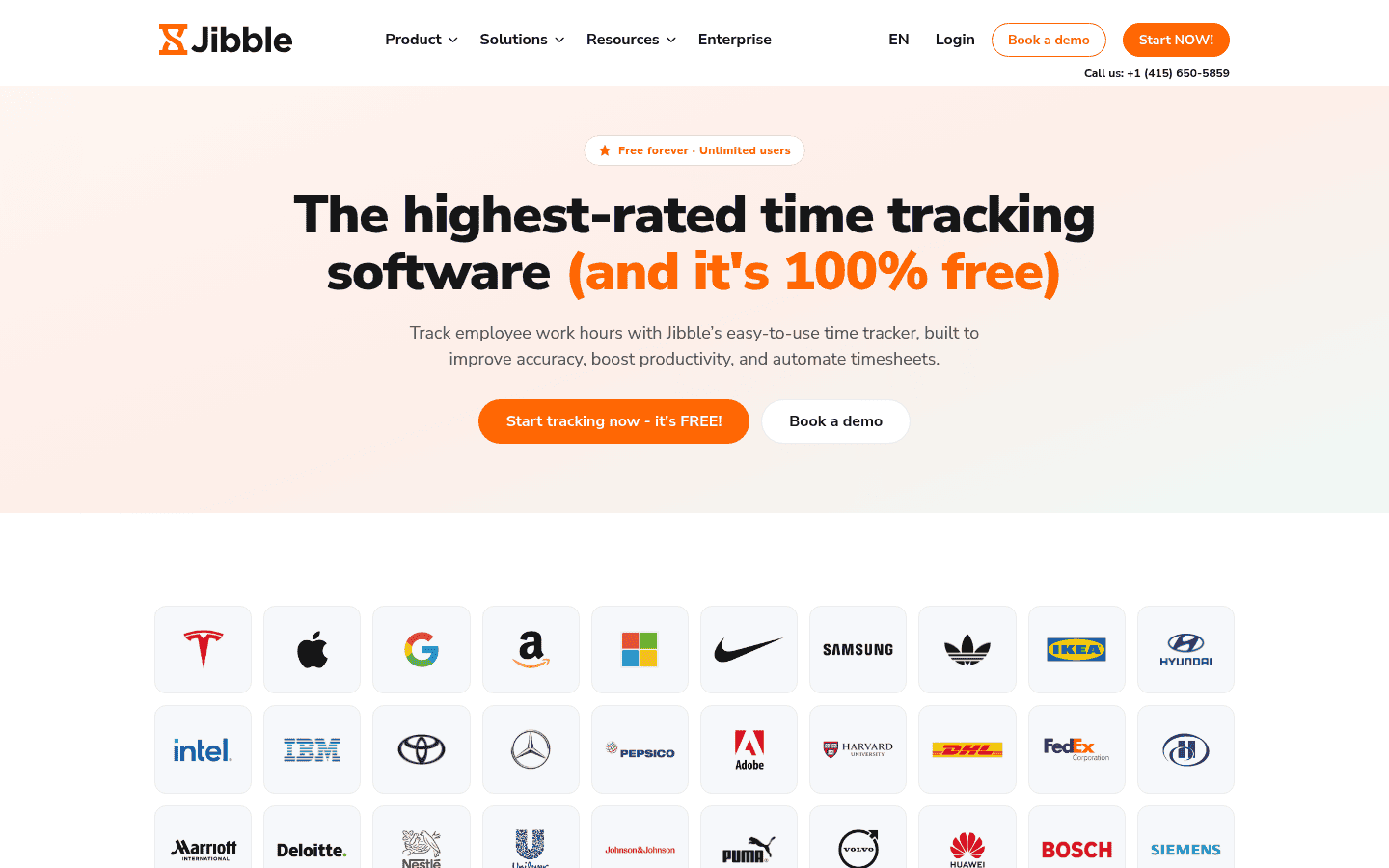
Jibble is a time and attendance app with a free plan that has no user cap. Staff clock in from a phone, the web, a shared device, Slack or Microsoft Teams, and entries made offline sync later. Its site lists face recognition, selfies and location checks to stop buddy punching.
- Pricing: free forever for unlimited users with mobile and web clock ins, basic timesheets and integrations. Paid plans are quoted on its site (Jibble pricing).
- Why we picked it: it is the only standalone app here that is free for a 100 person team.
- Watch out for: check which verification features sit on paid plans before you roll out.
4. Clockify: best for billable hours plus attendance
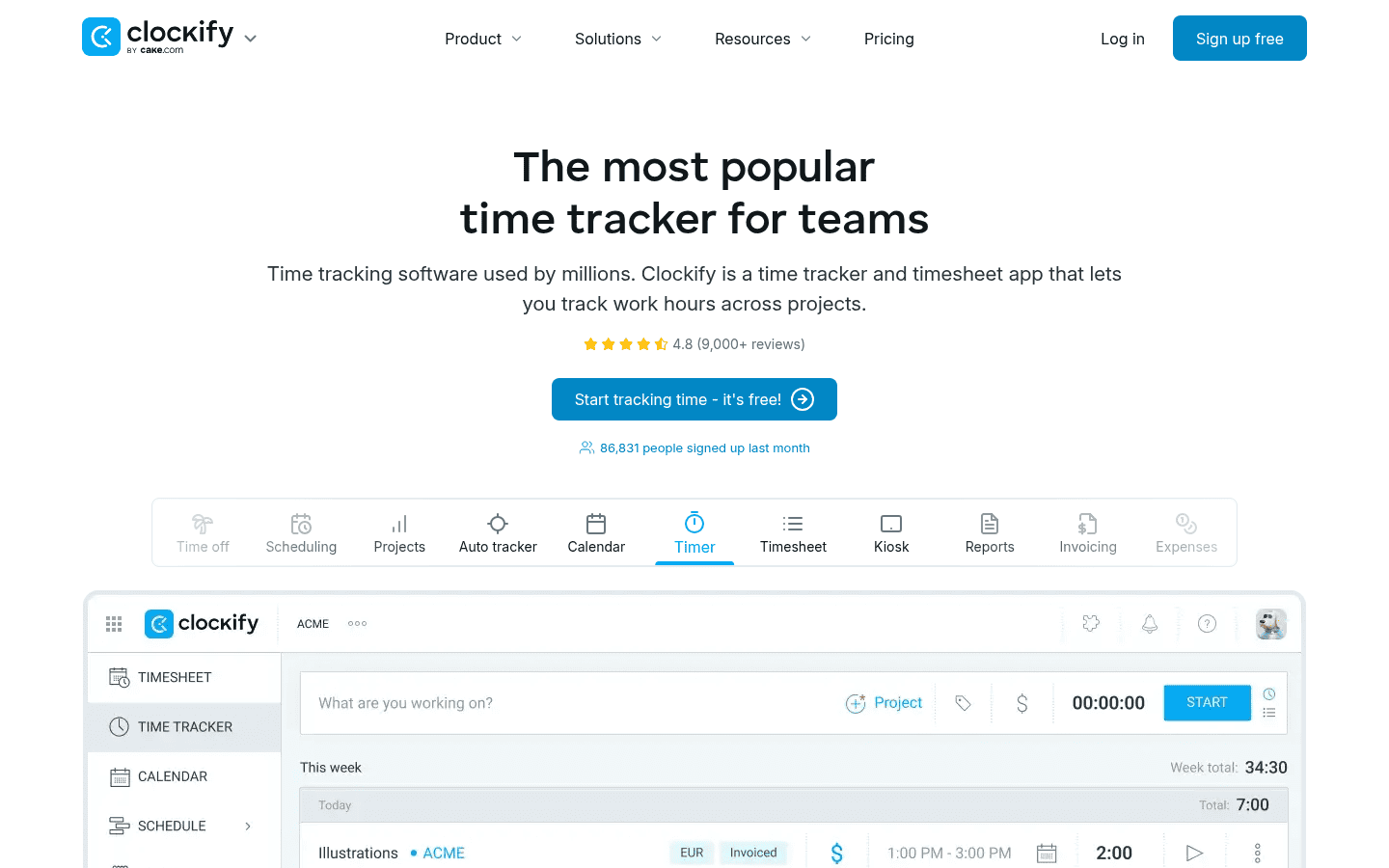
Clockify began as a project timer and now adds a kiosk, timesheets, time off and GPS. It suits teams that bill clients by the hour and also need attendance records.
- Pricing: free for up to 5 users. Basic is $3.99 per seat a month billed yearly ($4.99 monthly), Standard $5.49, Pro $7.99 with GPS and Enterprise $11.99 (Clockify pricing).
- Why we picked it: the kiosk starts on Basic, so a shared clock in tablet costs very little.
- Watch out for: GPS tracking needs Pro, and the free plan has no kiosk.
5. Buddy Punch: best for payroll ready timesheets
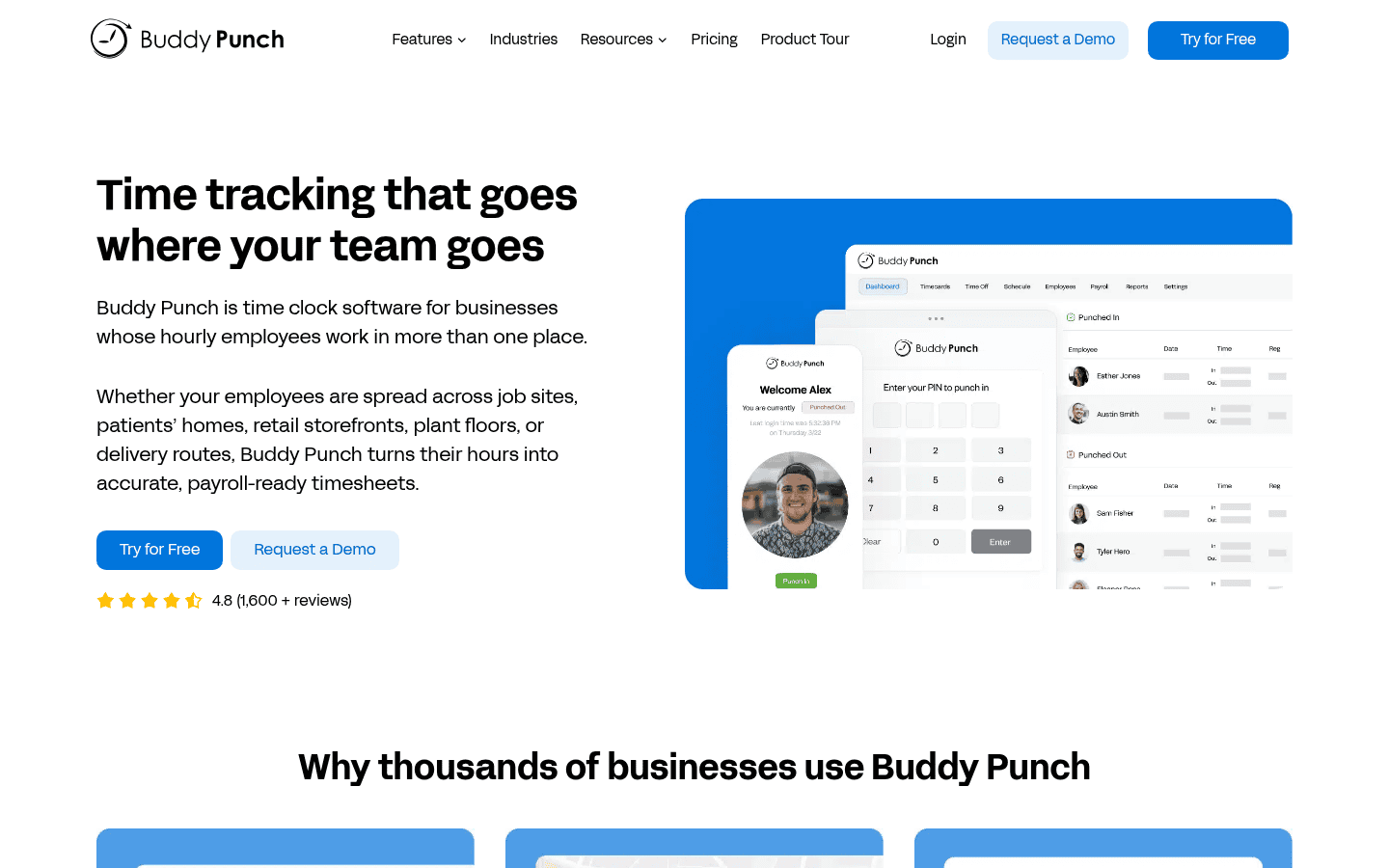
Buddy Punch is a dedicated time clock with overtime rules, PTO accruals and exports to most payroll providers. Every plan captures GPS on each punch, and Pro adds webcam photos.
- Pricing: $19 a month base fee plus $4.99 per user on Starter, $6.99 on Pro or $12.99 on Advanced, billed yearly. There is a 14 day trial with no card (Buddy Punch pricing).
- Why we picked it: the timesheet and approval flow is built around clean payroll runs.
- Watch out for: live GPS tracking is $2 per user extra below Advanced.
6. QuickBooks Time: best for QuickBooks users
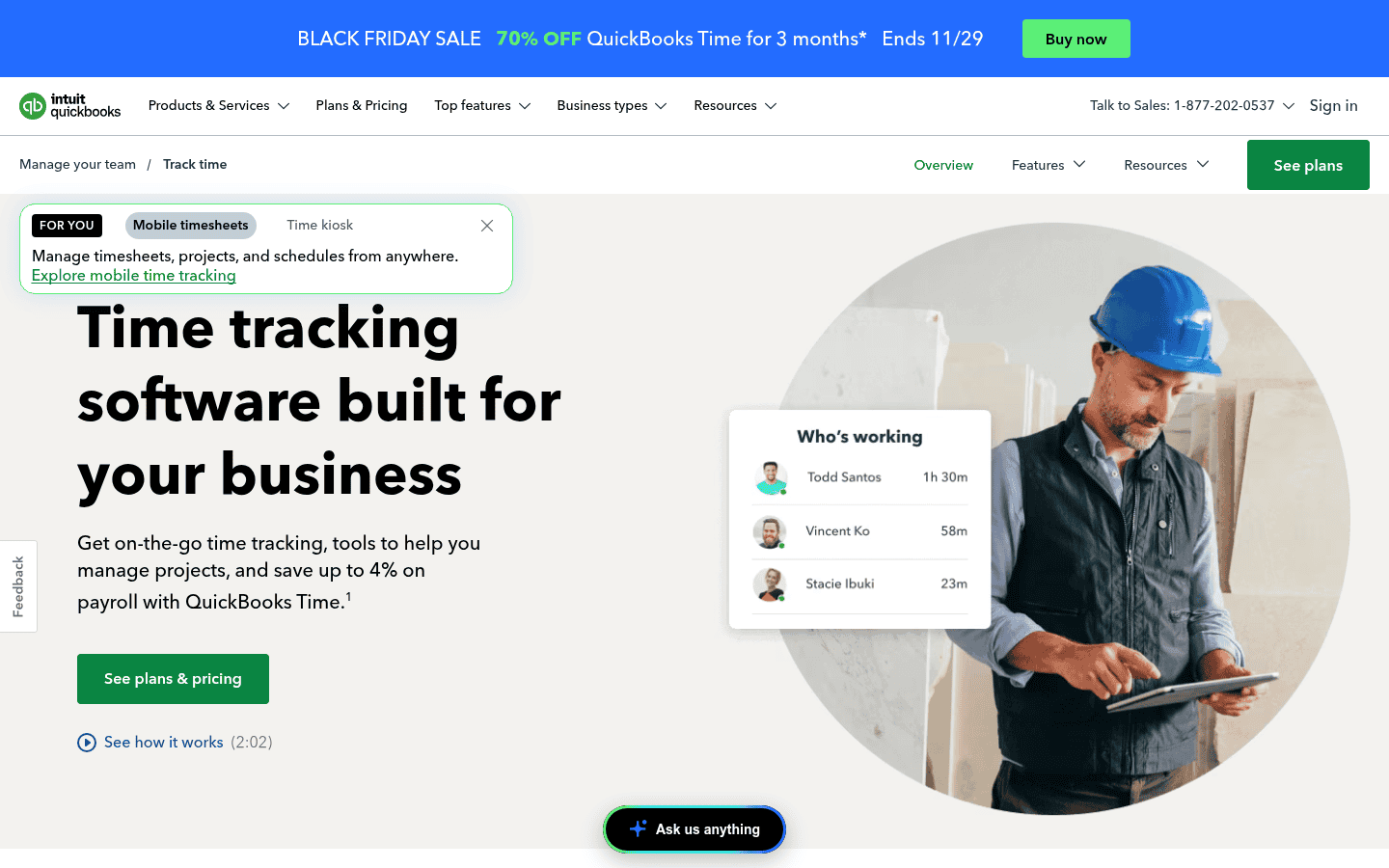
QuickBooks Time, formerly TSheets, sends approved hours straight into QuickBooks Payroll and job costing. Crews clock in on mobile or a kiosk, and the Elite plan adds mileage and project tracking.
- Pricing: Time Premium is $20 a month base plus $10 per user, and Time Elite $40 base plus $12 per user, with a lower base fee for the first three months (QuickBooks Time pricing).
- Why we picked it: approved hours flow straight into QuickBooks Payroll.
- Watch out for: per user costs are high for teams that do not use QuickBooks.
7. Deputy: best for scheduling plus time
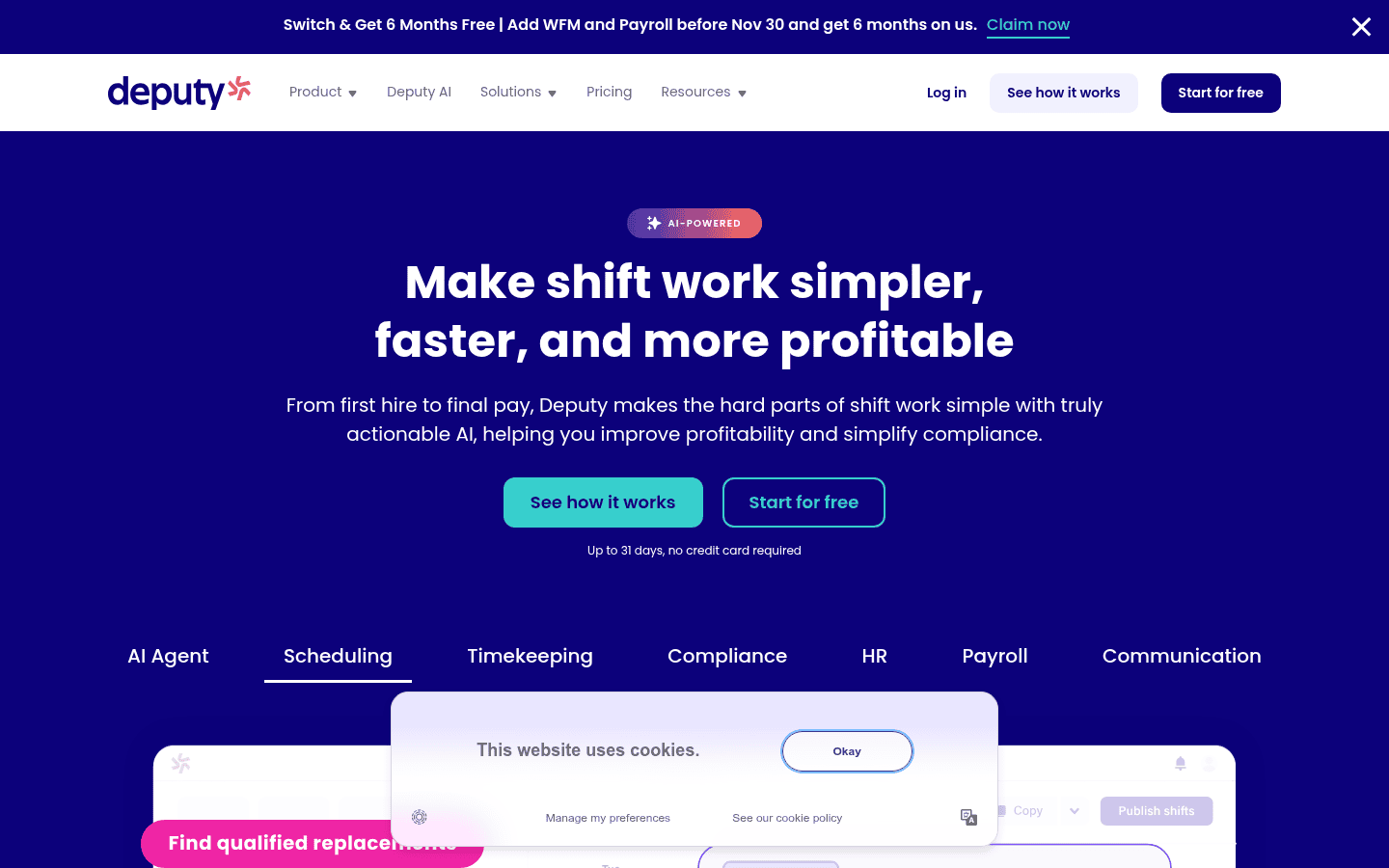
Deputy pairs a strong shift scheduler with a time clock that can check the punch against the roster. Core adds biometric clock in on its kiosk app and automatic approval of timesheets that match the schedule.
- Pricing: Lite is $5 per user a month, Core $6.50 and Pro $9 in the US. Monthly plans have a $30 minimum per invoice (Deputy pricing).
- Why we picked it: schedule aware timesheets cut the review work for managers.
- Watch out for: the minimum spend hurts very small teams.
8. Rippling: best for all in one HR
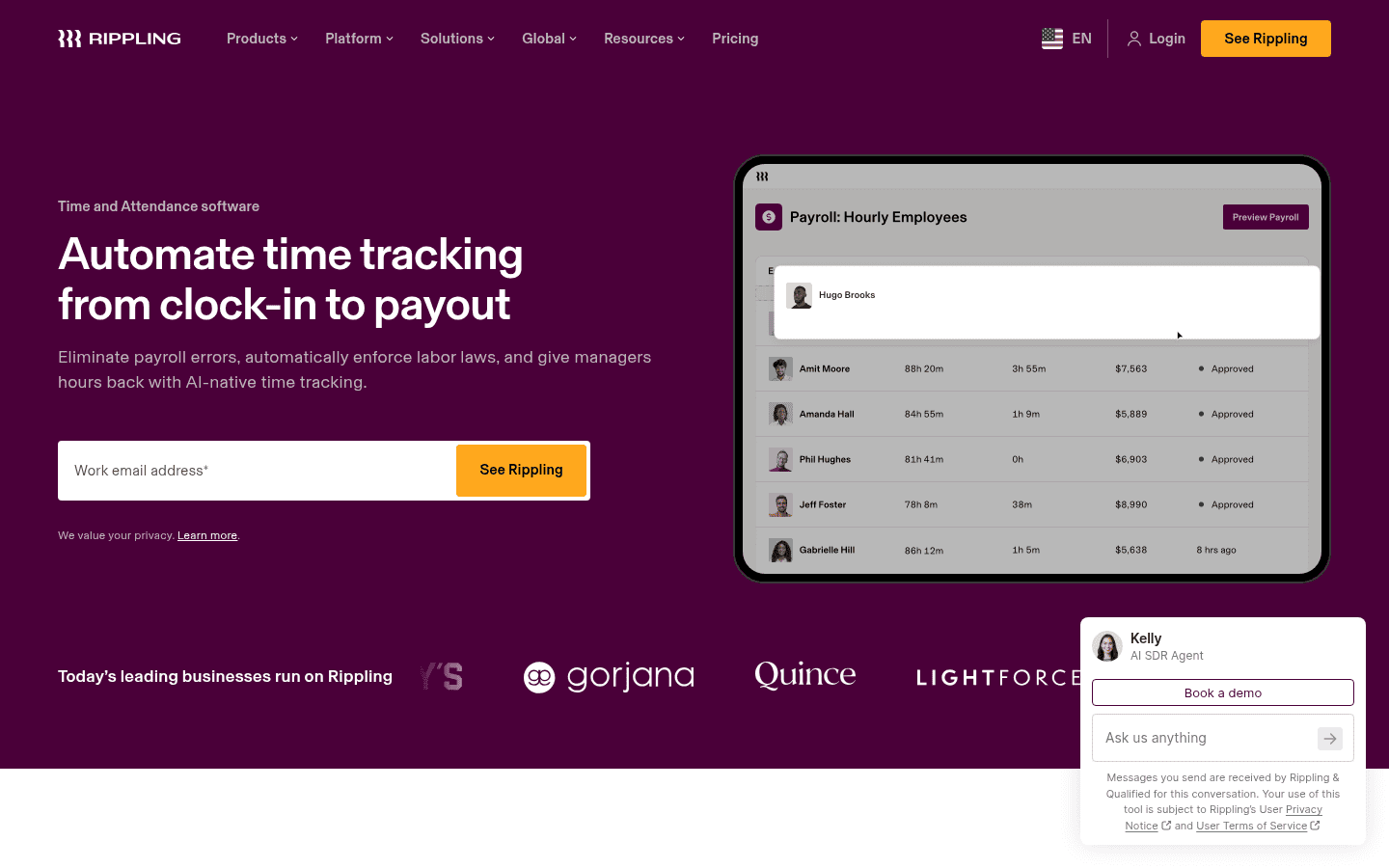
Rippling Time and Attendance lets staff clock in on mobile, the web or a device, alerts managers about overtime and missed breaks, and sends hours straight into Rippling Payroll.
- Pricing: quoted. Rippling says its platform starts at $8 per employee a month plus a base fee, with each module priced on top (Rippling pricing).
- Why we picked it: labor law rules and payroll live in one record, so there is no export step.
- Watch out for: you are buying into the whole Rippling platform, not a cheap standalone clock.
9. TimeCamp: best for office and project hours
TimeCamp tracks time automatically on the desktop and suggests entries, then adds attendance and leave from its Starter plan. It fits office and agency teams more than shift workers.
- Pricing: free plan, then Starter $3.99 per user a month billed yearly, Premium $6.99 and Ultimate $9.99, plus a custom Enterprise plan that includes the time clock kiosk (TimeCamp pricing).
- Why we picked it: one tool covers both attendance and billable project hours.
- Watch out for: a shared kiosk needs the custom priced top plan.
10. ClockShark: best for construction crews
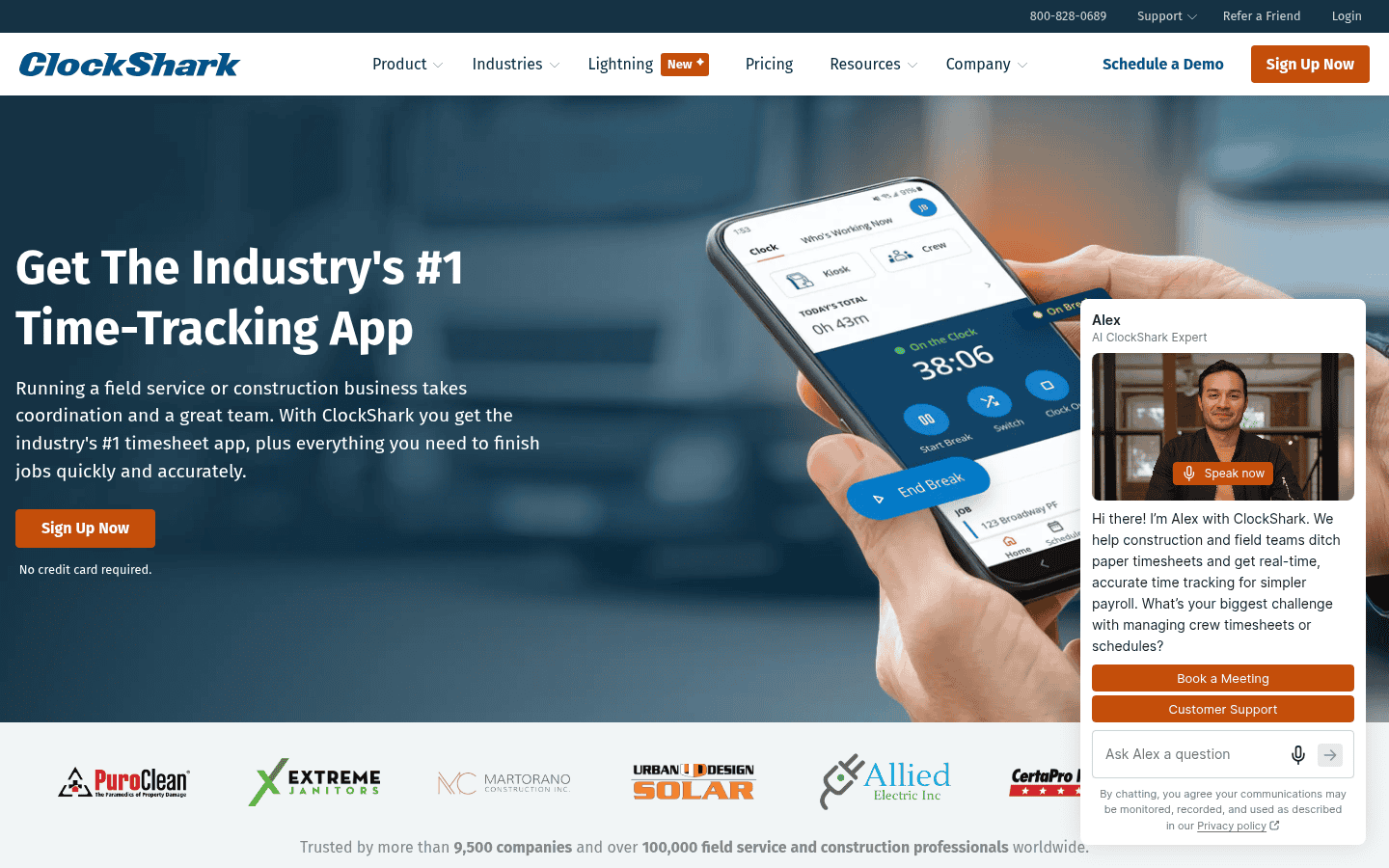
ClockShark is made for field service and construction. Crews clock in to jobs with GPS, foremen can clock in a whole crew at once, and hours roll up into job costing.
- Pricing: Standard and Pro are priced per user but not published. A 14 day trial includes Pro features (ClockShark pricing).
- Why we picked it: job and crew tracking fits contractors better than general apps.
- Watch out for: its pricing page says a three year contract term applies to all plans.
11. Tickin: best for teams that live in Slack
Tickin tracks clock ins, breaks and leave from one command in Slack or Microsoft Teams, so remote and hybrid staff never open another app. Managers approve requests in a tap and get a daily report of who is out.
- Pricing: free for up to 10 employees. Starter is $1.60 per employee a month billed yearly, Growth $2.40 with payroll and Microsoft Teams, and Scale $4.80 (Tickin website).
- Why we picked it: the lowest paid price on this list for office and remote teams.
- Watch out for: Microsoft Teams needs Growth or Scale, and GPS check in is a paid extra.
12. Microsoft Teams Shifts: best for Microsoft 365 shops
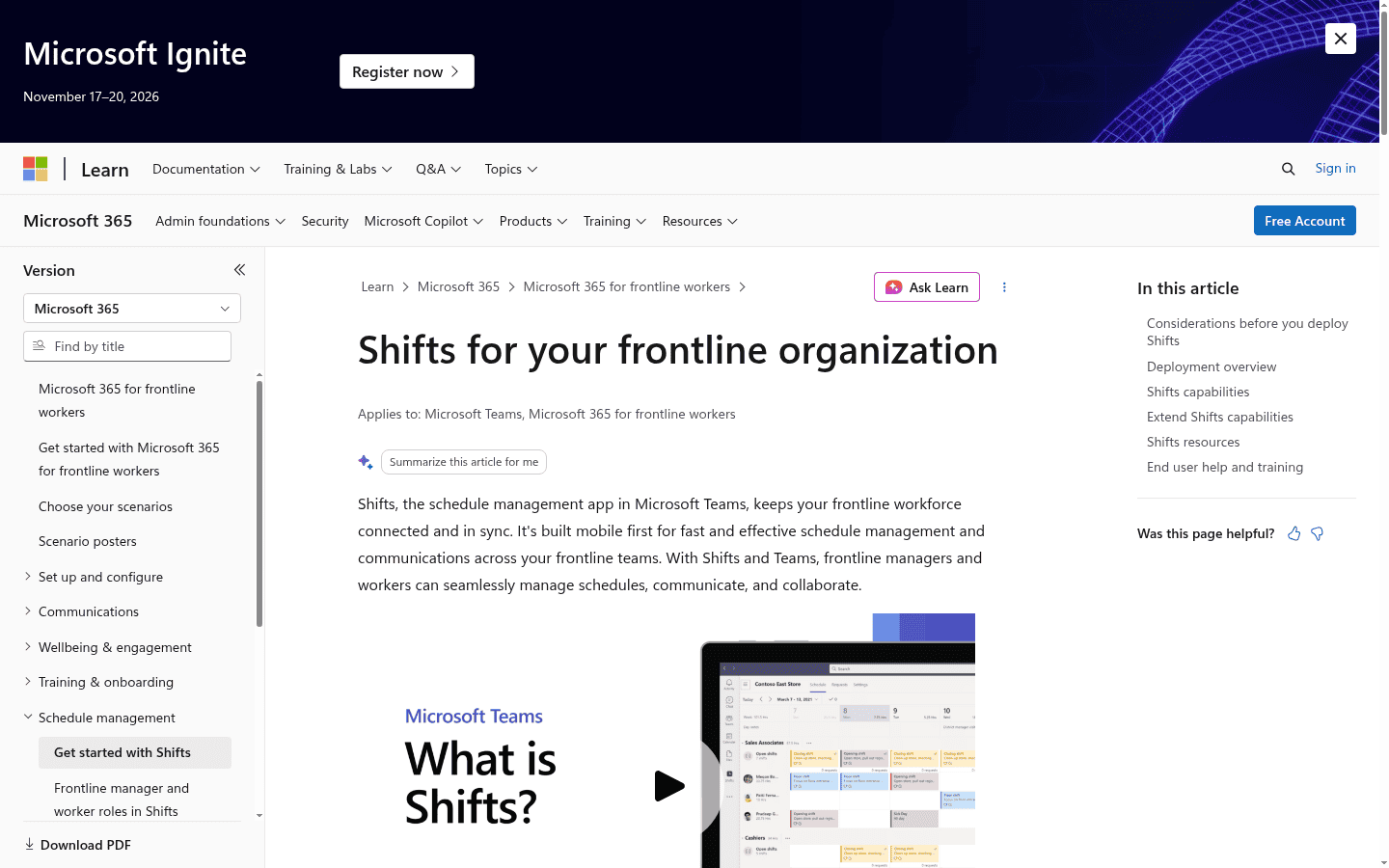
Shifts is the scheduling app inside Microsoft Teams, and it includes a basic time clock. Frontline staff clock in and take breaks from the Teams app, and managers can turn on location checks and export the time report.
- Pricing: included with Microsoft 365 plans that include Teams (Shifts time clock guide).
- Why we picked it: if you already pay for Microsoft 365, it costs nothing to try.
- Watch out for: pay rules and payroll sync are thin, so most teams export to a spreadsheet.
Buyer tip: run a two week pilot with your least tech savvy shift worker. If they can clock in without help on day one, the rest of the team will too.
How much does time clock software cost?
There are three pricing models, and the cheapest one depends on your headcount.
- Per user: Clockify, Deputy, Buddy Punch and Tickin charge for each person. Expect about $1.60 to $13 per user a month.
- Per location or bundle: Homebase charges per site, and Connecteam charges a flat fee for the first 30 users. These win once you pass about 10 hourly staff.
- Quoted suites: Rippling and ClockShark price by quote, usually inside a bigger HR or field service package.
How do you choose the right time clock app?
| If you are | Start with | Why |
|---|---|---|
| A small crew of 10 or fewer | Connecteam or Homebase | Both have real free plans |
| A large team on no budget | Jibble | Free for unlimited users |
| A restaurant or shop | Homebase or Deputy | Clock ties to the schedule |
| A contractor with job sites | ClockShark or Connecteam | GPS, geofences and job codes |
| Already on QuickBooks | QuickBooks Time | Hours flow into payroll |
| A remote office team | Tickin or Clockify | Clock in where people already work |
Want scheduling too? See our list of the best employee scheduling software, or compare payroll providers in our best payroll software guide.
Frequently asked questions
What is the best free employee time clock app?
Jibble is free for unlimited users. Connecteam and Homebase are free for up to 10 people and include more features in that free tier.
How do time clock apps stop buddy punching?
They check that the right person is clocking in, using a PIN, a selfie, face recognition or a geofence that only allows punches at the job site.
Do I need a physical time clock?
No. Most teams use a phone app or a shared tablet running the vendor’s kiosk app, which costs far less than a wall unit.
How long must I keep time records?
Under the FLSA, keep time cards for at least two years and payroll records for at least three. Some states require longer.
Can time clock software run payroll?
Some can. Homebase, Rippling and Tickin offer payroll, while others export approved hours to a provider such as Gusto or QuickBooks.
The bottom line: start with Connecteam or Homebase if you have a small hourly team, Jibble if you need a free clock for everyone, and Buddy Punch or QuickBooks Time if clean payroll exports matter most. Run a short pilot before you commit, and avoid long contracts until your team has used the app for a full pay period.
Sources: vendor pricing pages linked above, checked November 17, 2026, and the DOL Fact Sheet 21.
Free newsletter
Get the Work Insiders weekly
One email a week: the recruiting and HR tech news that mattered, the tools we just added to the directory, and one practical guide. No spam, and you can unsubscribe in one click.